Overview
Dover MCP can now set up a workspace as well as help you hire in it. It’s for admins and hiring managers who want their AI assistant to do the first pass, limited to what their role and plan allow. Setting up your workspace includes: the job posting, the application form, the interview stages, emails, the careers page and the invitations.
What’s new in Dover MCP
- Build jobs and templates. Write a job’s details, description and application questions, plan interviews including each part of a panel, post to free job boards and tiers, and create email, feedback and offer templates.
- Set up your company and team. See which setup steps are left, build and publish your careers page, and invite teammates and choose their permissions.
- Create your account while connecting. If you’re new to Dover, start the connection from your AI tool, click Create an account on the Dover sign-in page and sign up with your work email. You finish the sign-up and onboarding questions in your browser.
- Send feature requests from your chat. If you ask for something Dover MCP can’t do yet, your assistant sends the Dover team a request that explains what you wanted and why, then helps you get it done another way.
- See only what you can use. Your assistant sees the tools that match your role and your workspace’s plan.
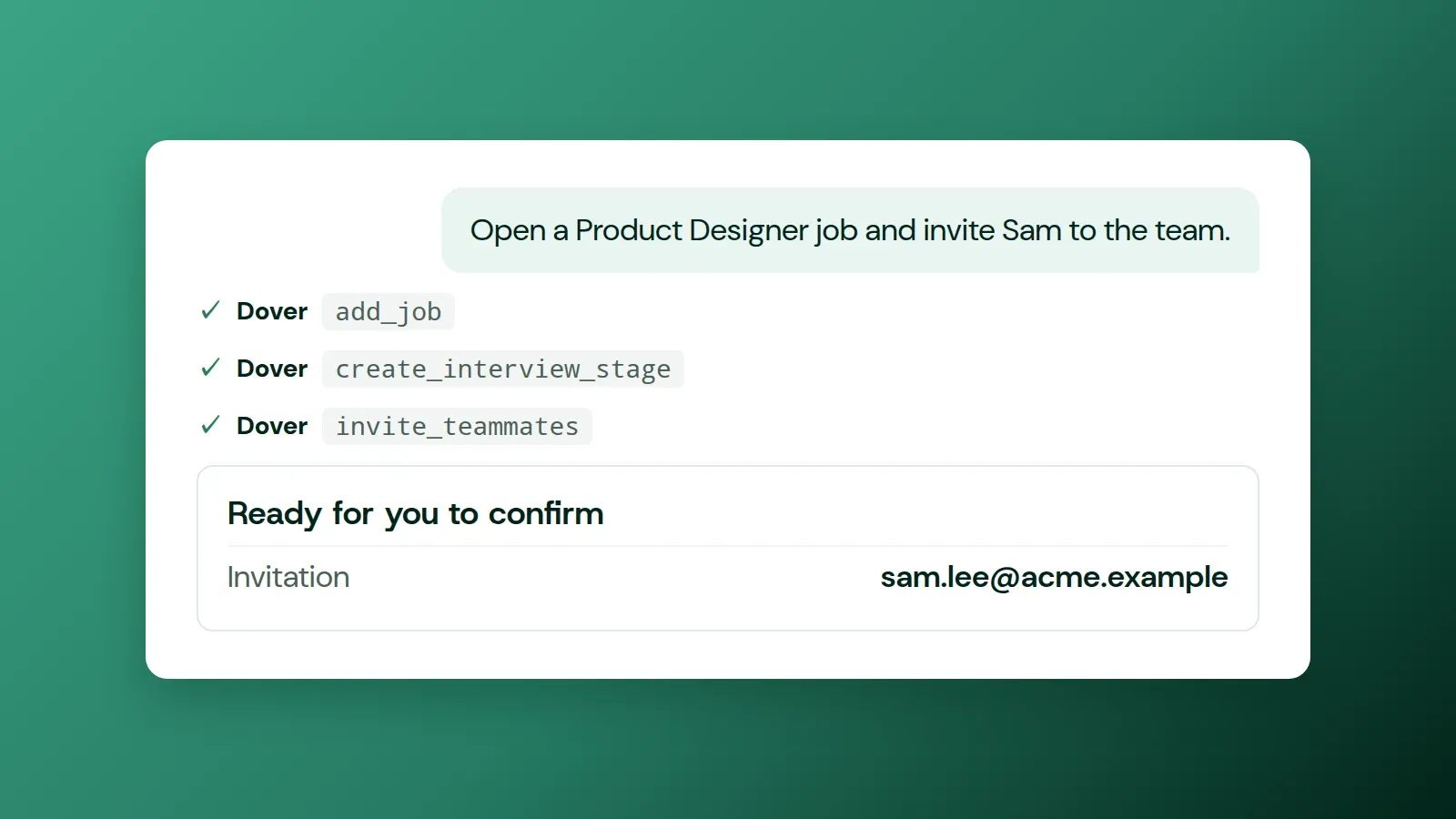
You confirm invitations, job board posts and anything that can’t be undone. You still buy paid job posts, create offers and connect your mailbox in the app.
Set up your workspace with Dover MCP
- Connect under Settings → Integrations → Dover MCP.
- Ask, “What’s left to set up in Dover?”
Full steps and screenshots are in the help article, and you can see every Dover MCP tool.
Dover MCP availability and pricing
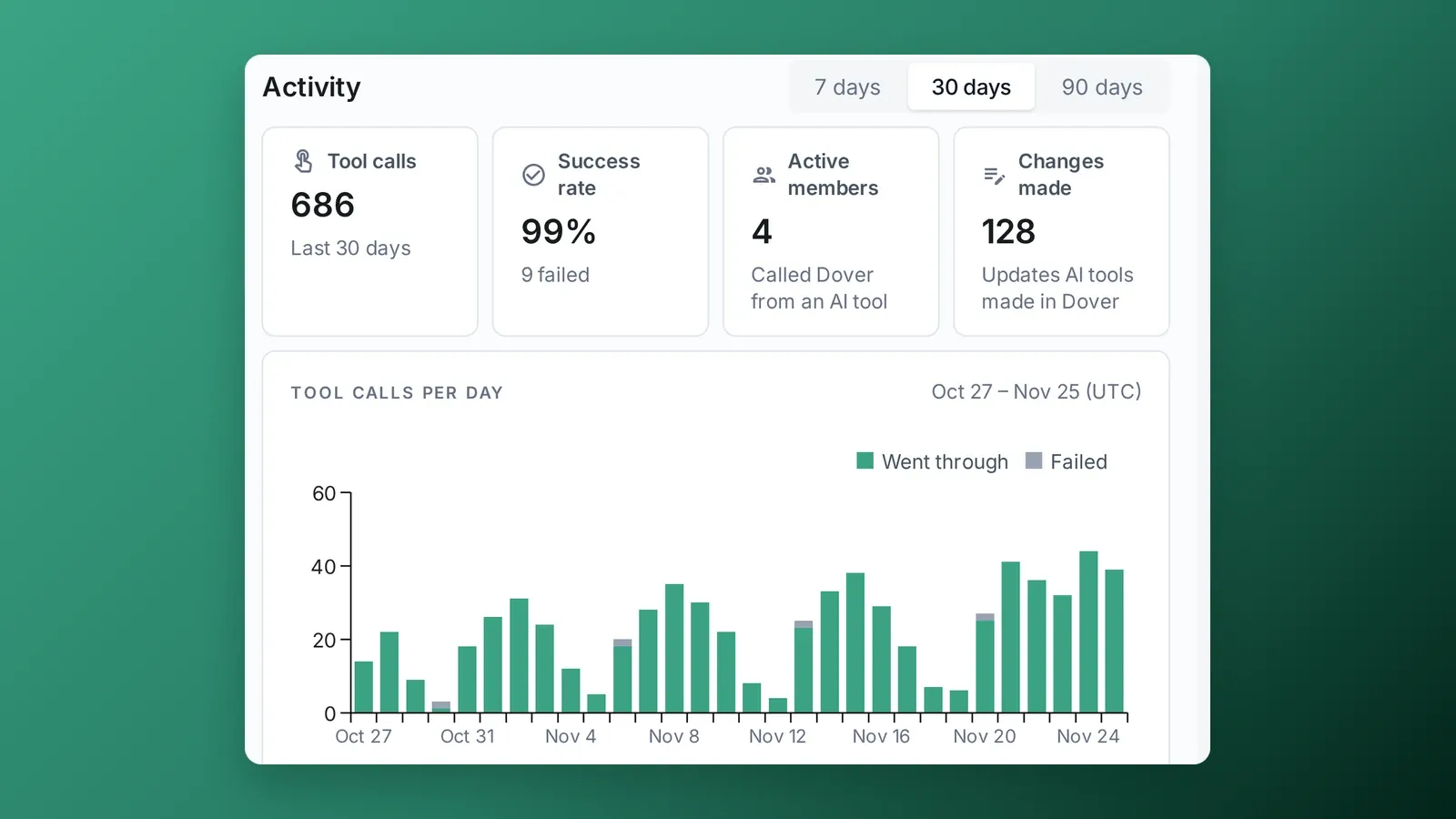
Free and Premium. Free has a monthly allowance of MCP tool calls, and Premium is unlimited. Careers page fonts and colors, knockout questions and custom permission groups need Premium. On Free, you can only invite people at your company’s email domain. See plans and pricing.
Frequently asked questions
Is workspace setup through Dover MCP free?
Yes, within the Free plan's monthly allowance of MCP tool calls. Some settings, such as careers page fonts and colors, need Premium.
Does Dover MCP ask before inviting people or posting a job?
Yes. Invitations, job board posts, deletions and access changes are previewed first, and your assistant has to show you the preview before it goes ahead.
Why can't my AI tool see the Dover MCP setup tools?
If you connected before November 19, 2026, disconnect and reconnect your AI tool to approve the new permissions. Your role and plan also decide which tools appear.