Overview
Dover MCP can now answer questions about your whole pipeline and help you act on the answers. It’s for recruiters and hiring managers on both the Free and Premium plans. “How many people applied this week, and how many has nobody looked at?” sounds simple, but an assistant that reads one candidate at a time can’t answer it well.
What Dover MCP pipeline stats do
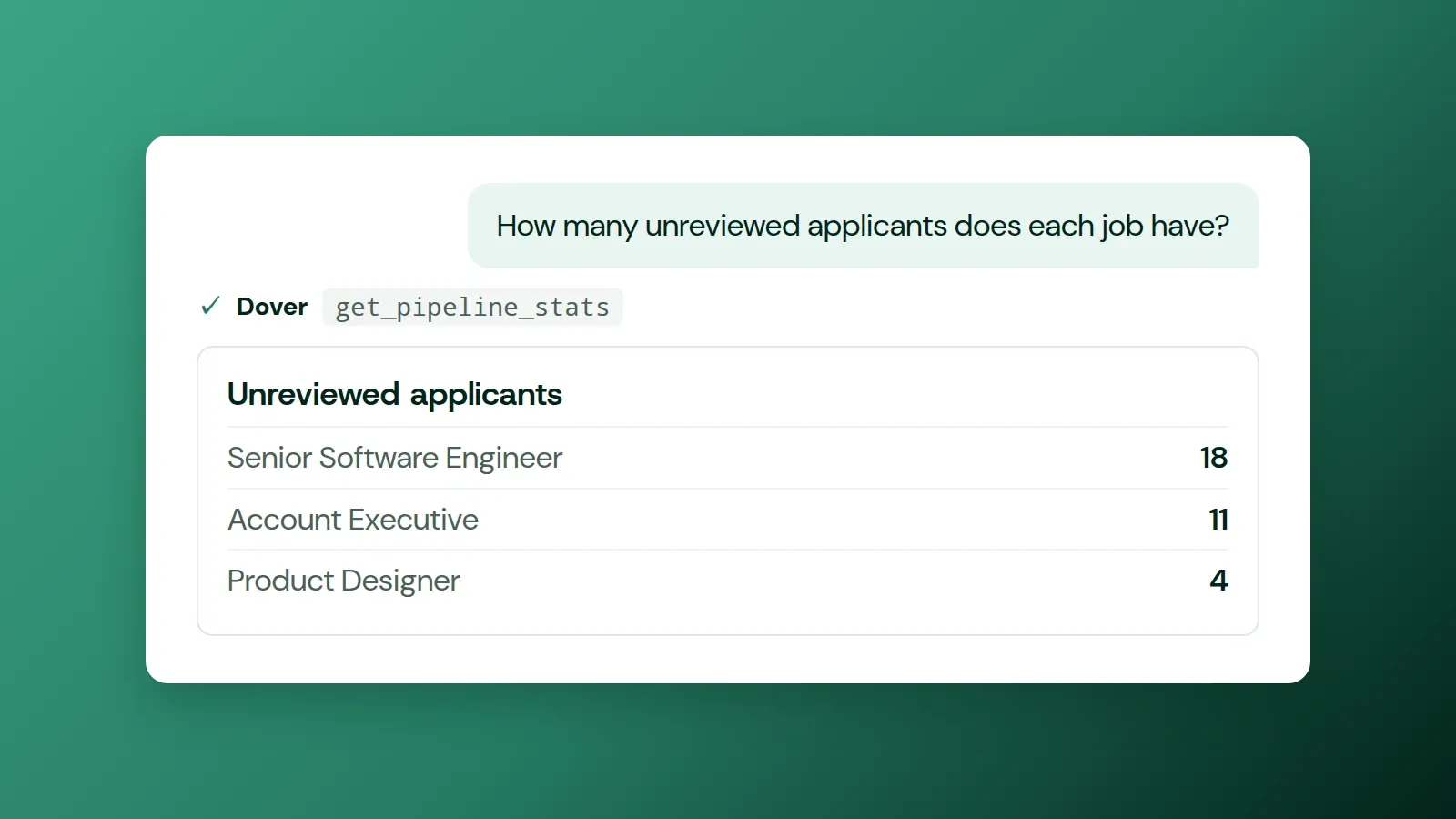
- Count your pipeline. Ask for totals, unreviewed applicants or people added in the last seven days, broken down by status, stage, source, tag or job. Your assistant gets the counts in one step.
- Review candidates by tag. Ask for “everyone tagged Screened but not Hold” and work down the list. For each person, your assistant can read the application answers, the resume text and the original file, up to 10 MB. It can also point out answers that look copied or AI-written. These are hints, not proof.
- Email, reject or hire. Your assistant can write to a candidate using your templates or its own text, or reject them with the stage’s rejection template. Ask to preview first. If a rejection email can’t be sent, the candidate isn’t rejected. It can also mark someone as hired.
You choose who to look at and what happens to them.
Set up Dover MCP pipeline stats
- Connect under Settings → Integrations → Dover MCP. Each person connects on their own.
- To send email, connect Gmail or Outlook.
Start with, “How many unreviewed applicants does each job have?” Full steps and screenshots are in the help article.
Dover MCP availability and pricing
Free and Premium. Free has a monthly allowance of MCP tool calls, and Premium is unlimited. See plans and pricing.
Frequently asked questions
Are Dover MCP pipeline stats included in the Free plan?
Yes, within the monthly allowance of MCP tool calls. Premium has unlimited MCP usage.
Where are candidate emails from Dover MCP sent from?
From your connected Gmail or Outlook mailbox. The email is logged on the candidate in Dover. On Premium, rejection emails can also come from Dover's no-reply address.
Does Dover MCP decide that an application was written by AI?
No. It points out signs such as copied answers or stock phrases. They are hints, so read the resume before you decide.