AI & MCP

Hire faster with AI that lives in your recruiting stack

Score applicants, capture interviews, and bring Dover into Claude and ChatGPT so your team spends time on the candidates who matter.

Works with
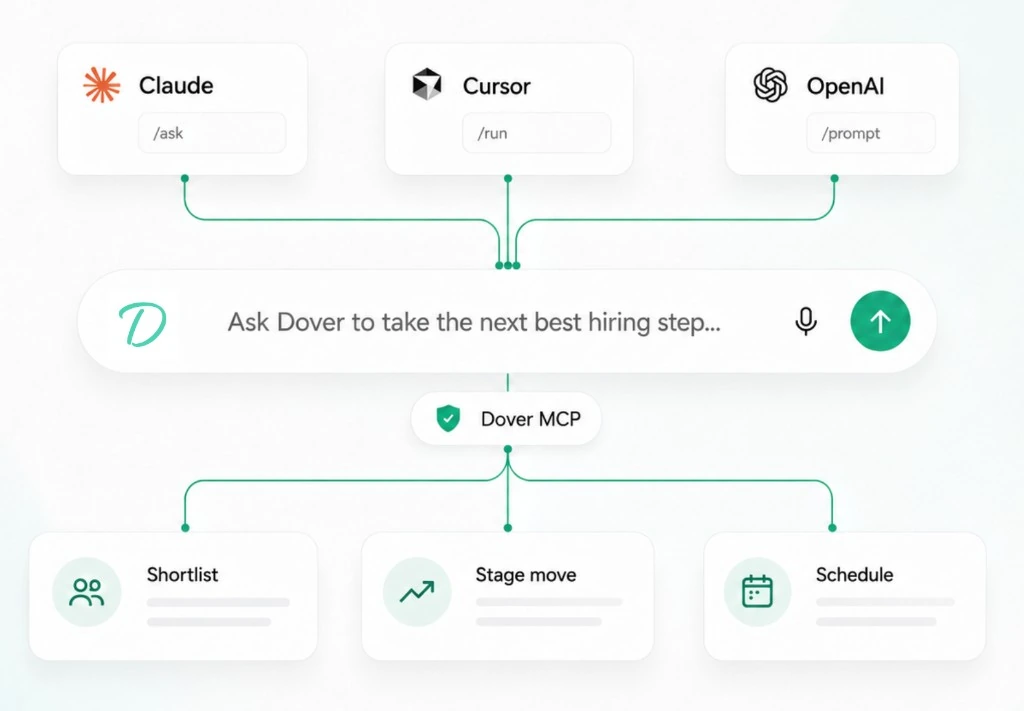
Diagram of Claude, Cursor, and OpenAI connecting through Dover MCP to shortlist, stage move, and schedule

See how it works

Once Dover MCP is connected, talk to your hiring data the way you’d ask a teammate.

  • Which applicants for Senior Engineer scored above 80 this week?
  • Summarize the last interview with the top Product Manager candidate.
  • What’s blocking the frontend hiring pipeline right now?
  • List open roles that still need interviewers scheduled.

AI built into Dover

From first application to final interview, Dover’s AI workflows help your team move faster.

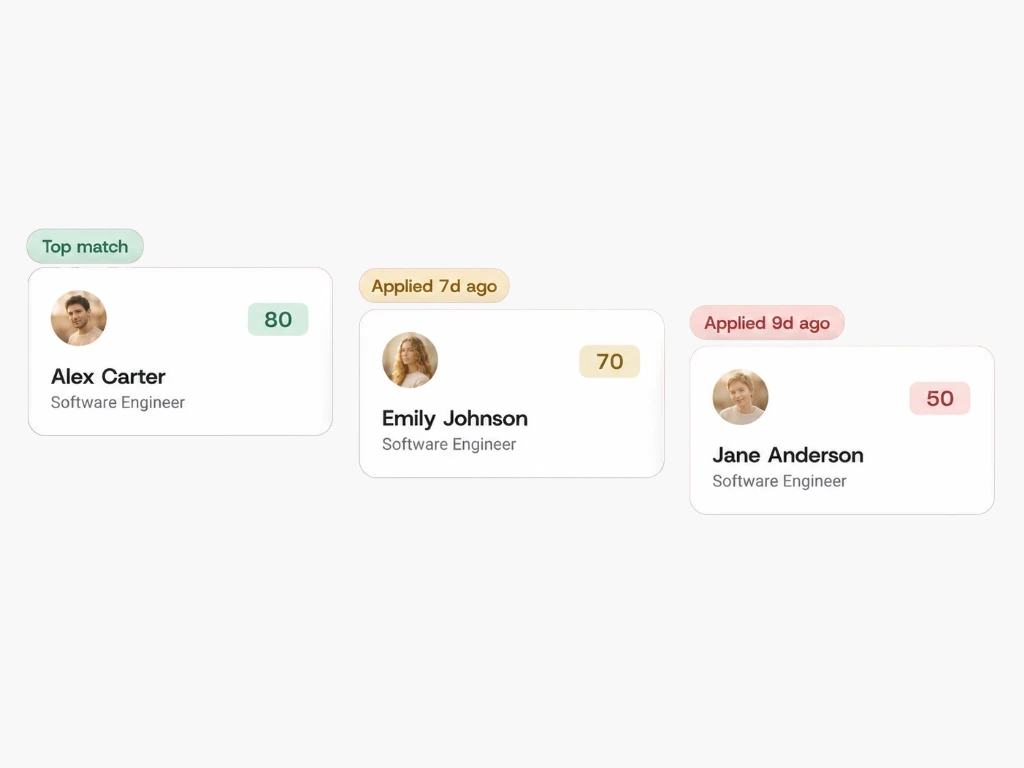
AI-scored Software Engineer applicants ranked from top match to lower scores

AI application review & scoring

Rank applicants against the criteria you set for each role, so strong fits rise to the top of the stack.

  • Score resumes against job-specific requirements
  • Surface top candidates as new applications arrive
  • Keep review consistent across your hiring team
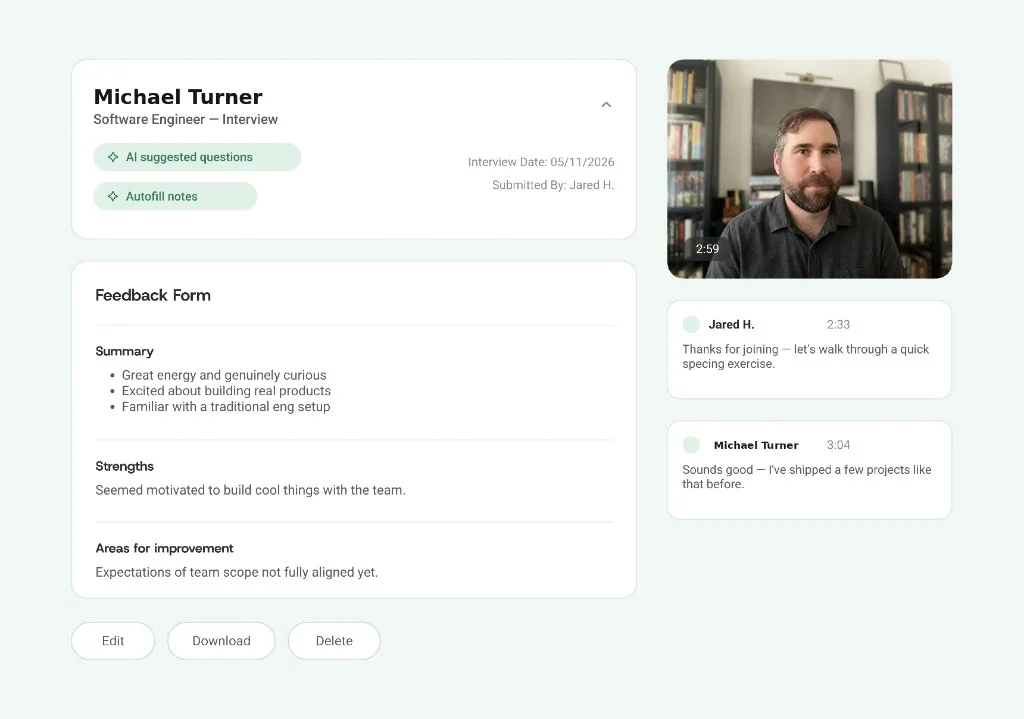
AI interview notetaker showing feedback form, video recording, and transcript for Michael Turner

AI interview notetaker

Capture interviews automatically with transcripts and structured notes so feedback isn’t lost after the call.

  • Transcribe video interviews
  • Pre-fill scorecards with structured observations
  • Spend less time on admin, more on judgment
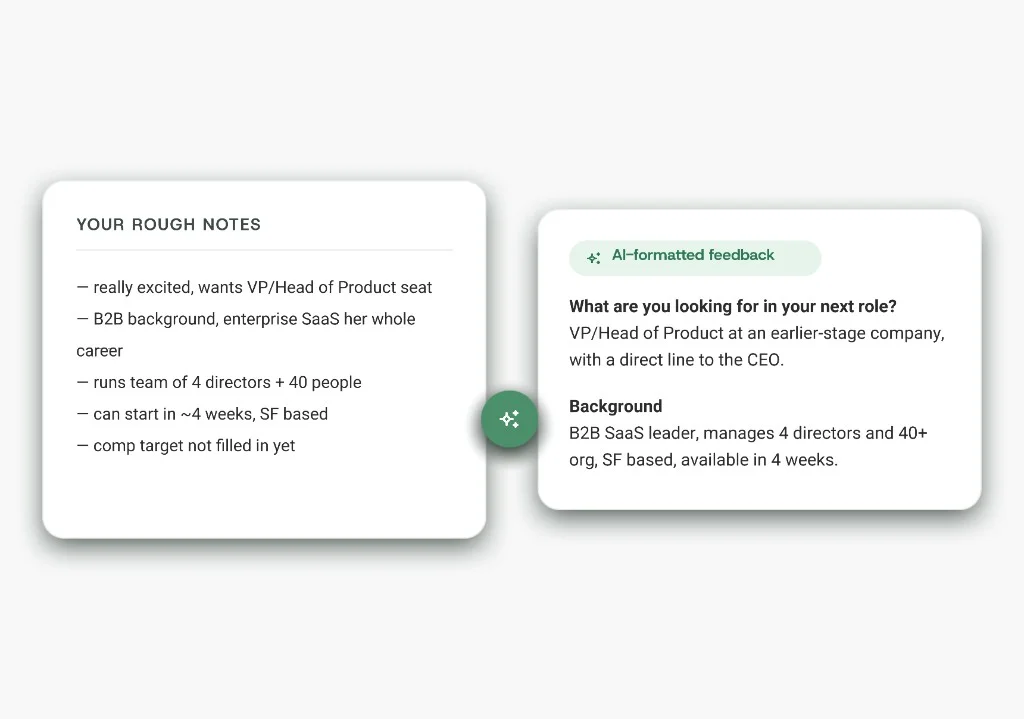
Rough interview notes transformed into AI-formatted structured feedback

Interview synopses

Get a clear post-call summary for hiring managers who weren’t in the room: signal without the full transcript dump.

  • Concise interview write-ups ready to share
  • Highlight strengths, concerns, and next steps
  • Keep decisions moving when calendars don’t align

Dover MCP

Bring Dover into Claude and ChatGPT

Model Context Protocol (MCP) lets your AI tools talk to Dover securely, so assistants can work with hiring data and workflows from the chat you already live in.

  • Ask about open jobs and pipeline status
  • Pull candidate context into your AI chat
  • Keep hiring work moving without tab-switching
Or set up Dover MCP in app settings →
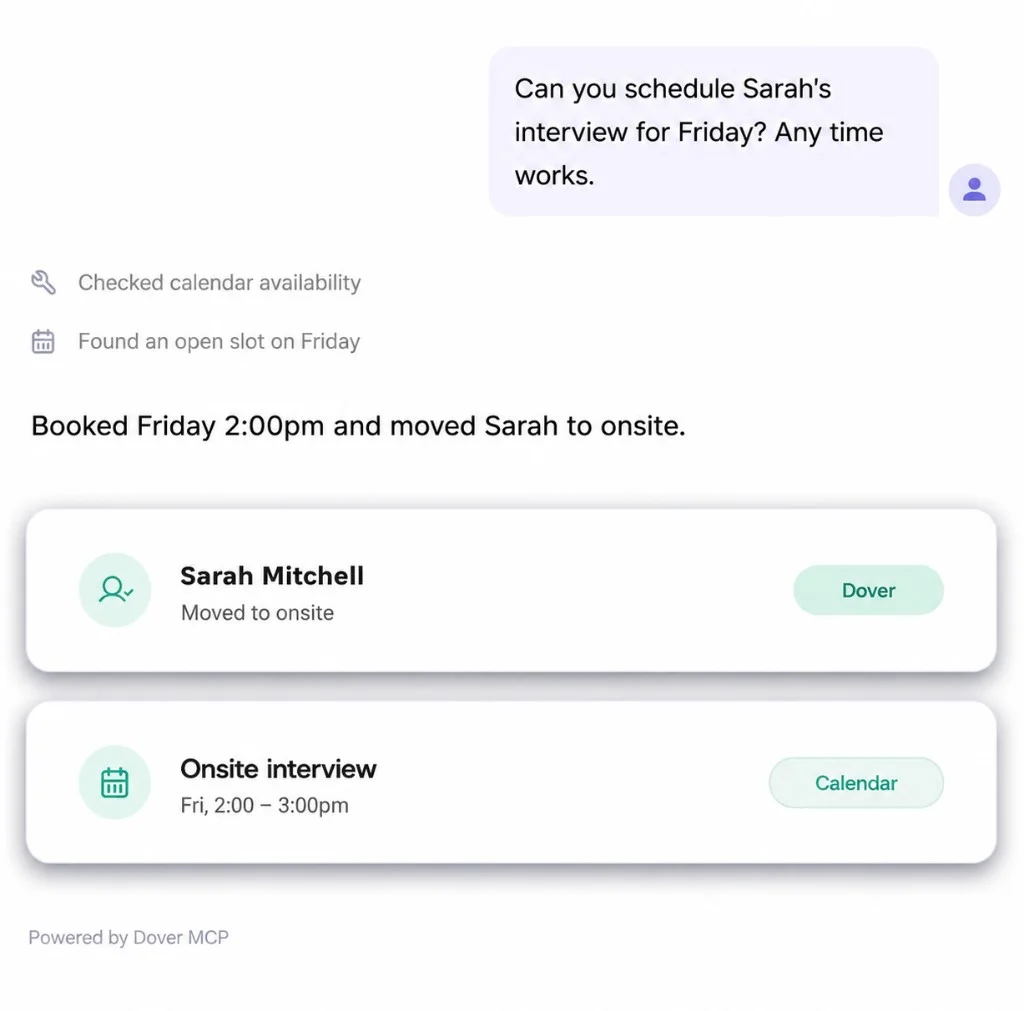
Chat scheduling Sarah's interview via Dover MCP, updating Dover and calendar

Connect Cursor, Codex, and other MCP clients

Use a generic HTTP MCP configuration for clients that support JSON server configuration.

Generic MCP client setup

  1. Create a server named dover
  2. Set the transport to http
  3. Use the Dover MCP server URL

Dover MCP server URL: https://app.dover.com/mcp

Example configuration

{
  "mcpServers": {
    "dover": {
      "url": "https://app.dover.com/mcp",
      "transport": "http"
    }
  }
}

How to connect

  1. Open Dover MCP settings

    In Dover, go to Company Settings → Integrations and select Dover MCP.

  2. Connect your AI tool

    Use the Claude or ChatGPT directory listings, or add Dover with a generic HTTP MCP config in Cursor, Codex, or another MCP client.

  3. Ask hiring questions

    Query jobs, candidates, and pipeline context from the chat you already use.

Put AI to work on your next hire

Start free with Dover’s ATS, then connect Claude or ChatGPT when you’re ready to bring hiring into your AI tools.

Built for trust

OAuth scopes you choose

Connect with read access for jobs, applications, candidates, and interviews. Write actions like notes and stage changes only if you grant write access.

Same permissions as Dover

Agents only see jobs and candidates your Dover user can already access. Private jobs and role permissions still apply.

You stay in control

Disconnect anytime from Claude or ChatGPT. AI assists with ranking and summaries; hiring decisions stay with your team.

AI & MCP FAQ

Dover includes AI application review and scoring, an AI interview notetaker, and interview synopses, plus Dover MCP so you can use hiring context from Claude and ChatGPT.