Overview
Dover MCP now helps with interview feedback, interview plans and the decisions that follow. It’s for interviewers and hiring managers who use an AI assistant, on both the Free and Premium plans. After an interview, the details are in your notes, and the form is easy to leave until tomorrow.
What Dover MCP does for interview feedback
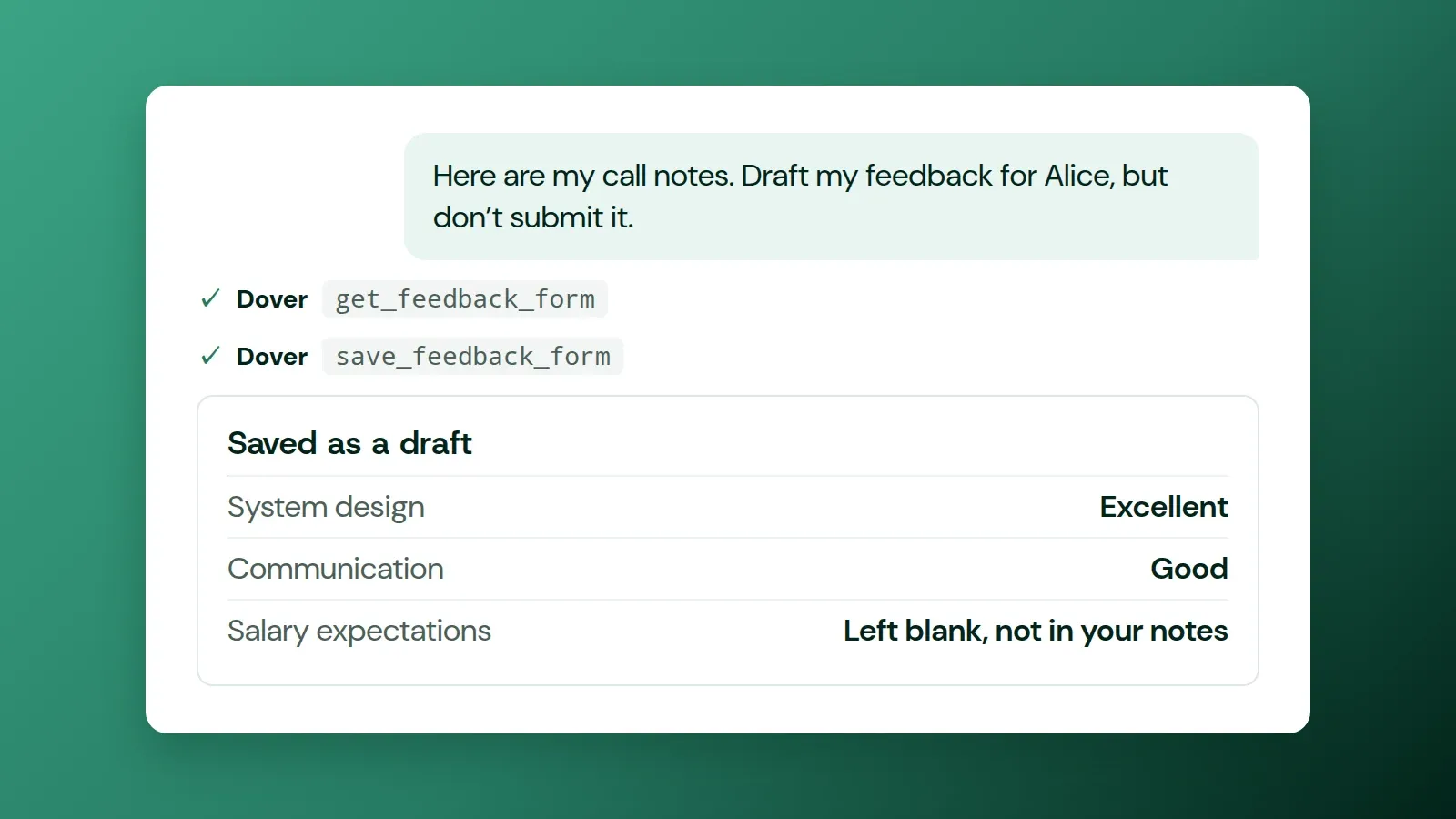
- Turn call notes into feedback. Your assistant reads the form’s real questions and rating options, then fills in your own form. It is told to leave out questions your notes don’t answer. It saves a draft, and you can change any answer before you submit.
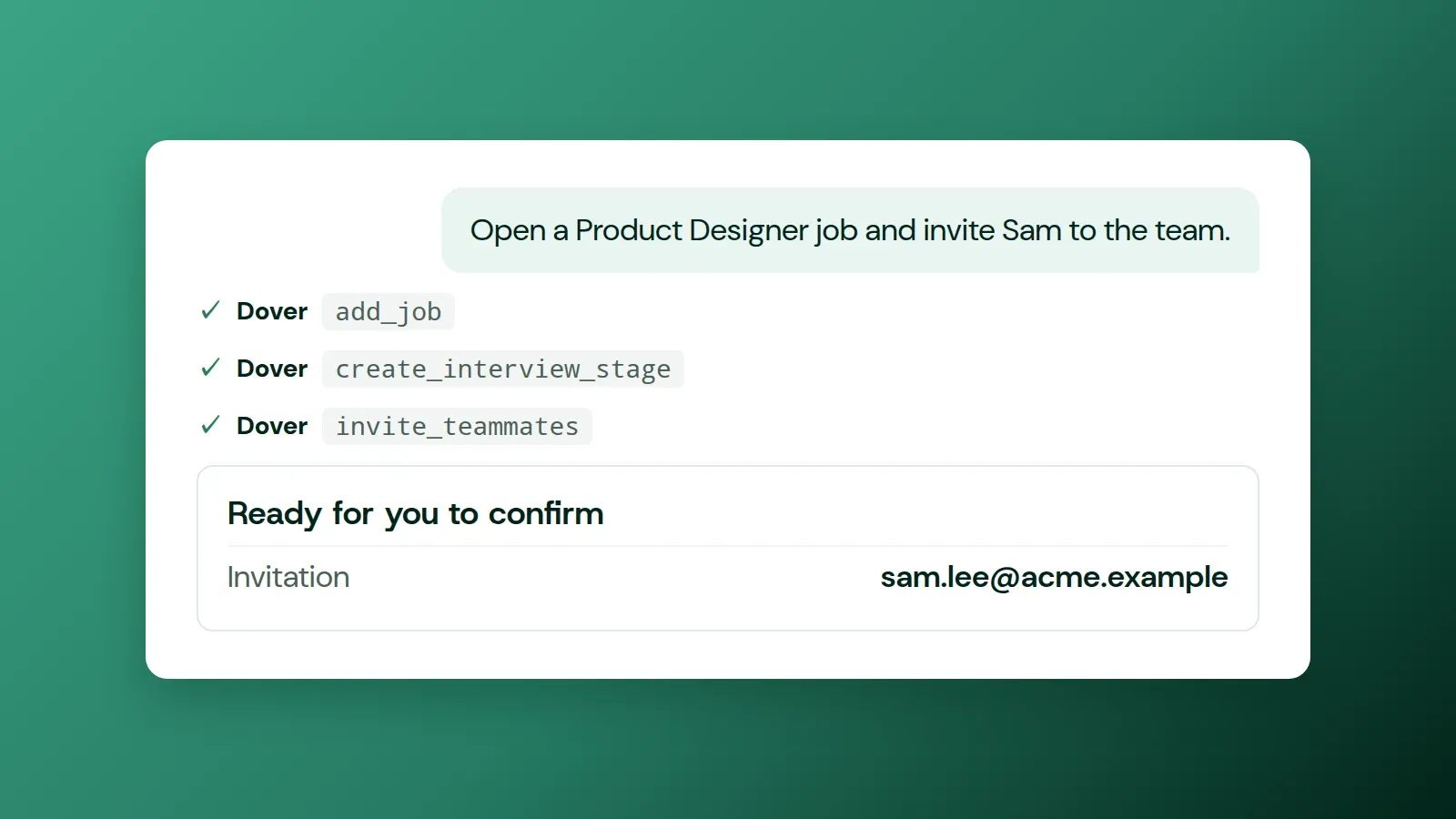
- Edit an interview plan. Ask it to add, rename or move a stage, or change its interviewers, length, feedback form and email templates. New interviewers who aren’t set up yet get a setup email.
- Act on a candidate. Reject with a reason and a note, or snooze until a date, when Dover makes them active again and notifies the hiring team. Read the email history before you reply, or check for a duplicate profile and merge it. A merge can’t be undone.
Set up Dover MCP for interview feedback
- Each person connects under Settings → Integrations → Dover MCP.
- After an interview, paste your notes into your assistant.
- Review the draft in Dover and submit it when you’re ready.
Try asking, “Draft my feedback for this candidate, but don’t submit it.” Full steps and screenshots are in the help article.
Dover MCP availability and pricing
Free and Premium. Free has a monthly allowance of MCP tool calls, and Premium is unlimited. Your assistant follows your Dover permissions, so you can only edit what you could edit in the app. See plans and pricing.
Frequently asked questions
Does Dover MCP submit interview feedback without asking?
No. It saves a draft by default, which you can review in Dover. It is told to submit only when you ask, because submitting notifies the hiring team on Slack and may move the candidate forward.
Can I use Dover MCP for interview feedback on the Free plan?
Yes, within the monthly allowance of MCP tool calls. Premium has unlimited MCP usage.
Does rejecting a candidate through Dover MCP email them?
Not by default. An email is only sent when you ask for one.