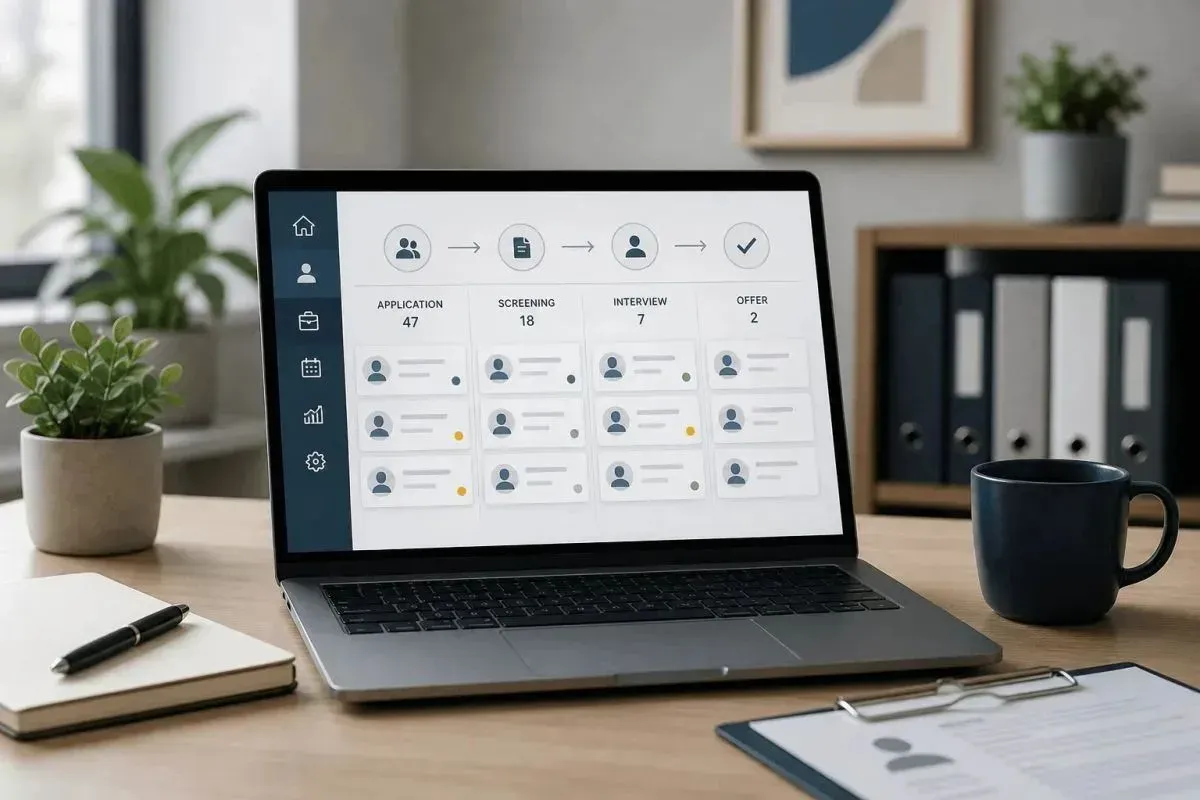
When hiring starts picking up, chaos usually follows. Resumes sit in inboxes, interview notes live in scattered docs, and no one is quite sure who followed up with which candidate. An applicant tracking system brings order to that process, giving your team one place to track applicants, manage interviews, and move candidates forward without losing momentum. If you want to see how a modern hiring tool handles this from day one, take a look at this applicant tracking system built for startups.
TLDR:
- An ATS centralizes hiring tasks like resume parsing, candidate scoring, and interview scheduling in one platform.
- Teams using an ATS can often move candidates through hiring faster than with manual tracking methods.
- Some estimates suggest around 60% of recruiters at companies with 1-50 employees now use an ATS to compete for top talent against larger firms.
- Look for features like customizable pipelines, automated emails, calendar sync, and one-click job board posting.
- Some ATS tools pair a free plan with unlimited jobs and users, a paid tier with AI candidate scoring, and access to fractional recruiters.
What Is an Applicant Tracking System?
An applicant tracking system is software that handles the day-to-day work of hiring, putting resumes, interview notes, and candidate feedback in one place instead of scattered across inboxes and docs.
Think of it as a database for your hiring process. When someone applies to a job, their information flows into the system automatically, and you can move candidates through interview stages, share feedback, schedule interviews, and send emails from the same interface. The U.S. Chamber of Commerce’s ATS guide describes the same core function: collecting information from resumes and organizing prospects by skill set.
For startups hiring their first 10, 50, or 100 employees, an ATS replaces the spreadsheet chaos most founders start with. You’re no longer asking “Wait, did we ever respond to that candidate?” since the system can log most interactions and keep your team aligned on where each candidate stands.
How an Applicant Tracking System Works
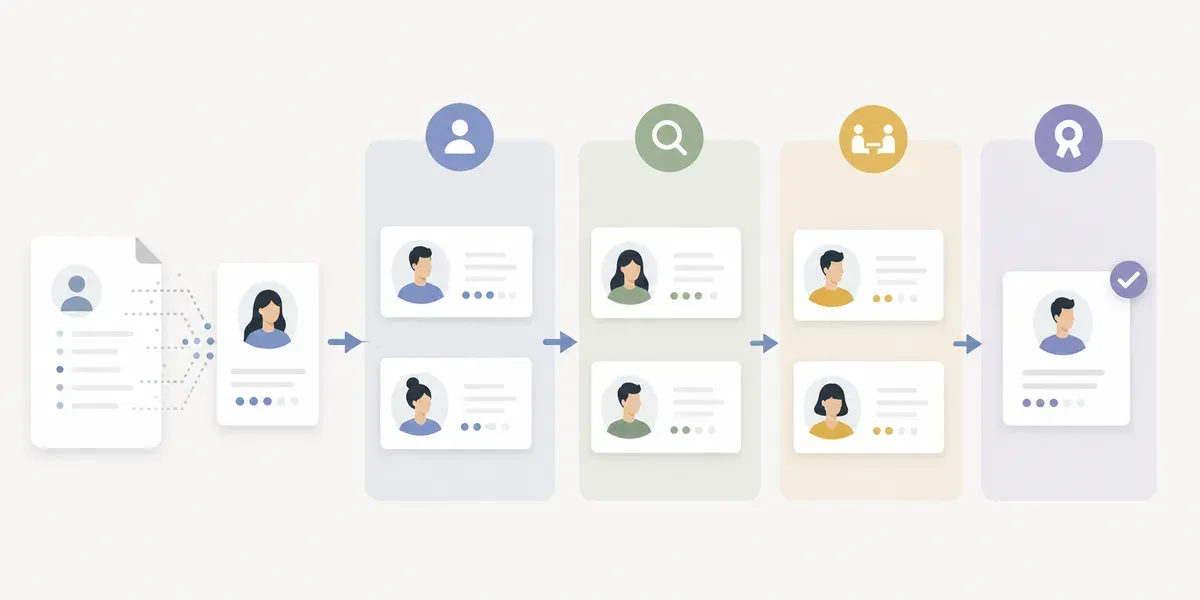
The process starts when a candidate applies to your job posting. The ATS parses their resume, pulling contact info, work history, education, and skills into a candidate profile without manual data entry.
Next comes screening. Many systems score or rank applicants based on criteria you set, such as years of experience, specific skills, or location, surfacing your most qualified candidates first. Criteria need care, since SHRM’s reporting on ATS screening indicates that filters configured too rigidly can reject qualified candidates who lack an exact keyword match.
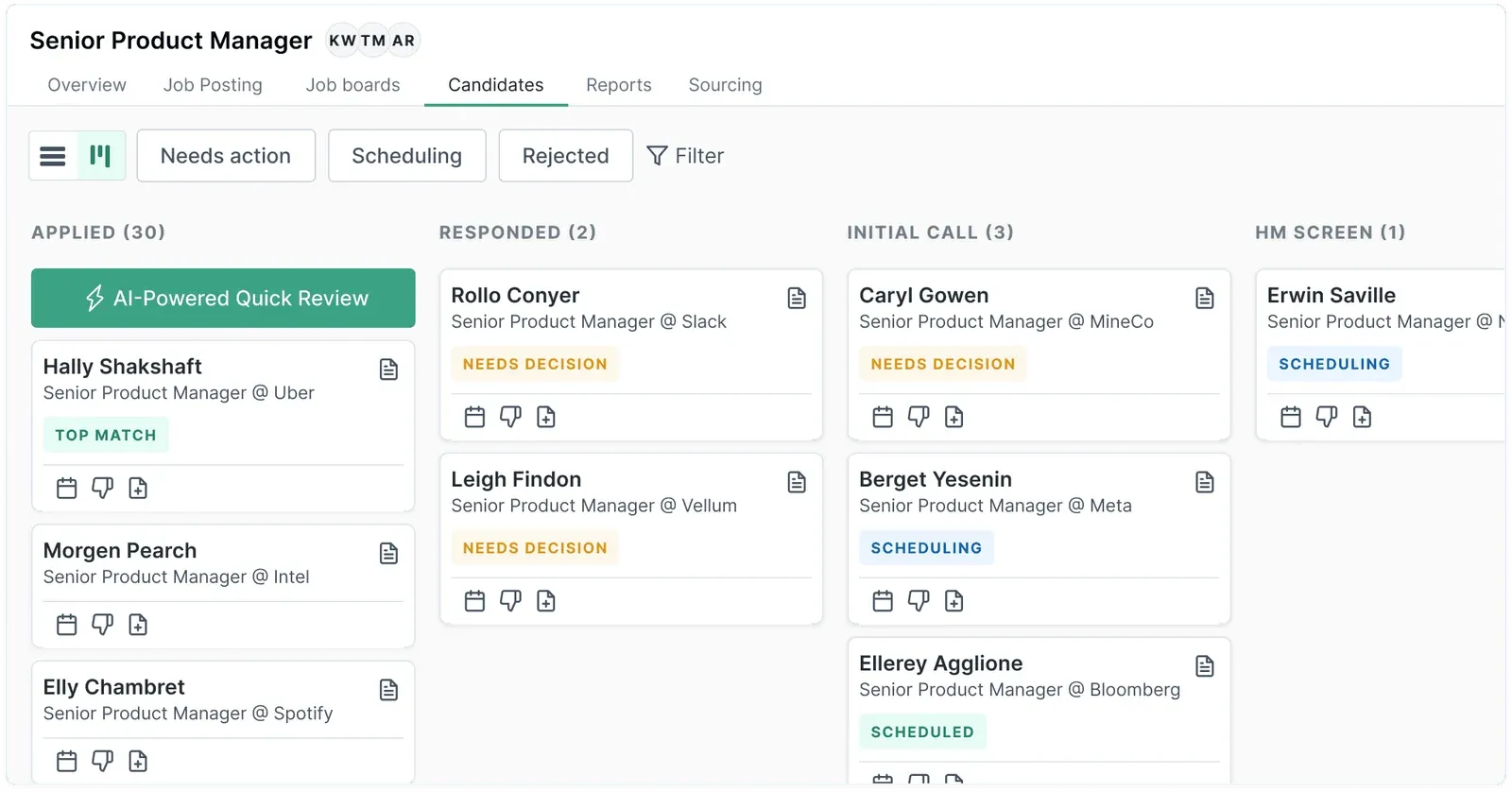
From there, you move promising candidates through pipeline stages: phone screen, technical interview, final round, offer. The ATS tracks where everyone sits, logs most activity, and lets your team leave feedback, tag colleagues, and see conversation history in one thread. Scheduling tools sync with calendars and send reminders to candidates.
Why Startups Use an Applicant Tracking System
Startups move fast, and waiting weeks to fill a role means losing ground to competitors. An ATS cuts the time you spend on hiring admin so you can focus on talking to candidates and closing great people.
You stop losing candidates to missed follow-ups, stop re-sending feedback already shared in Slack, and stop manually copying job posts to different boards, and hiring cycles can often move faster compared to manual processes.
For early-stage teams, an ATS also protects candidate experience. When you’re juggling fundraising, product development, and hiring all at once, candidates can slip through the cracks. An ATS sends automated updates and keeps communication consistent, so even a three-person company feels organized and professional. Research on candidate experience, covered in SHRM’s candidate experience report, lists poor communication and slow processes among the top reasons candidates withdraw.
The data piece matters too. You’ll see which job boards send quality applicants, how long each hiring stage takes, and where candidates drop off. If one board sends strong candidates while another fills the pipeline with applicants who don’t meet the bar, the stage data shows you where to stop spending time.
Who Uses Applicant Tracking Systems
ATS software has spread across organizations of every size. Jobscan’s ATS usage report counts 487 of 500 Fortune 500 companies using these systems, and they’re no longer limited to corporate HR teams. 60% of recruiters at companies with 1-50 employees now use an ATS, treating it as basic infrastructure.
A 10-person startup competes for the same engineers as Google, and a small founding team can face hundreds of applications for a single role, so a slow process often means losing the candidate to someone faster. Recruiting agencies, staffing firms, and in-house teams all lean on ATS tools for this reason.
Features to Look for in an ATS
An overbuilt or incomplete ATS costs you time and momentum, so here’s what matters when assessing options.
- Customizable candidate pipeline that lets you drag candidates between stages, bulk-move people, and see your entire funnel at a glance.
- Automated communication tools with email templates you can customize and trigger automatically when candidates hit certain stages.
- Interview scheduling integration that lets candidates pick from your available times while the system sends invites and reminders on its own.
- Job board distribution in one click to 50+ job boards, with applicants funneled back into one system.
- Team collaboration features like @mentions, structured feedback on profiles, and permissions for who sees what.
- Basic reporting on source quality, time-to-hire, and pipeline bottlenecks, so you can spot your best hiring channels without a spreadsheet.
| Feature | Dover ATS | Enterprise ATS | Manual Tracking (Email/Spreadsheets) |
|---|---|---|---|
| Setup Time | Minutes | 2-4 weeks with implementation team | Immediate but requires ongoing maintenance |
| Cost | Free ATS with unlimited jobs and users; Premium plan available at $199/month for advanced features | $5,000-$20,000+ per year | Free but high time cost |
| Customizable Pipelines | Fully customizable stages that match your interview process | Highly customizable but requires admin configuration | Manual tracking in spreadsheets with custom columns |
| AI Candidate Scoring | Premium plan only, not included free. AI resume review can score and rank applicants against your criteria | Limited or requires additional modules | Manual review of every resume |
| Job Board Distribution | One-click posting to 50+ job boards | Integration with major job boards, may require separate contracts | Manual posting to each board individually |
| Interview Scheduling | Calendar sync with automated candidate booking | Calendar integration with approval workflows | Back-and-forth email coordination |
| Team Collaboration | @mentions, structured feedback, and shared candidate profiles | Extensive collaboration features with approval chains | Email threads and scattered Slack messages |
| Best For | Startups hiring their first 10-100 employees | Large organizations with 500+ employees and complex compliance needs | Very early stage companies with 1-2 open roles per year |
Common ATS Mistakes Startups Make
The first mistake is picking an ATS built for 500-person HR teams when you’re hiring your first 20 people, since workflows and approval chains slow you down more than they help.
Startups also skip customization and leave default settings in place, which makes hiring feel robotic. Take 20 minutes to adjust stages, rewrite templates in your voice, and match the system to how you actually hire.
Another miss is treating the ATS as a filing cabinet instead of a communication tool, moving candidates through stages but forgetting to send updates. Automated emails at key moments keep candidates informed.
Teams also skip onboarding everyone. If interviewers don’t know how to leave feedback in the system, you’re back to chasing people down for their thoughts.
How to Implement an ATS Successfully
Map your current hiring workflow. Document every step from application to offer so you can spot where bottlenecks happen.
- Configure pipeline stages that match your real interview process. Create only the stages you actually use, like recruiter screen, hiring manager interview, and team panel.
- Draft 3-5 email templates for common scenarios like application confirmations, scheduling, and rejections, written the way you’d actually talk to people.
- Schedule a quick team training session. Walk hiring managers through viewing candidates and leaving feedback, and record it for later hires.
- Link your calendar and existing interview tools. Most ATS integrations connect with Google Calendar, Zoom, and Slack in minutes, cutting manual coordination.
Dover’s Free ATS Built for Startups
Dover’s ATS handles the problems early-stage teams face: too many resumes, not enough time, and chaotic hiring processes.
Setup takes minutes. You create a careers page, write a job description, and post to 50+ job boards with one click. All applicants flow into a single dashboard where you can review, advance, or reject them from one screen. AI resume review, which can score applicants against your own criteria so the strongest candidates surface first, is part of the paid Premium plan.
Scheduling links are fully included on the free plan, while email templates and the number of referrers are limited, with those limits lifting on Premium.
Dover offers a free tier with unlimited jobs, users, and candidates. It is not a trial and does not expire, and no credit card is required. The Premium plan costs $199/month with no contract and adds AI resume review, the AI notetaker, bulk actions, and offer management, among other features. Teams can run on the free plan indefinitely and add Premium only if they need those features.
If you need extra help closing a difficult role, our marketplace lists vetted fractional recruiters with 5 to 20 years of experience at leading startups and tech companies. Access starts with a 100% refundable deposit that is applied to your recruiter’s work, intro calls are free, and you pay for hours worked with no long-term contracts.
FAQs
How long does it take to set up an applicant tracking system?
Setup time depends on the system. Enterprise tools often need an implementation project that runs a few weeks, while lightweight tools run in minutes. With Dover’s ATS, the time goes into adjusting pipeline stages, rewriting templates, and training interviewers, which can take an afternoon.
Which features are free and which require a paid plan?
A free ATS plan covers core tracking, and advanced features usually sit in a paid tier. On Dover, jobs, users, and candidates are unlimited on the free plan. AI resume review, the AI notetaker, bulk actions, offer e-signing, and knockout questions require Premium at $199/month with no contract.
When should a startup start using an ATS instead of email?
If you’re asking “did we respond to that candidate?” or searching email for resumes, you need an ATS. Most startups switch once they review more than 20-30 applications per role or hire for several roles at once.
What happens to candidates already in my inbox when I start using an ATS?
You can add existing candidates manually by creating profiles and uploading resumes. Dover’s free plan also supports bulk resume upload and CSV candidate upload, so you can move a backlog in at once instead of one profile at a time. All new applicants then flow into the system automatically.
What is the best free applicant tracking system for a team under 20 people?
A free ATS fits a team under 20 only if it has no expiry date and no caps on jobs, users, or candidates. Check for a careers page, multi-board job posting, and scheduling links on the free tier. Dover’s free plan includes all of these, with posting to 50+ job boards, and Premium at $199/month adds AI resume review later.
What is the best ATS for a company under 50 employees in 2026?
The right fit depends on who runs hiring. Companies under 50 employees with founder-led or manager-led hiring tend to do better with setup measured in minutes, no annual contract, and no per-seat pricing. Tools built for recruiting operations teams often add more configuration than a small team uses. Dover’s free ATS covers core tracking, and Premium adds AI resume review and offer e-signing with no contract.
Final Thoughts on How Applicant Tracking Systems Work
An applicant tracking system for startups keeps hiring organized as your team grows, giving you visibility into every candidate, every stage, and every conversation without adding more manual work. The startups that hire well are not relying on bigger HR departments; they are relying on systems that keep their pipeline moving and their communication consistent. Dover’s applicant tracking system is one example, with unlimited jobs and users at no cost.