Overview
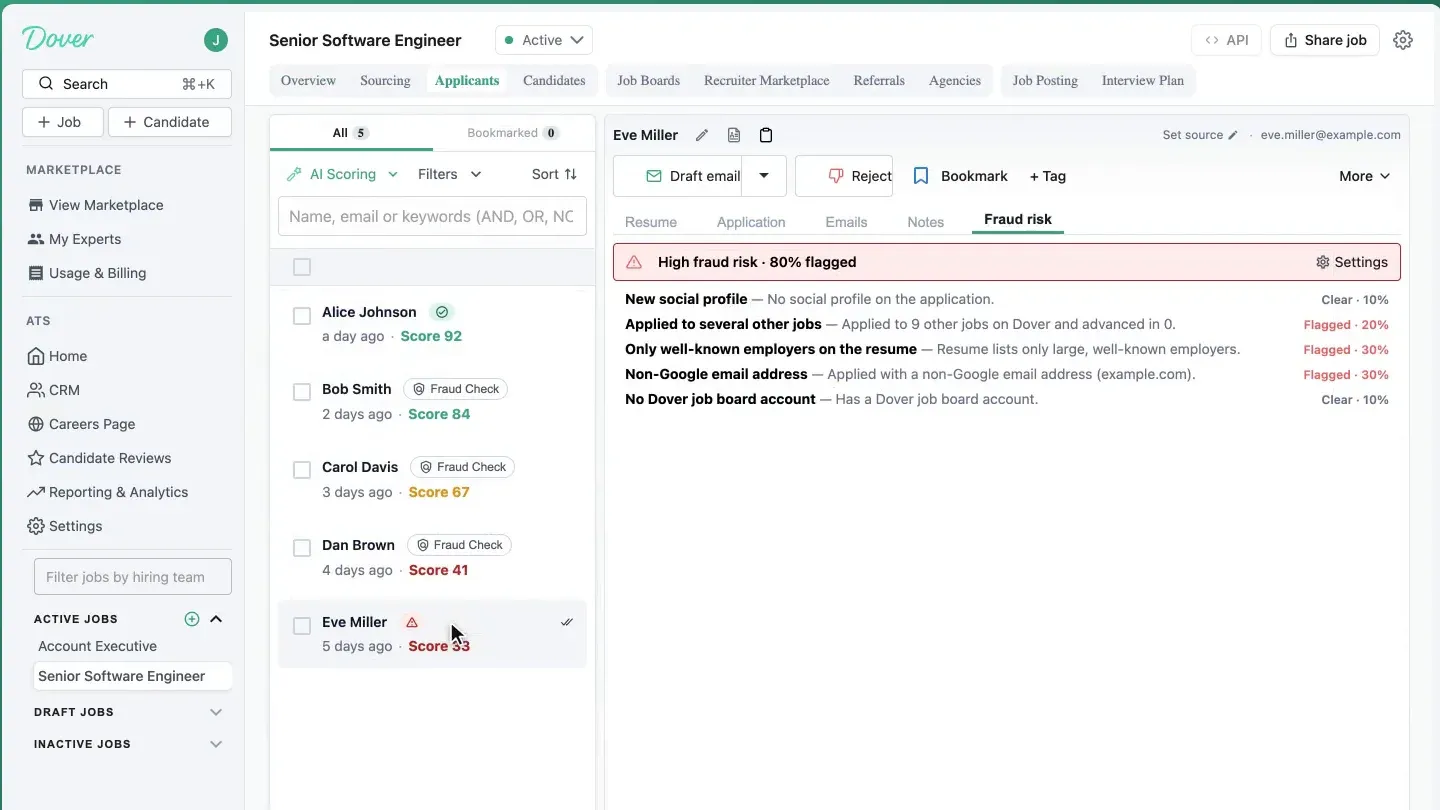
Dover’s shortlist replaces bookmarks on the Applicants page, and everyone on your team can see it. It’s on both the Free and Premium plans, for teams that review applications together. Bookmarks were private, so two people could each save the same three favorites and never know.
What the applicant shortlist does
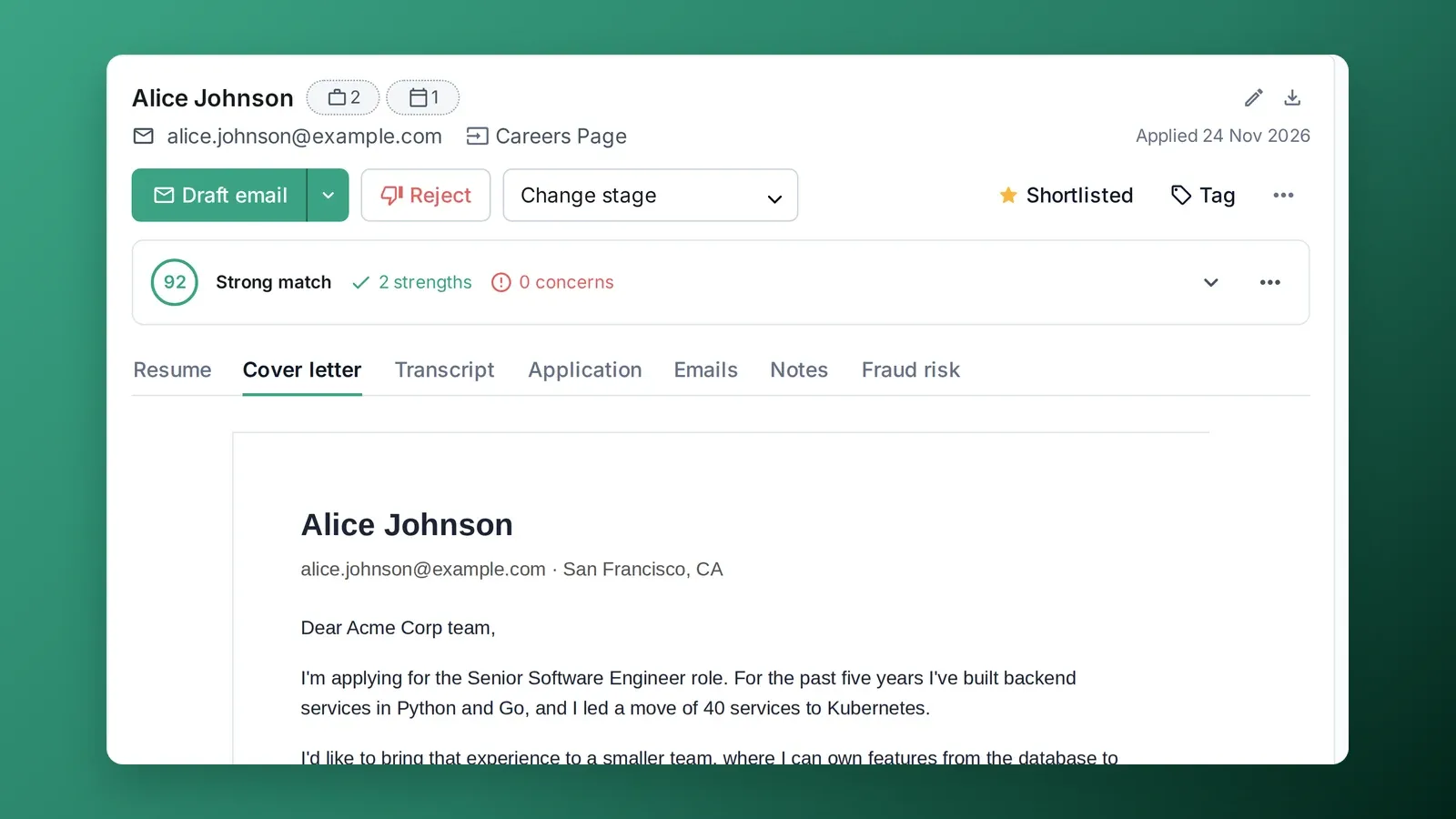
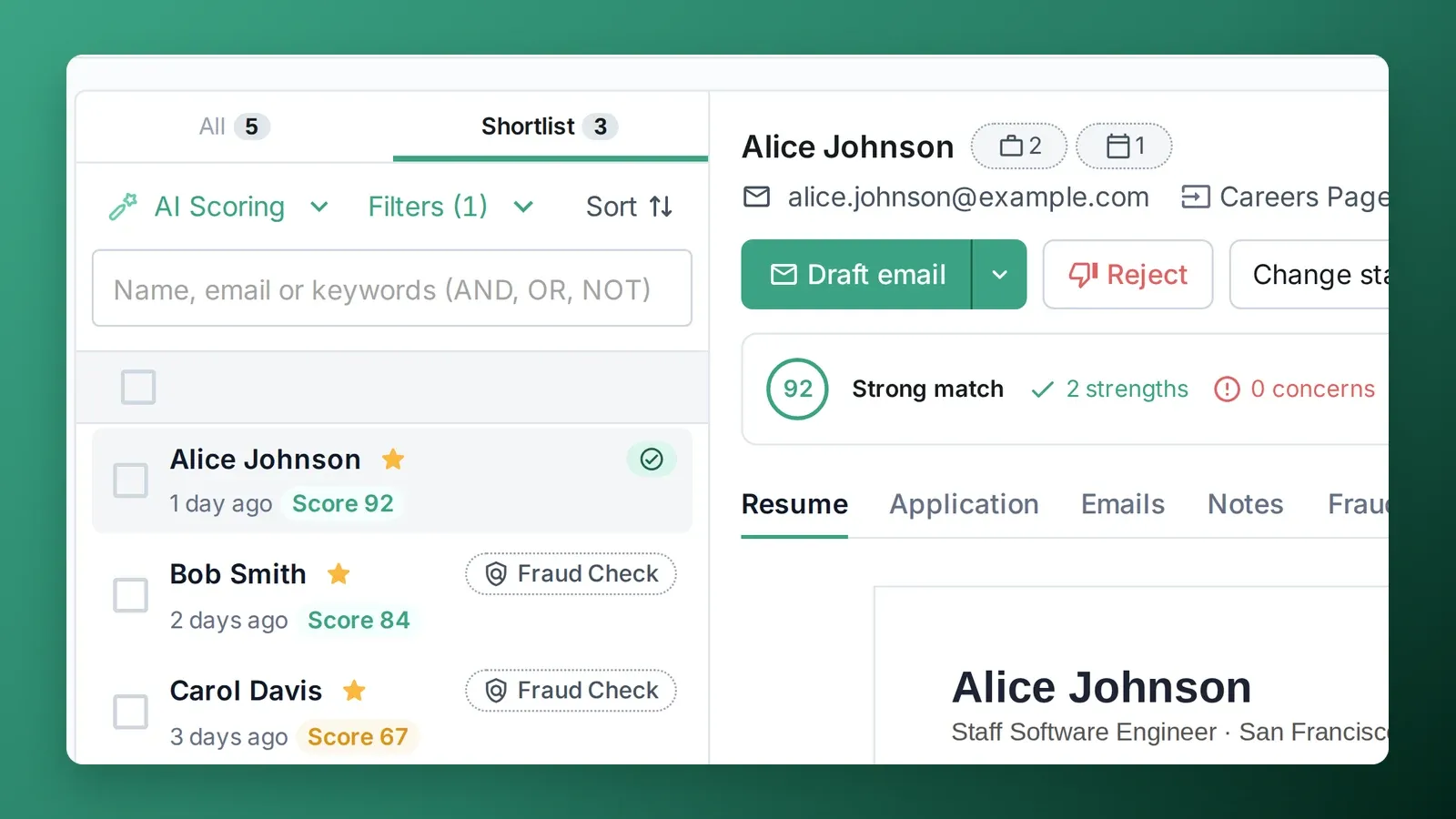
- Shortlist while you review. Click Shortlist on an applicant, or press b. Click Shortlisted to take them off. Shortlisted applicants stay in the main list, with a star next to their name.
- See the shortlist in one place. The Shortlist tab at the top of the list shows only those applicants. Its number counts the ones that match your search and filters, and All takes you back to everyone.
Adding someone doesn’t advance them or email them, so your team still decides what happens next.
How the applicant shortlist works
Behind it is a built-in Shortlist tag, so your picks also show on the Candidates board and in the CRM’s Tags filter. You can change the tag’s color, but you can’t rename or delete it.
Set up the applicant shortlist
- Open a job and click Applicants.
- Click Shortlist on an applicant, or press b.
Nothing needs turning on, and your existing bookmarks are already there. Look at the Shortlist tab first to see who your teammates picked. Full steps and screenshots are in the help article.
Applicant shortlist availability and pricing
The shortlist is on the Free and Premium plans. The Shortlist tag doesn’t count toward the free plan’s tag limit. Acting on many applicants at once needs ATS Premium. See plans and pricing.
Frequently asked questions
Is the Dover applicant shortlist free?
Yes. It's on the Free and Premium plans, and the Shortlist tag doesn't count toward the free plan's tag limit.
What happened to my bookmarks in Dover?
Each applicant you bookmarked now has the Shortlist tag, and the b shortcut shortlists.
Who can see shortlisted applicants in Dover?
Anyone on your team who can view the job.