Overview
Dover’s offers let you write an offer letter, sign it and collect the candidate’s electronic signature in Dover. They’re for recruiters and hiring managers on the Premium and Enterprise plans.
The last step of hiring often happens somewhere else. You copy a letter, change the name and salary, export it, upload it to a signing tool and then go back to your ATS to record the result. Each copy is a chance to leave in the wrong start date. With offers, the letter, the link and the signature stay with the candidate, and a person on your team reviews and signs each one first.
What offer letters in Dover do
- Reuse an offer template. An offer template is your letter with placeholders called offer variables. A variable can be text or a date, such as a salary or start date. You fill it in once and Dover updates it everywhere it appears. A built-in variable adds your company logo.
- Collect the candidate’s signature. Candidates open the link, read the letter and sign it there. The profile button then reads Offer signed and shows who signed and when, and you can download the PDF. Dover emails a copy of the signed offer to the candidate and the job’s hiring manager.
How offer letters work
Click Create offer on the candidate’s profile, then:
- choose a template;
- fill in the details while the Offer preview updates;
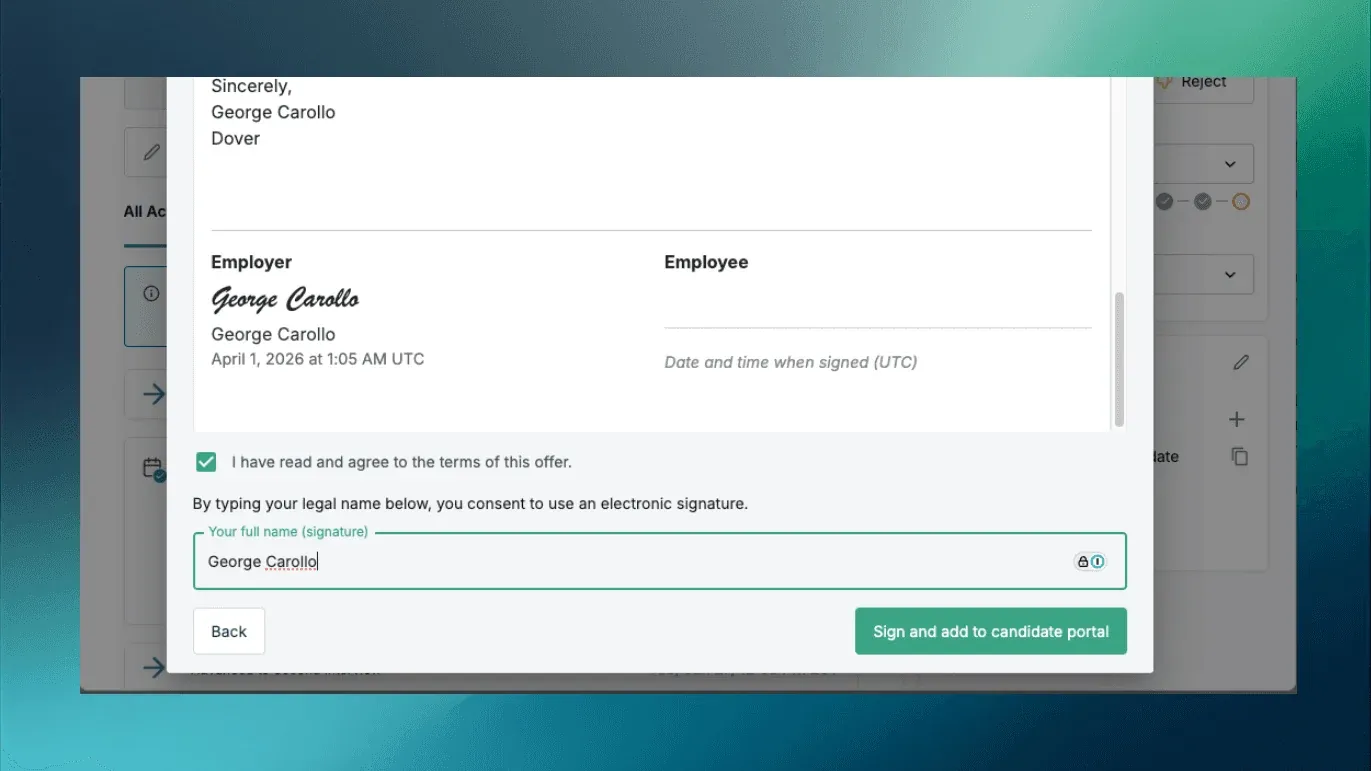
- read the letter, agree to its terms and type your name to sign.
Dover warns you when a required variable is empty.
Sign and add to candidate portal creates the offer link. Dover doesn’t email it on its own. Copy the link, or click Draft offer email to use a template you control. Manage offer is also where you view, recreate or delete an offer. Recreating one replaces it, and the previous offer can’t be opened any more.
Set up offer letters
- Go to Settings → Offer Templates and click + Template.
- Paste in your current letter and replace the parts that change with variables.
- Click Create.
Read the preview closely on your first offer before you sign. Full steps and screenshots are in the help article.
Offer letters availability and pricing
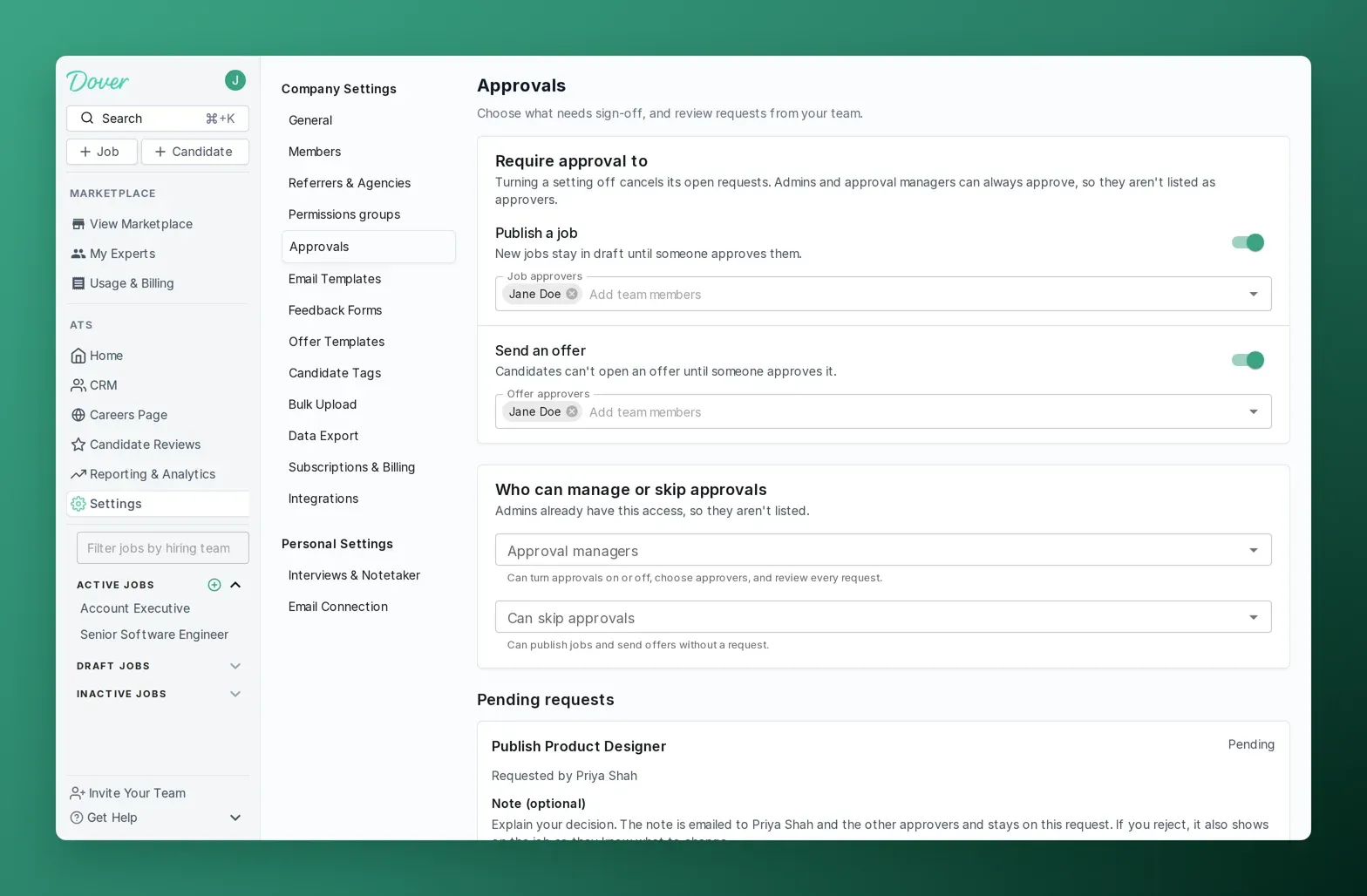
Generating and signing offers is part of ATS Premium at $199/month, and of Enterprise. Offer templates can be created on any plan. Members need the Offers permission for the job, which Job Admin includes. Requiring approval before a candidate can open an offer is an Enterprise feature. See plans and pricing.
Frequently asked questions
Are Dover offer letters free?
Creating offer templates is on every plan. Generating an offer and collecting signatures needs ATS Premium ($199/month) or Enterprise.
How do I create an offer letter for a candidate in Dover?
When a candidate reaches the Offer stage, open their profile and click Create offer. You need the Offers permission for the job.
Does Dover email the offer letter to the candidate?
Not by itself. Copy the link, or click Draft offer email to review and send it from Dover.