Overview
Message Center is where you chat with Dover marketplace experts, inside the app. It’s for any company with marketplace access, whether you use the Free or Premium ATS, and messages have no separate charge.
Finding help usually starts as several conversations at once: a question about availability for one recruiter, a scope change for another, a follow-up with the one you spoke to last week. Spread across inboxes, they’re hard to compare and easy to lose.
What Message Center does
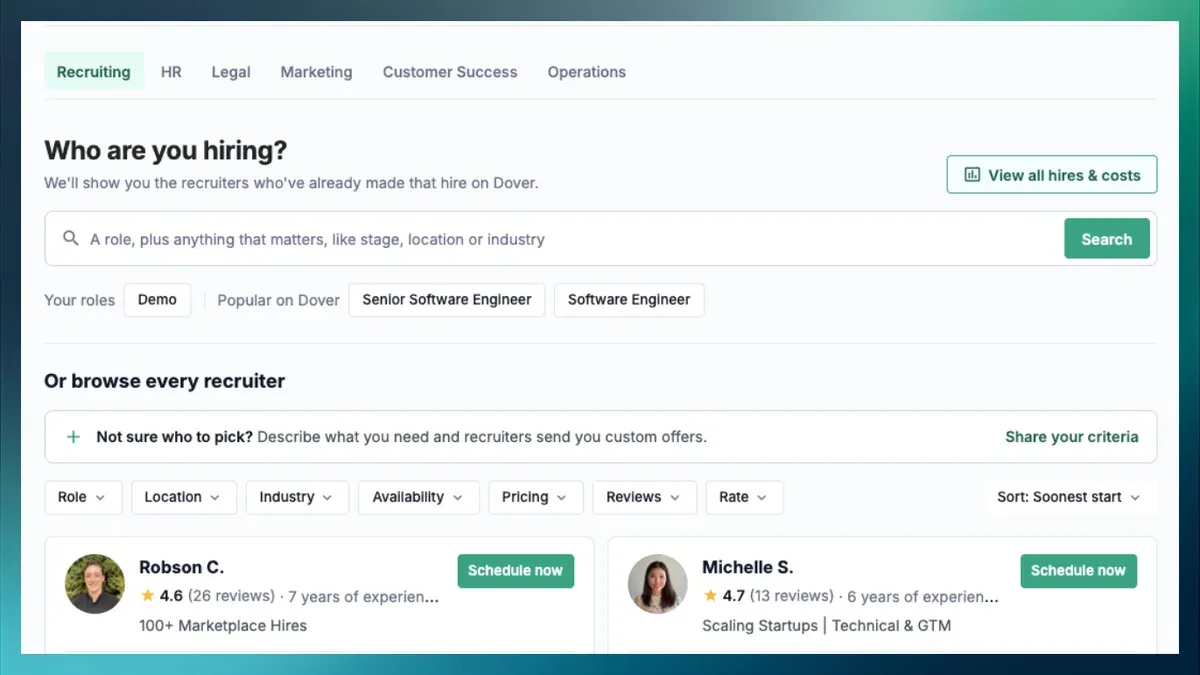
- Ask before you book a call. Click Message on an expert’s profile to start a conversation. A short question about the roles they take, or how soon they could begin, can save a call that wouldn’t have been a fit.
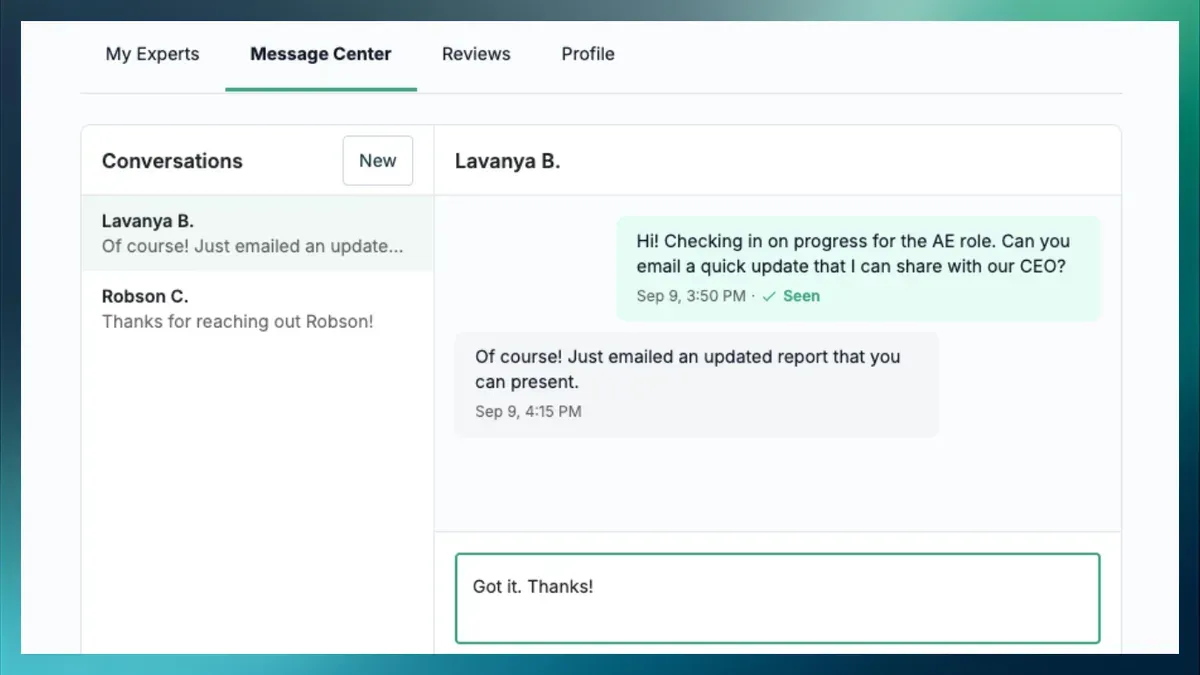
- Keep every conversation in one list. Conversations shows each expert with their latest message and when it was sent. Search the list, or filter it to unread conversations.
- Move from chat to a call. When an expert has a booking link, Schedule call appears at the top of the conversation and opens their calendar in a new tab.
Nothing you write in Message Center commits you to anything: offers are made and approved separately.
How Message Center works
To start from Message Center instead of a profile, begin a new message and pick the expert. If you’ve already talked, Dover opens your existing conversation rather than starting another. The expert’s name at the top of a conversation opens their profile, and your last message shows when they’ve seen it.
Book calls through Schedule call so the call is tracked under My Experts, where you can make an offer afterwards. For experts with fewer than two founder reviews, Dover shows a short prompt first.
You don’t have to watch the page for replies. If a message is still unread after a few minutes, you get an email, and a burst of messages is grouped into one. Experts get the same for yours.
Set up Message Center
- If you don’t have marketplace access yet, click View Marketplace and unlock it.
- Click My Experts in the left sidebar and open the Message Center tab.
- Begin a new message and pick an expert, or click Message on their profile.
A good first message says what you’re hiring for, when you need someone and what you’d like to know, and you can send a similar one to each expert you’re considering. Full steps and screenshots are in the help article.
Message Center availability and pricing
Available to companies that have unlocked the marketplace, on any ATS plan. Unlocking takes a 100% refundable deposit. There’s no separate charge for messages. See plans and pricing.
Frequently asked questions
Is the Dover Message Center free?
Messaging has no charge of its own and works on Free and Premium. Your company needs marketplace access, which starts with a refundable deposit.
How do I know when an expert replies in Dover Message Center?
The conversation is marked unread, and Dover emails you if a message stays unread. Several messages sent close together lead to one email.
Can I message a Dover marketplace expert before I hire them?
Yes. Click Message on their profile to ask a question before or after an intro call.