Overview
Dover’s AI recruiter search lets you describe the role you’re hiring for and see marketplace recruiters who have already made similar hires. Anyone can search the Dover marketplace, whatever their plan.
Choosing a recruiter from profiles is slow, and “technical recruiting” on a profile doesn’t tell you whether someone has closed a founding engineer at a seed-stage company. What you want to know is whether they’ve done your hire before.
What AI recruiter search does
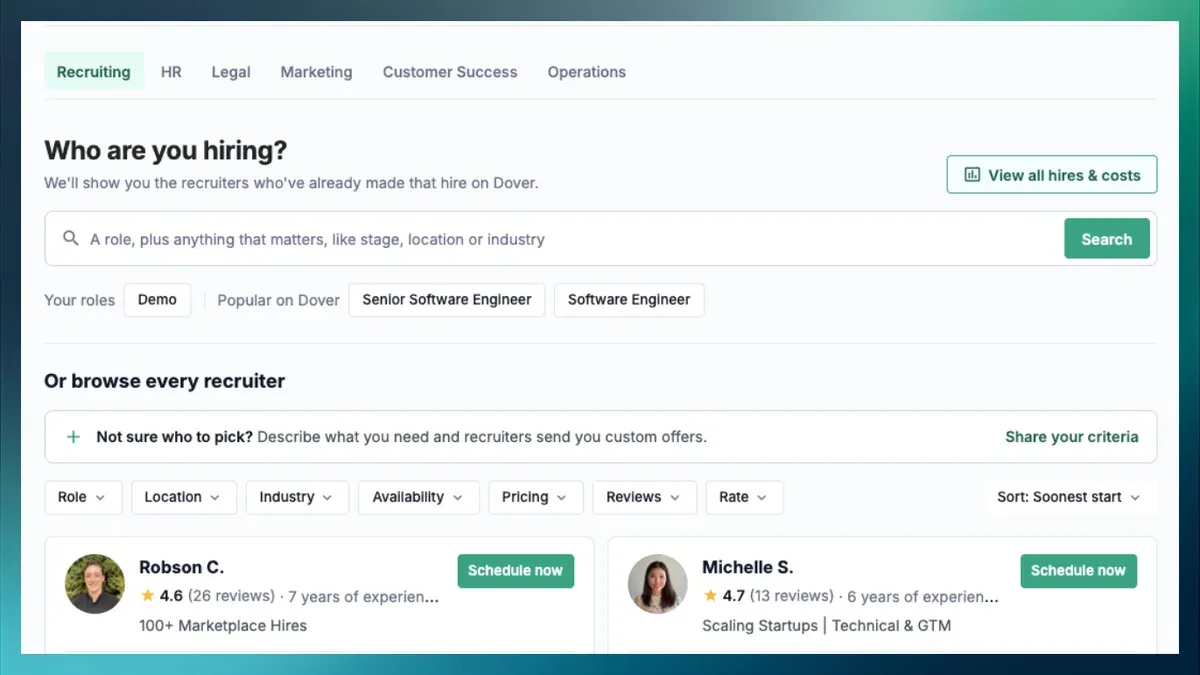
- Reads the role in your own words. Under Who are you hiring?, write what you’d tell a recruiter, for example “a founding engineer for a seed-stage AI startup in New York”. Add whatever matters, such as company stage, location, industry or investors.
- Explains each match. Every result starts with Why:, a short line about what that recruiter has hired that’s like your role. You also see logos of companies they’ve worked with and when they’re available.
- Ranks by past hires. Recruiters who made a hire at the stage, location or investor you mentioned move up the list, and a line above the results tells you how many did.
The search answers from past hires, and leaves the choice of who to speak with to you.
How AI recruiter search works
You can type a description or start from a button: Your roles lists your open jobs, and Popular on Dover lists roles other companies hire for. If Dover can’t tell which role you mean, it asks you to start with the job title.
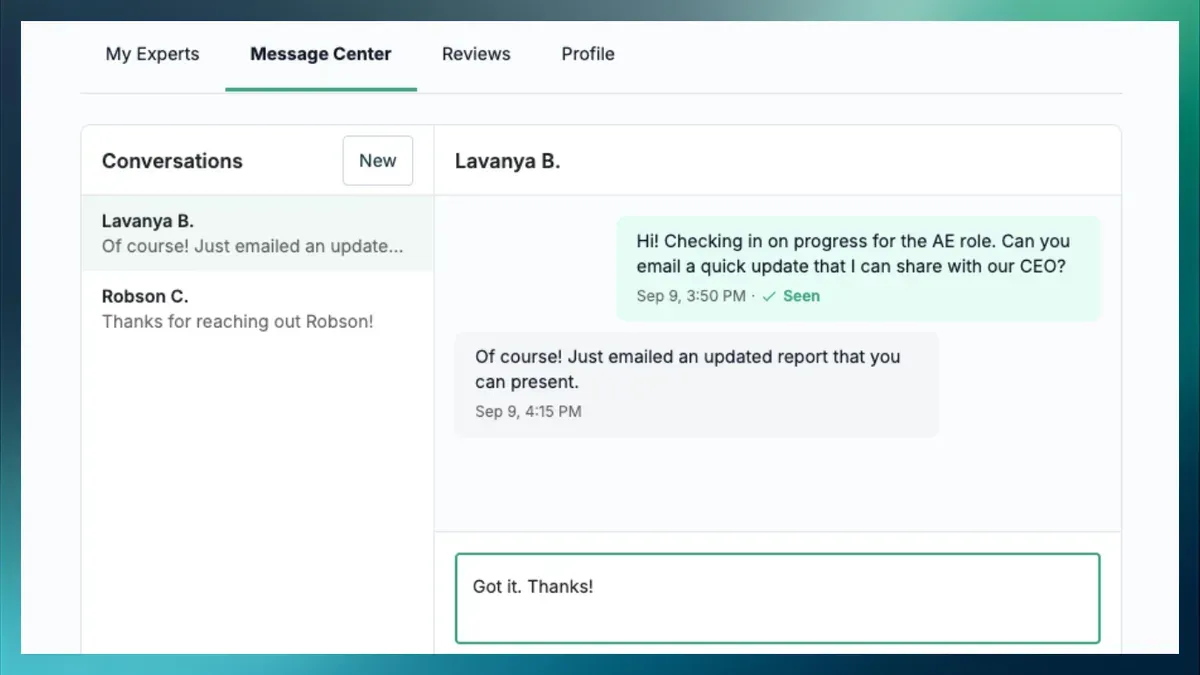
The first four results are shown, with a button for the rest. Edit your search to narrow it. Click a result to open the recruiter’s profile. Schedule now opens their calendar for a free intro call, and Message starts a conversation in Dover. Most companies talk to about four before choosing.
To look at the market more widely, View all hires & costs opens a table of real hires. If you’d rather not pick, Share your criteria lets recruiters send you offers.
Set up AI recruiter search
- Click View Marketplace in the left sidebar and choose Recruiting.
- Describe the role under Who are you hiring? and click Search.
- Open the recruiters whose reasons match what you need, and book intro calls.
Start with one hard-to-fill job, described in a sentence, and book calls with two or three recruiters. Full steps and screenshots are in the help article.
AI recruiter search availability and pricing
Search works on any plan. Before you unlock the marketplace, results show what each recruiter has hired for and company logos, without who they are. A 100% refundable deposit unlocks names, profiles, reviews and contact. Intro calls are free. See plans and pricing.
Frequently asked questions
Is Dover's AI recruiter search free?
Searching is free on any plan. Names, profiles and contact details need marketplace access, which you unlock with a refundable deposit.
Does Dover's AI recruiter search choose a recruiter for me?
No. It reads your description and Dover ranks recruiters by their past hires. You decide who to talk to and who to work with.
What if no recruiter on Dover has made that hire?
Dover says so and shows the recruiters with the closest hires. You can also browse every recruiter with filters.