Overview
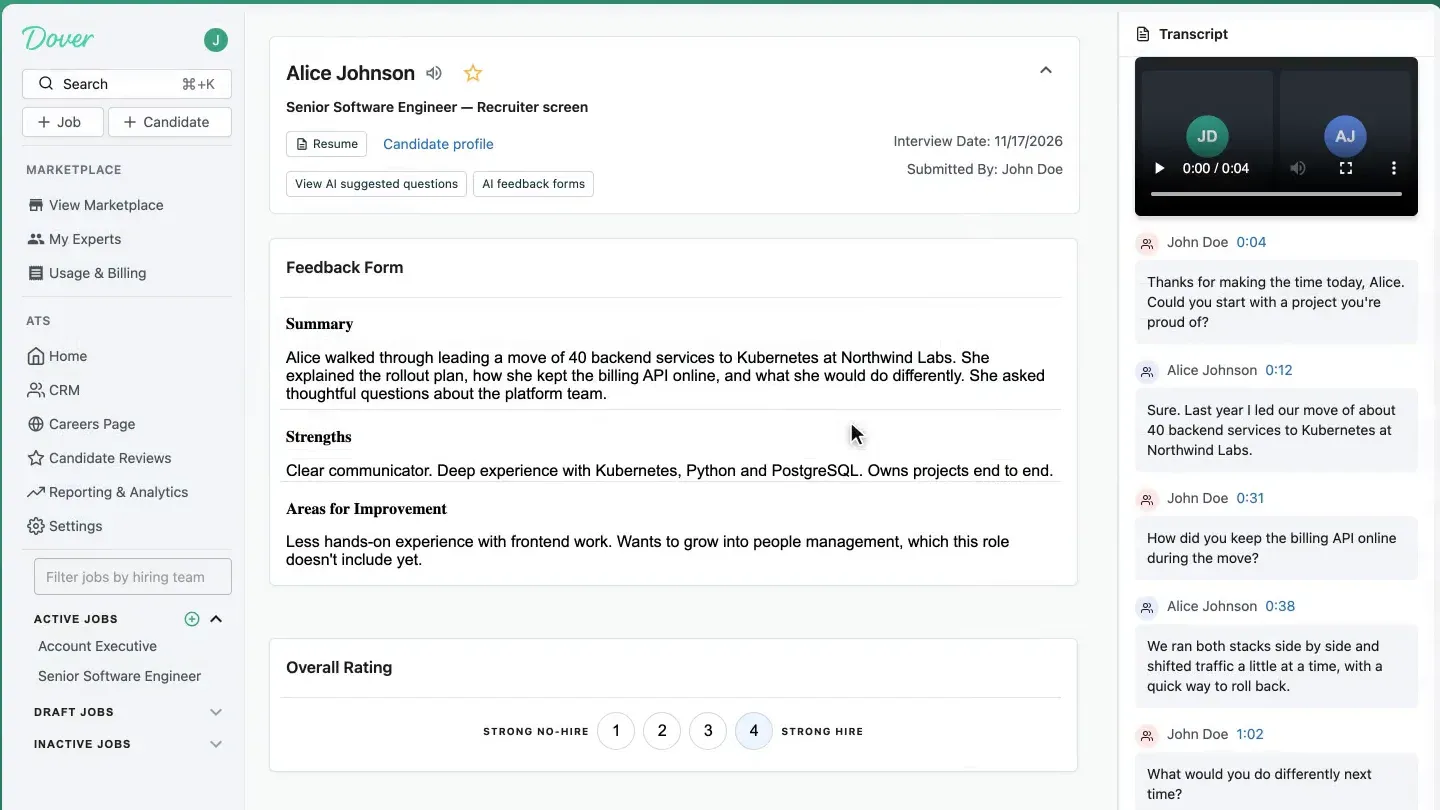
Dover’s custom rating scales let you decide how interviewers score a candidate on a feedback form. They’re part of ATS Premium and Enterprise, for hiring teams that want something other than the default 1 to 4. One scale doesn’t suit every interview, and when everyone shares the same four numbers, interviewers read them differently, so a 3 from one person isn’t a 3 from another.
What custom rating scales do
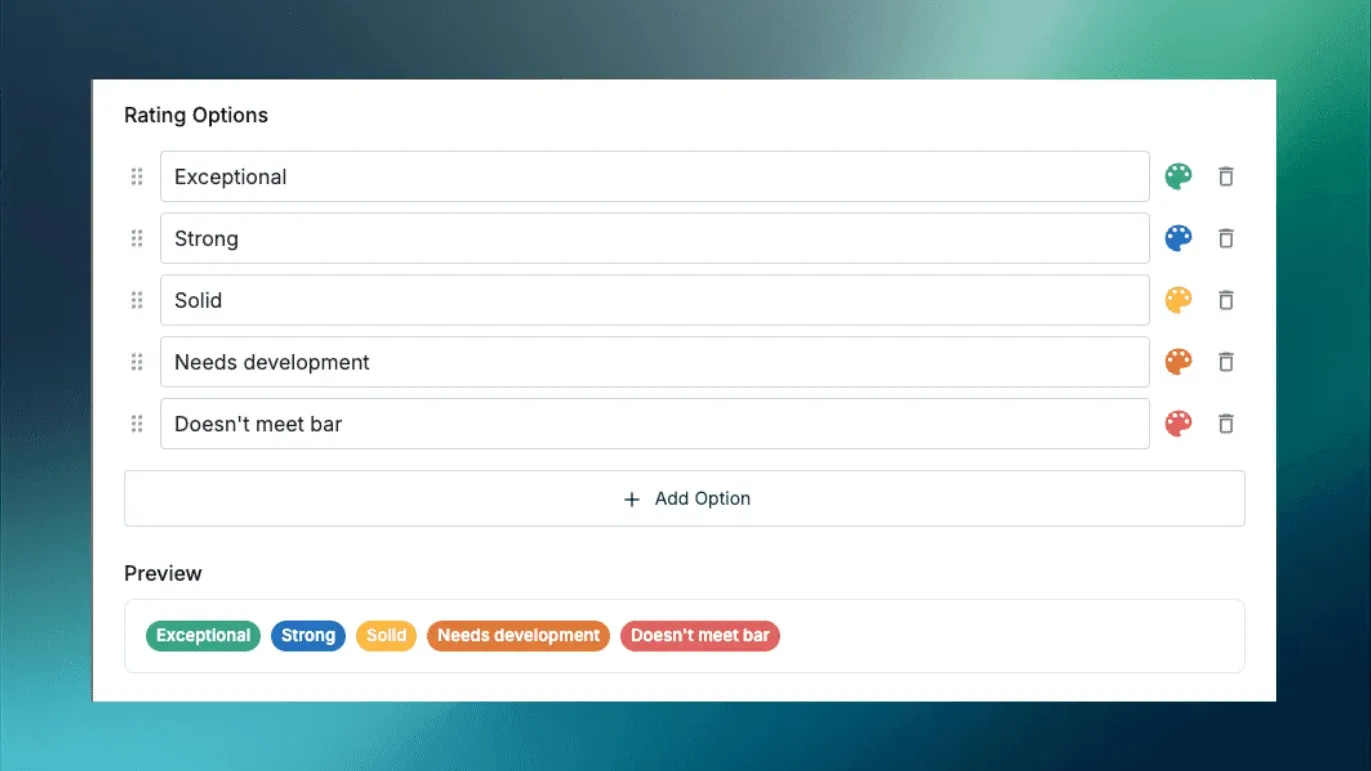
- Build a scale from labels or numbers. Every scale has a name and one of two types. Label-based uses your own words, with at least two choices; you can give each one a color, drag them into order and click Add Option for more. Numeric Range uses a minimum and a maximum, between 0 and 100.
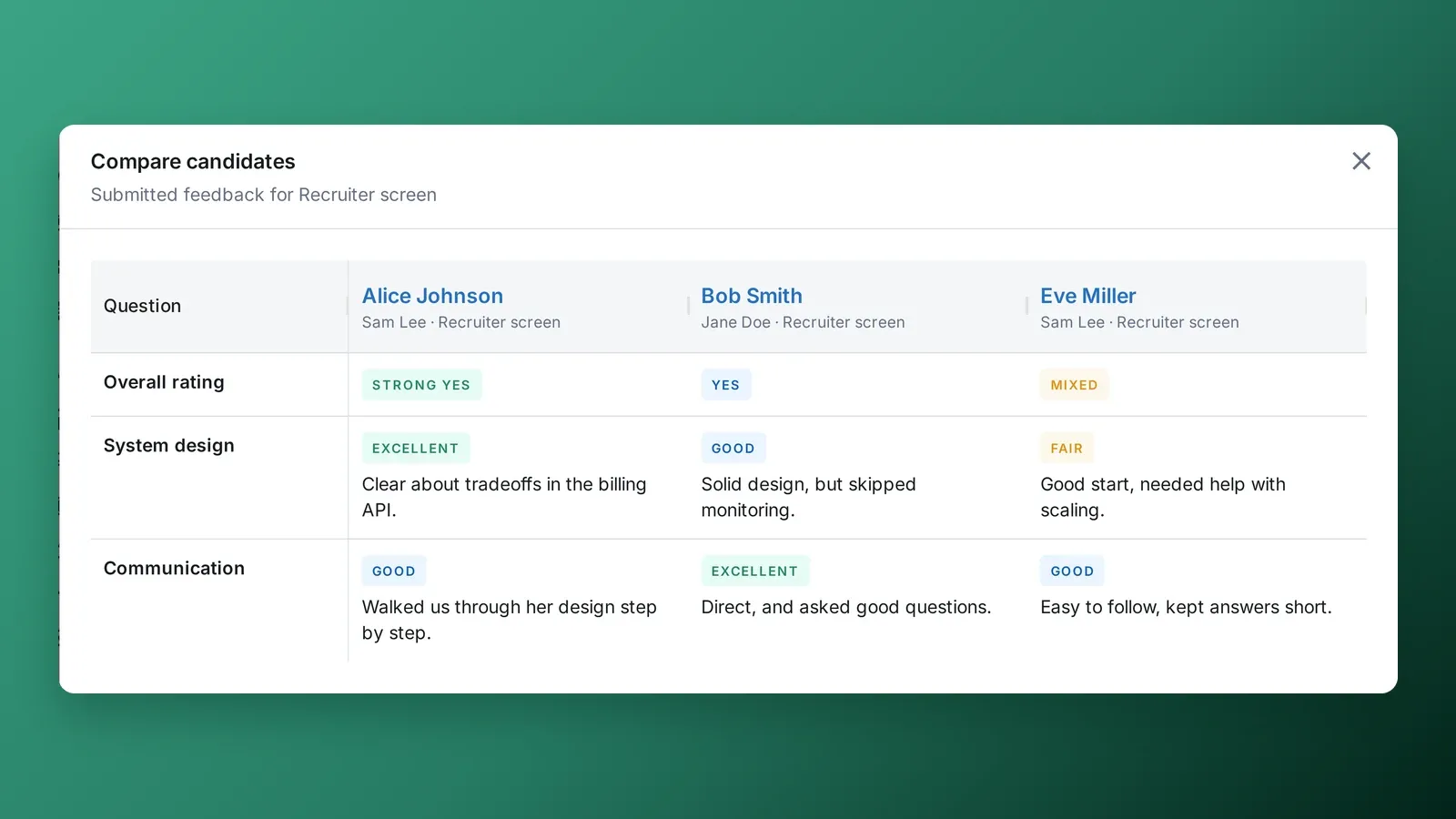
- Match the scale to the form. A recruiter screen may only need a yes, a no or a maybe, while a technical interview may need a wider range. Because the choice belongs to the form, a job can use one scale for a screen and another for an onsite.
- Name what each choice means. The rating says what it means, and the decision on the candidate stays with your team.
A Preview shows how the rating will look to an interviewer before you save.
How custom rating scales work
The interviewer sees only the scale on the form they’re filling in, and the candidate’s profile shows the rating they chose. Changes to a form apply to future interviews. Feedback that has been submitted keeps the rating it was given.
The Rating Scales tab lists each scale with its type and how many feedback forms use it, and you can search the list. Open a scale to edit or delete it. Before you delete a scale that forms use, Dover tells you how many, and deleting it removes the custom rating from those forms. The built-in Default scale can’t be edited.
Set up custom rating scales
- Go to Settings → Feedback Forms, open the Rating Scales tab and click + Rating Scale.
- Name the scale, choose Label-based or Numeric Range, add your options and check the Preview.
- Open a feedback form and pick the scale under Overall Rating.
Create one scale with four labels, such as a hire recommendation, and assign it to the form your team uses most. Full steps and screenshots are in the help article.
Custom rating scales availability and pricing
Custom rating scales are part of ATS Premium at $199/month, and of Enterprise. Free teams keep feedback forms with the default scale, up to 5 forms. If you move from Premium to Free, forms with a custom scale use the default one, and your scales come back when you upgrade again. See plans and pricing.
Frequently asked questions
Are Dover custom rating scales free?
No. They're part of ATS Premium ($199/month) and Enterprise. Forms on the Free plan use the default 1 to 4 scale.
How do I create a custom rating scale in Dover?
Go to Settings → Feedback Forms, open the Rating Scales tab and click + Rating Scale. Then choose it under Overall Rating on a feedback form.
What happens when I delete a Dover rating scale that forms use?
Dover tells you how many forms use it before you confirm. Deleting it removes the custom rating from those forms.