Overview
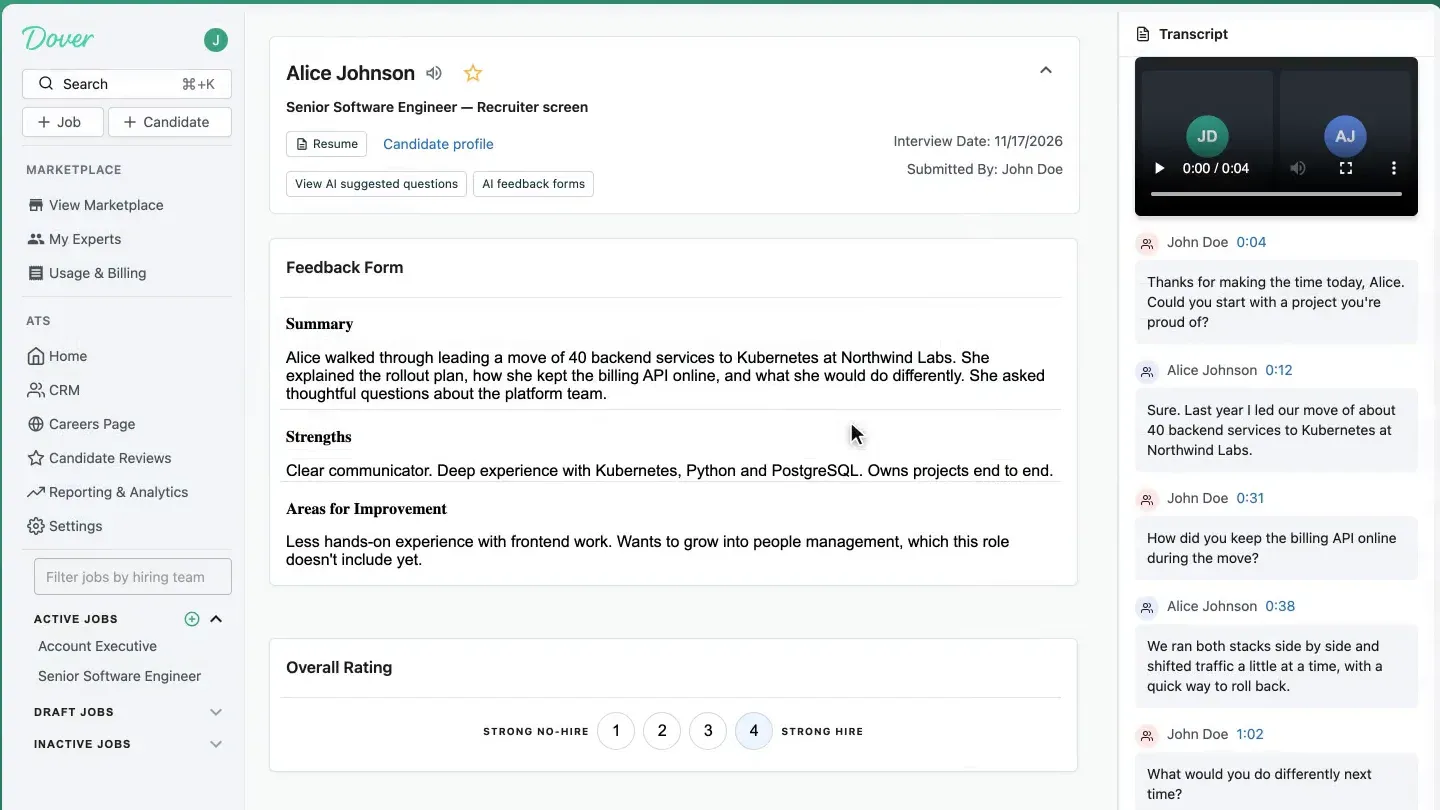
Interviewers can now send Dover’s AI Notetaker into an interview themselves, from the interview page. It’s part of the Premium and Enterprise plans. A meeting that moved or a call booked outside Dover used to leave you taking notes by hand.
What adding the AI Notetaker to a call does
- See where it is. From 15 minutes before the interview until 30 minutes after it ends, the transcript panel says if the notetaker is waiting to be let in, in your call or missing.
- Send it to the right meeting. Click Add AI Notetaker to call to use the interview’s own link, or Use a different link to paste another.
How adding the AI Notetaker works
Adding it turns it on for that interview. Any notetaker still booked for the start time is cancelled, so only one joins. The AI Notetaker switch still turns it on or off for one interview. It waits for the host to admit it, unless a Google Meet event is open to anyone. Tell the candidate the interview is recorded before you admit it. If they decline, deny it entry or remove it.
Set up the AI Notetaker for calls
- In Account settings → AI Notetaker, turn on Join my interviews for the ones booked in Dover.
- For a call where it’s missing, open the interview page and click Add AI Notetaker to call.
Open your next interview page early to check its status. Full steps and screenshots are in the help article.
AI Notetaker availability and pricing
The AI Notetaker is part of ATS Premium at $199/month, and of Enterprise. Microsoft Teams works when Microsoft Calendar is turned on for your company. Candidates don’t receive recordings or transcripts. See plans and pricing.
Frequently asked questions
Is the Dover AI Notetaker free?
No. It's part of ATS Premium ($199/month) and Enterprise.
How do I add the Dover AI Notetaker to a call?
Open the interview page and click Add AI Notetaker to call in the transcript panel, then admit Dover Notetaker in your meeting.
Can the Dover AI Notetaker join an interview that wasn't scheduled in Dover?
Yes. Paste a Google Meet, Zoom or Microsoft Teams link. Teams needs Microsoft Calendar turned on for your company.