Overview
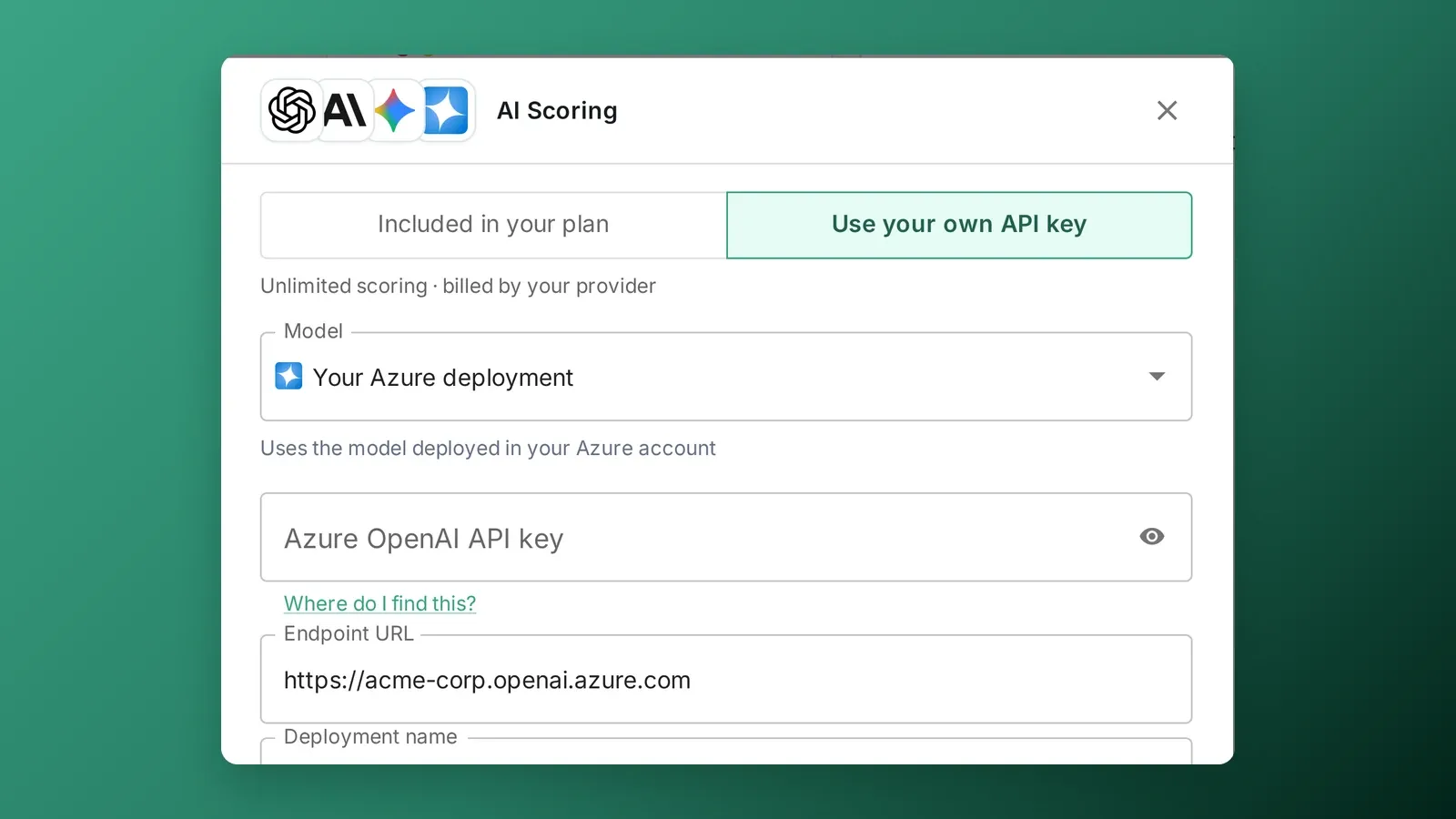
Dover’s AI Scoring now includes models that work without an API key. It’s part of the Premium plan, for teams that want to score applicants without an account at an AI provider. Setting up used to begin outside Dover: create a provider account, add a payment method, generate a key and paste it in.
What the included AI Scoring models do
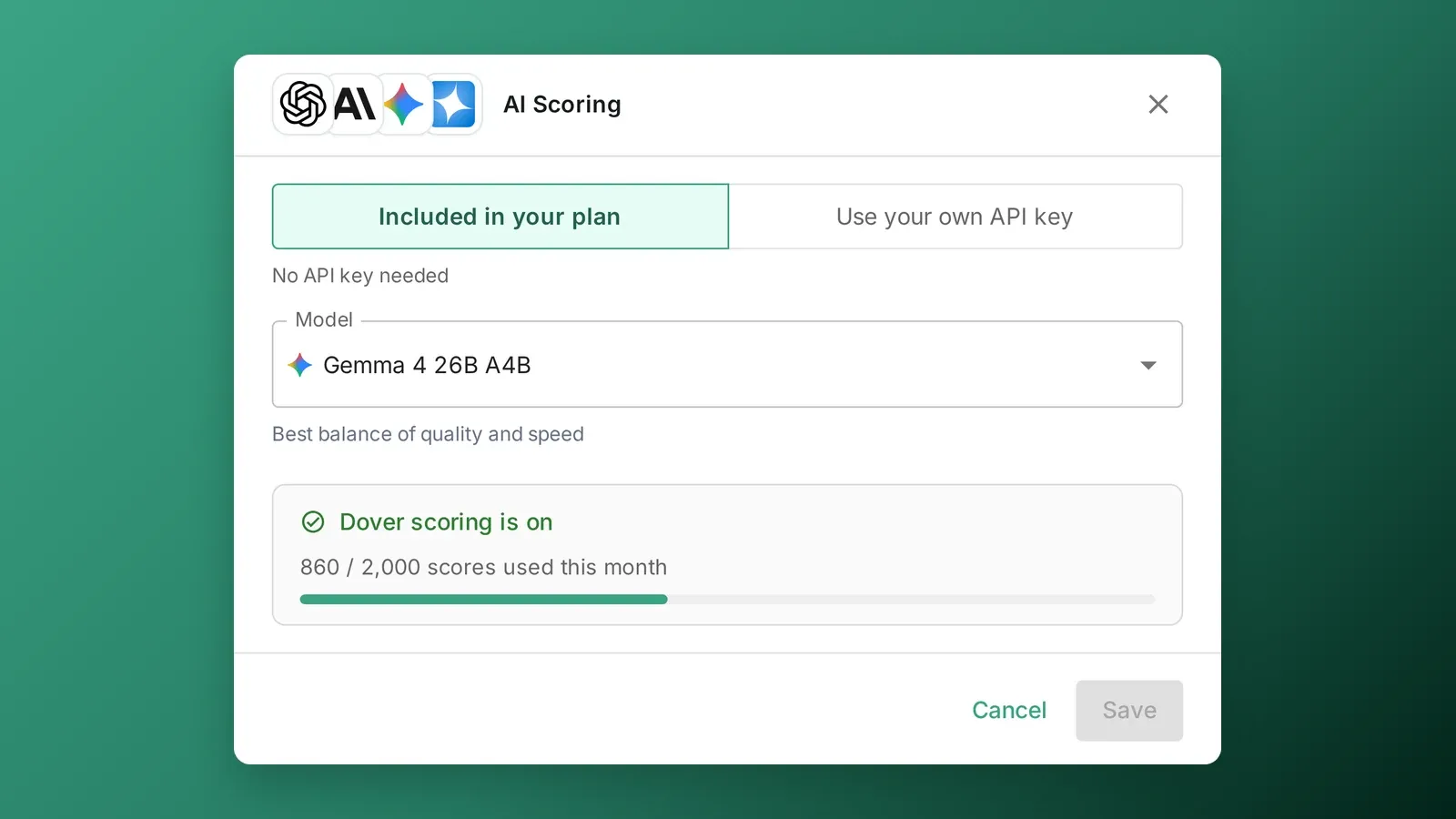
- Choose a model and save. Select Included in your plan and pick a model. The choices include Gemma, Gemini, Mistral and Nvidia models, and Dover provides the key. A new setup starts on Gemma 4 26B A4B.
- See what you have used. The same settings show how many of the month’s 2,000 scores your company has used. When they run out, scoring pauses until the 1st of next month. To continue sooner, switch to Use your own API key.
The score is a guide. Review applicants yourself before you decide.
Set up AI Scoring with an included model
- Someone with permission to manage integrations opens Settings → Integrations → AI Scoring, chooses a model and saves.
- In Job Settings → AI scoring, write what makes a strong applicant.
- On Applicants, score applicants.
Score a few people you have already reviewed first, and check that you agree. Full steps and screenshots are in the help article.
AI Scoring availability and pricing
Part of Premium at $199/month, with 2,000 scores a month for each company. Your own key has no monthly limit, and your AI provider bills you for it. On Free you can look at the models, but saving one asks you to upgrade. See plans and pricing.
Frequently asked questions
Is Dover AI Scoring free?
The included models cost nothing extra on Premium, which is $199/month. AI applicant scoring is not part of the Free plan.
What happens after 2,000 Dover AI Scoring scores in a month?
Included scoring pauses until the 1st of next month. To keep scoring, switch to Use your own API key and add a key from your AI provider.
Do applicants know Dover AI Scoring scored them?
No. Only you and your hiring team see scores.