Overview
Dover’s custom permissions groups let you build your own roles, one permission at a time. Creating them is included in Premium, for admins who need something between full access and almost none. A coordinator may need reports but not billing, and a hiring manager may need every piece of feedback on one job and nothing on another. With only a couple of fixed roles, you end up giving people more access than their work calls for, or asking an admin to step in for small tasks.
What custom permissions groups do
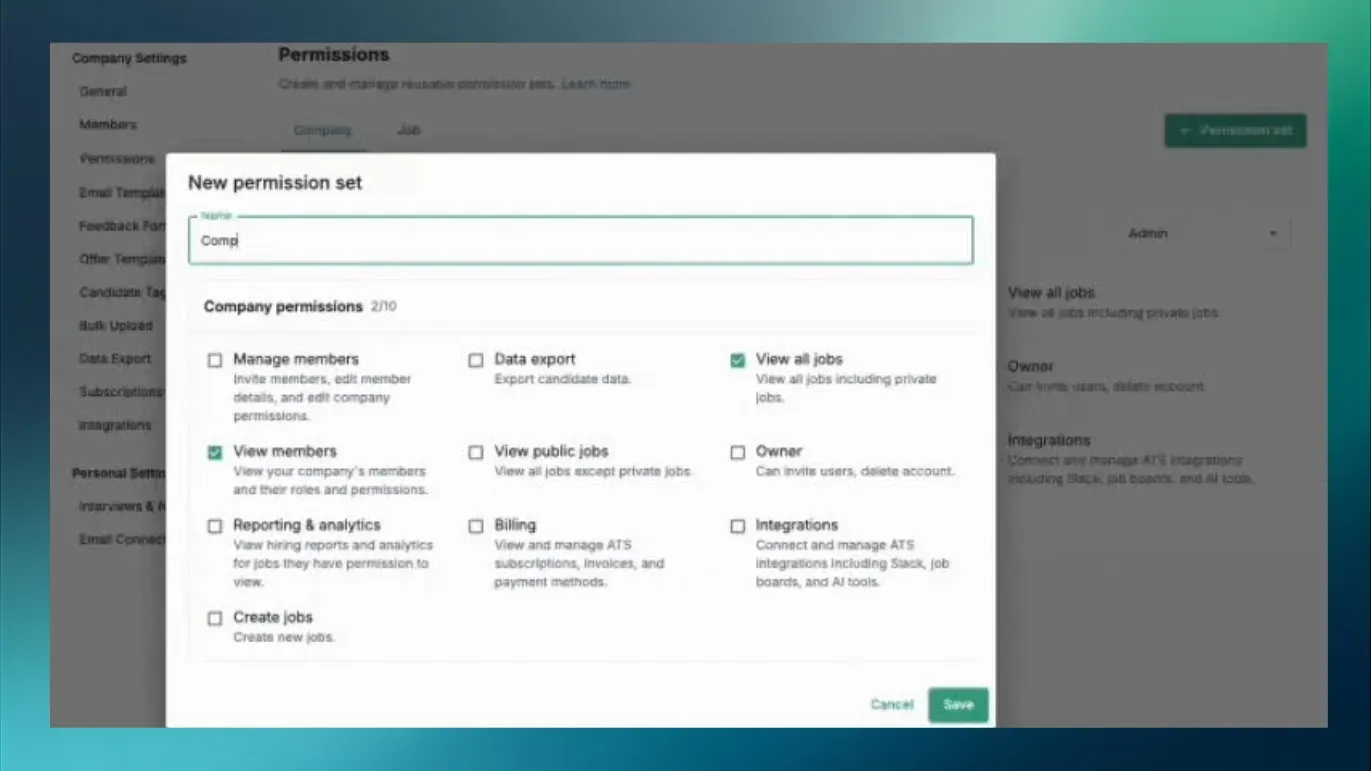
- Set what people can do across the company. Company permissions apply everywhere in your account. Each one is a checkbox, so a group can hold any mix: View members and Manage members; Draft job, View public jobs and View all jobs, which includes private jobs; Reporting & analytics and Data export; Billing and Integrations. For example, a recruiting operations group might hold reporting, data export and integrations, and leave billing out.
- Set what people can do on a job. Job permissions cover one job at a time. They decide whether someone can edit the posting, manage the hiring team, see compensation, work with candidates, read everyone’s feedback or handle offers. Sourcing and agencies have their own permissions.
An admin chooses what goes in each group and who gets it.
How custom permissions groups work
A member has one company permissions group. You assign job groups in Job Settings, so a teammate can run one search and only submit feedback on another.
Pick any group in Settings → Permissions groups and Dover lists every permission in it, for built-in groups too. The Company and Job tabs keep the two kinds apart. This part of the page was first called permission sets.
Groups in use are protected. You can’t delete one, or remove permissions from it, while members still have it. Dover links to those members so you can move them first.
Set up custom permissions groups
- Someone with Manage members goes to Settings → Permissions groups and clicks + Permissions group.
- Name the group, check the permissions and click Save.
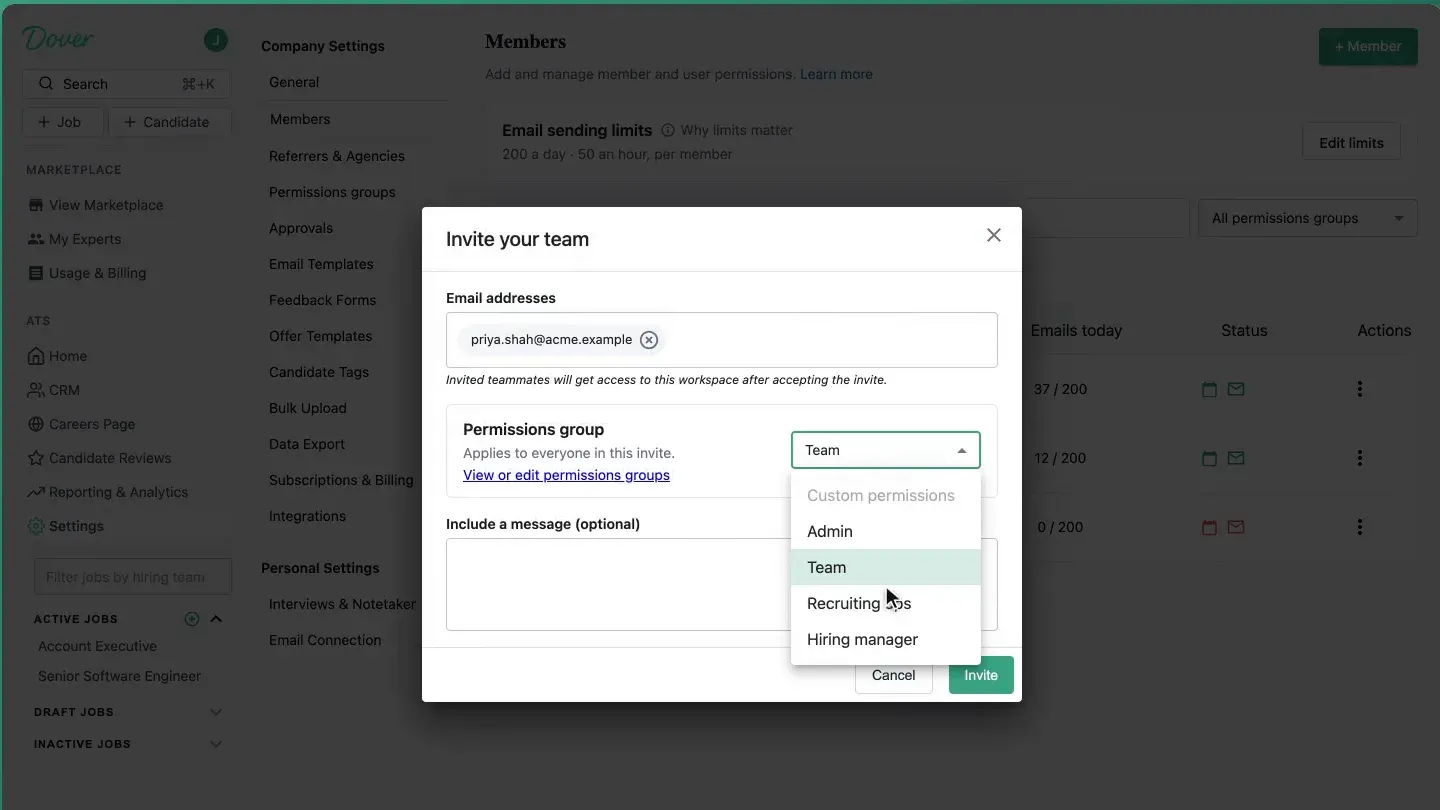
- Assign it in Settings → Members, or for a job in Job Settings.
Start with the role that asks your admins for help most often. Full steps and screenshots are in the help article.
Custom permissions groups availability and pricing
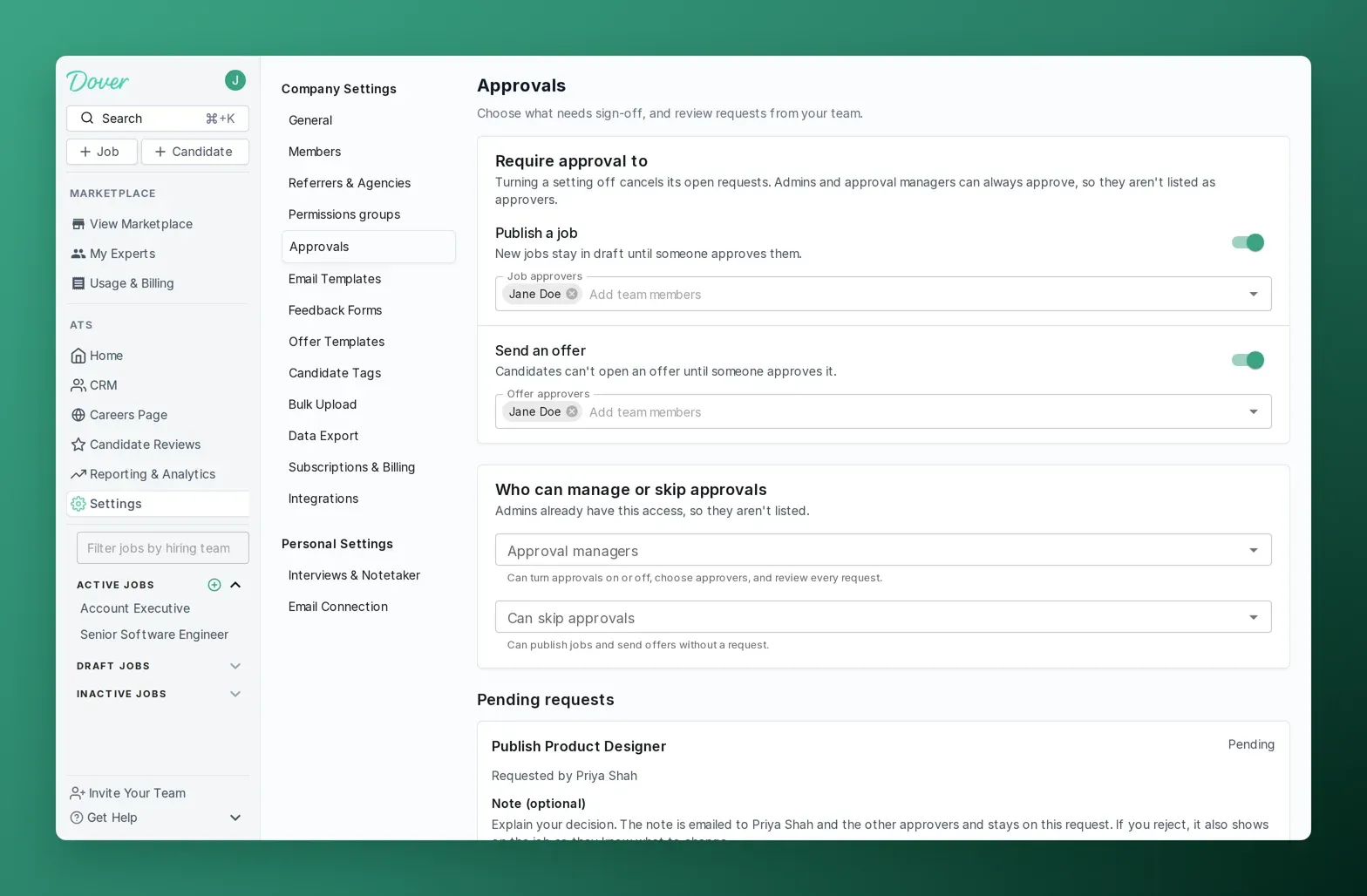
Creating custom groups needs Premium, at $199/month, or Enterprise. Free companies use the built-in groups, which can be assigned but not edited. Approval permissions are set separately, on the Approvals page in Enterprise. See plans and pricing.
Frequently asked questions
Are Dover custom permissions groups free?
No, they need Premium, and Enterprise includes them too. Free uses the built-in groups: Admin and Team for the company, Job Admin and Job Basic for jobs.
Who can create a permissions group in Dover?
Members with the Manage members company permission, in Settings → Permissions groups.
Can someone have different Dover permissions on different jobs?
Yes. A member has one company permissions group, and can have a different job permissions group on every job.