Overview
Dover’s careers page subdomains give your careers page a short address of its own, such as yourcompany.dover.com.
They’re included in ATS Premium. A long link is hard to say on a call or remember after an event, while a branded
address puts your company name first in a job post, an email signature or a slide.
What careers page subdomains do
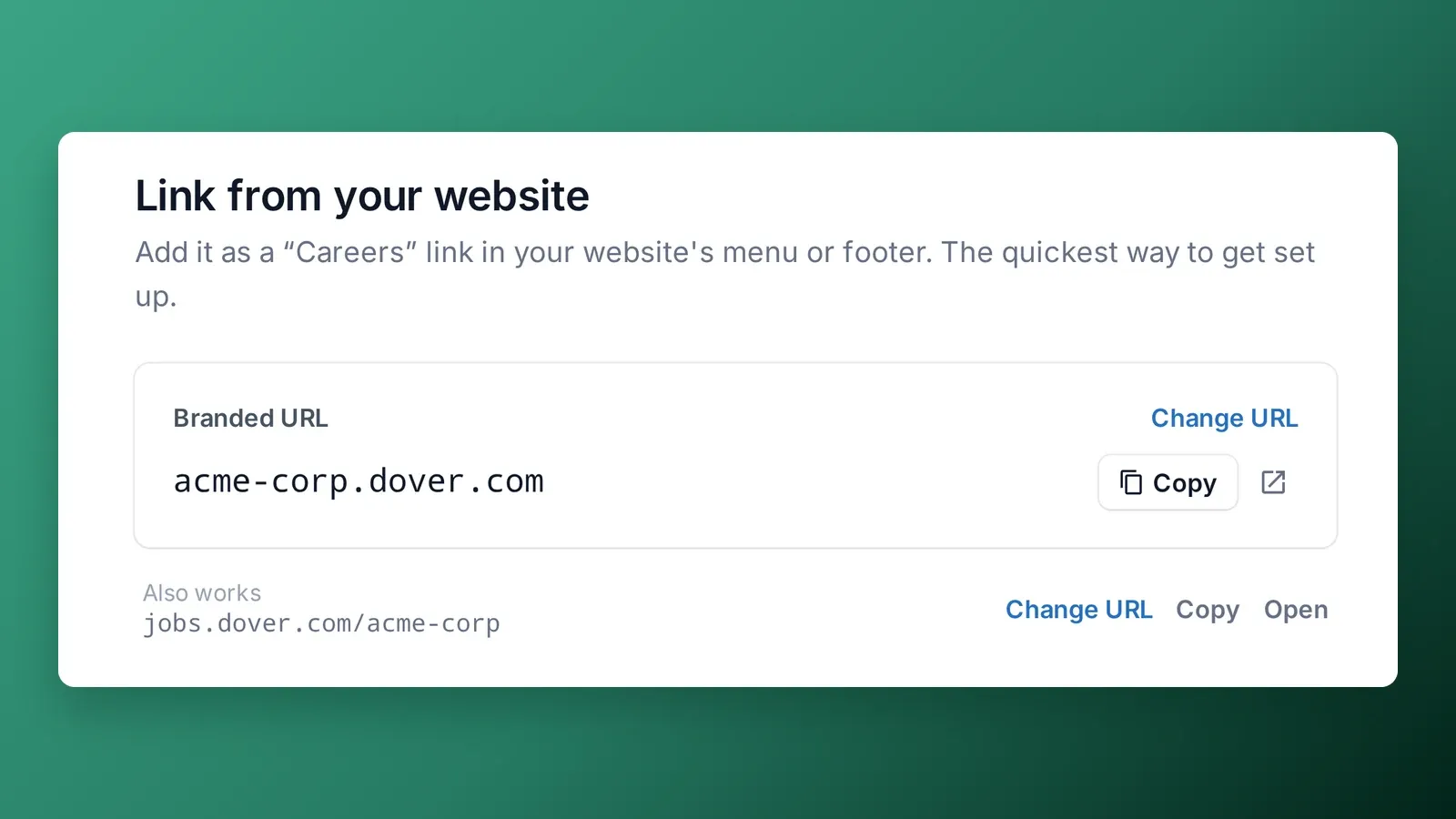
- Share a shorter link. Your Branded URL uses the same ending as your default careers page link, so there’s nothing to set up with your domain provider. The default link is listed under it as Also works, so nothing you’ve already shared breaks.
- Keep the same page. Candidates see the same jobs and design at either address.
- Change the address. Use up to 50 lowercase letters, numbers and hyphens, starting and ending with a letter or number. Each address belongs to one company, and some words are reserved. A change applies to both links, and links and embeds that use the old URL stop working, so update them on your website too.
Set up a careers page subdomain
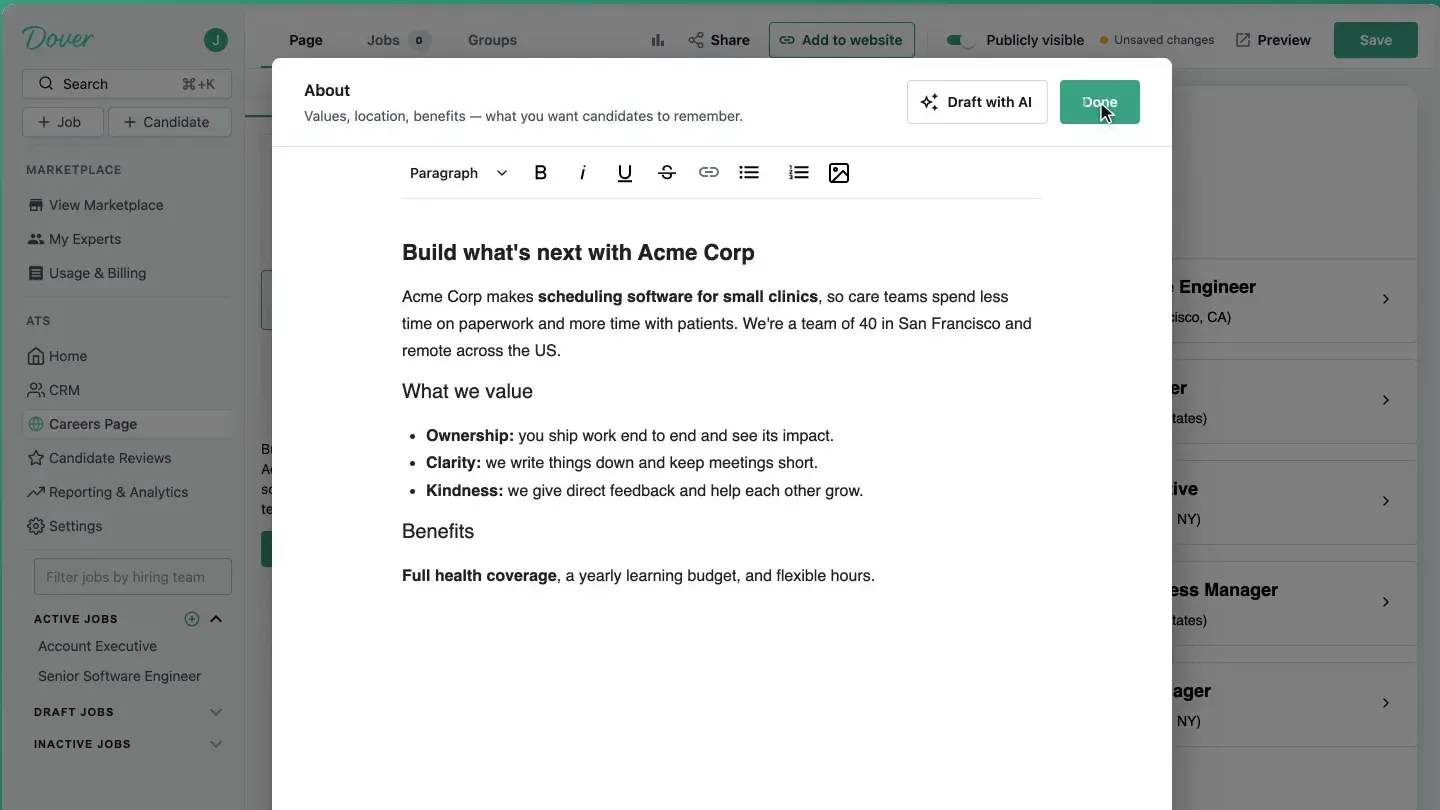
- Click Careers Page in the left sidebar.
- Click Add to website, then Link, and copy your Branded URL.
- To choose a different ending, click Change URL.
Check that the ending is the one you want before you share it. Full steps and screenshots are in the help article.
Careers page subdomain availability and pricing
Included in ATS Premium, $199/month, and in Enterprise. On Free, the branded URL is shown with an Upgrade to use it button. See plans and pricing.
Frequently asked questions
Is a Dover careers page subdomain free?
No, the branded URL is an ATS Premium feature. Free careers pages use the default link.
Can I use my own domain instead of dover.com for my Dover careers page?
No, the branded URL ends in dover.com. You can embed the page in your own website instead, which is also part of ATS Premium.