Overview
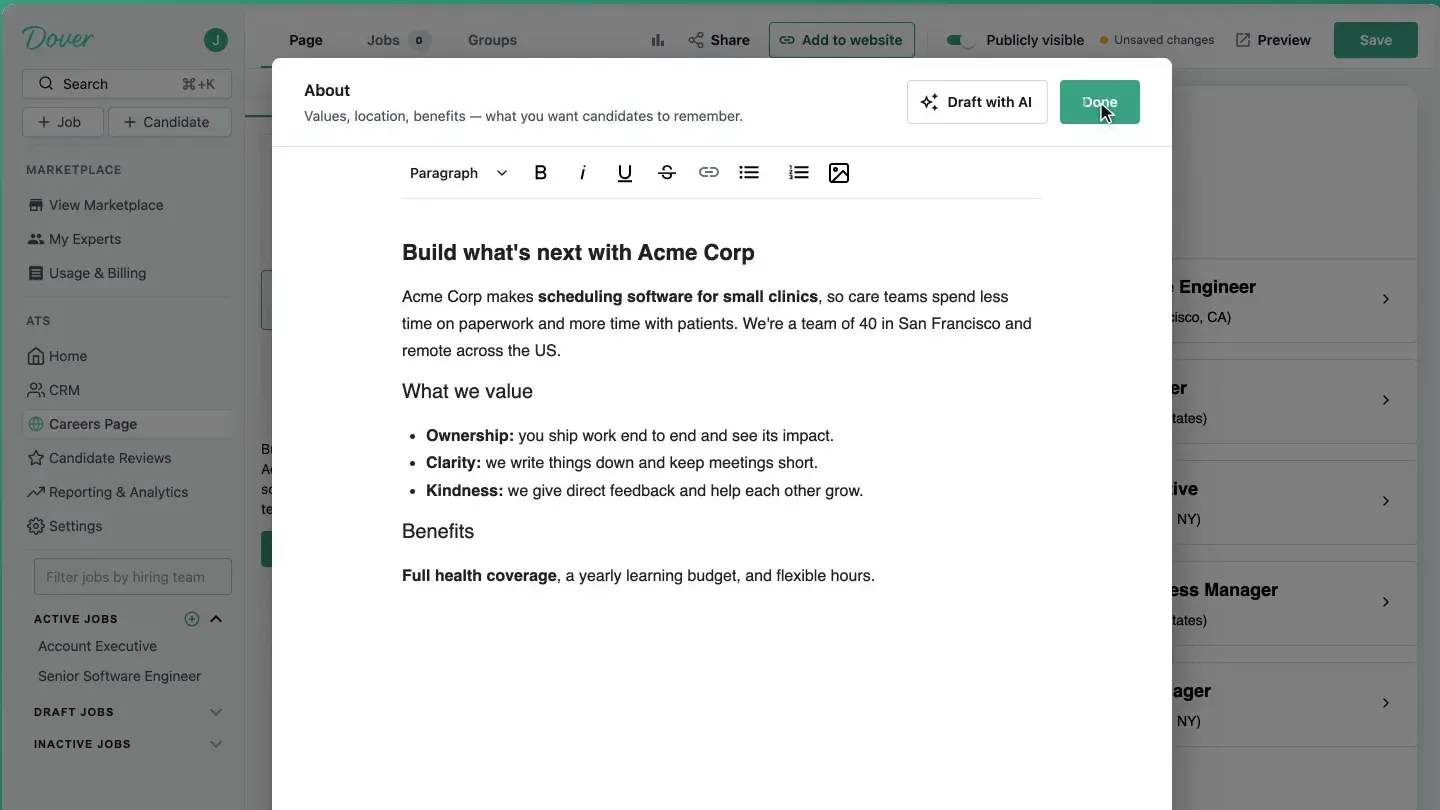
Dover’s careers page editor now shows your real page while you edit it, so you can judge the result before candidates do. It’s included in Free and Premium. Writing a company description in a form and opening another tab to check it makes small changes slow. Now each edit appears on the page as you make it, and nothing goes live until you click Save.
What the careers page editor does
Click a part of the page, or pick it in the Sections panel:
- Header: your logo, its size and your homepage URL.
- Highlights: quick facts and links.
- About: your description. Draft with AI can write a first version from your website for you to edit.
- Open Positions: shortcuts to publish and group jobs.
Empty sections show sample content, marked as not visible to candidates. The editor adapts to desktop, tablet and phone, and on a tablet you can switch the preview between Desktop and Phone.
Set up the careers page editor
- Click Careers Page in the left sidebar.
- Edit a section on the page and click Save.
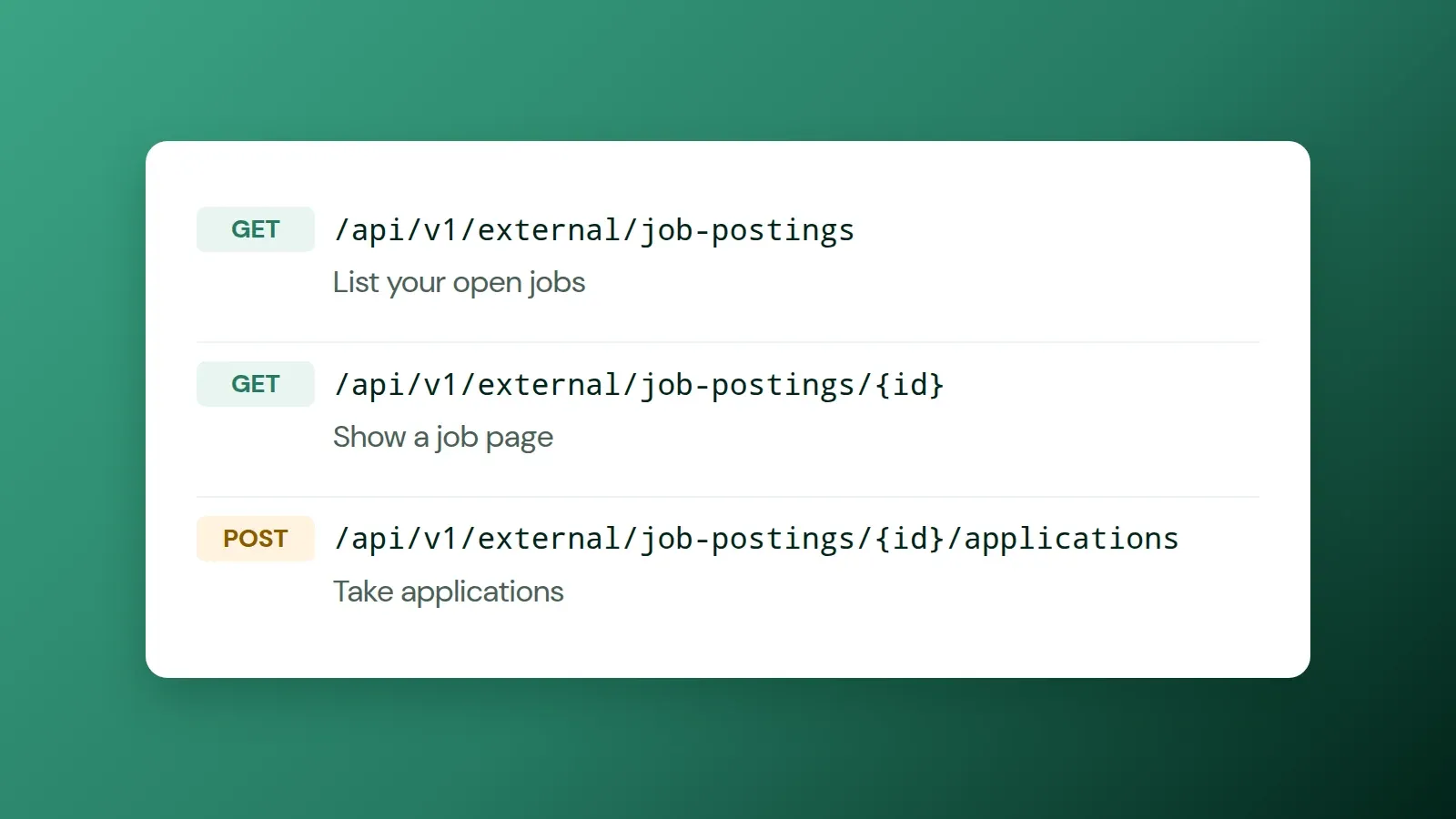
- Click Add to website in the top bar to copy the link, embed the page, use the API or email instructions to your website admin. It also shows whether the page is Live or Hidden.
Write your About section first, save, then publish a job on the Jobs tab. Full steps and screenshots are in the help article.
Careers page editor availability and pricing
The editor is on every plan. Saving fonts and colors, a branded URL and the API need ATS Premium. Embedding needs Premium for workspaces created on or after November 13, 2026. See plans and pricing.
Frequently asked questions
Is the Dover careers page editor free?
Yes, the editor and live preview are on Free and Premium. Saving fonts and colors, using a branded URL and the API need ATS Premium.
Do candidates see my changes while I edit my Dover careers page?
No. The preview shows unsaved changes only to you, and candidates see them after you click Save.
What is the sample content in the Dover careers page editor?
It fills sections you haven't completed yet, so you can picture the finished page. Candidates never see it.