Overview
Dover’s bulk update lets you change the stage or status of many candidates from the Candidates board. It’s part of ATS Premium. Pipelines drift: a round gets dropped, a role is filled, or a stage collects people nobody has touched in weeks. Dragging each card to the right place is slow, so the board stops matching what is really happening.
What bulk update does
- Selects the right candidates. Check the box on each card, or the box next to a stage’s name to select everyone in it. Then clear anyone who should stay where they are. Opening a card still works as before.
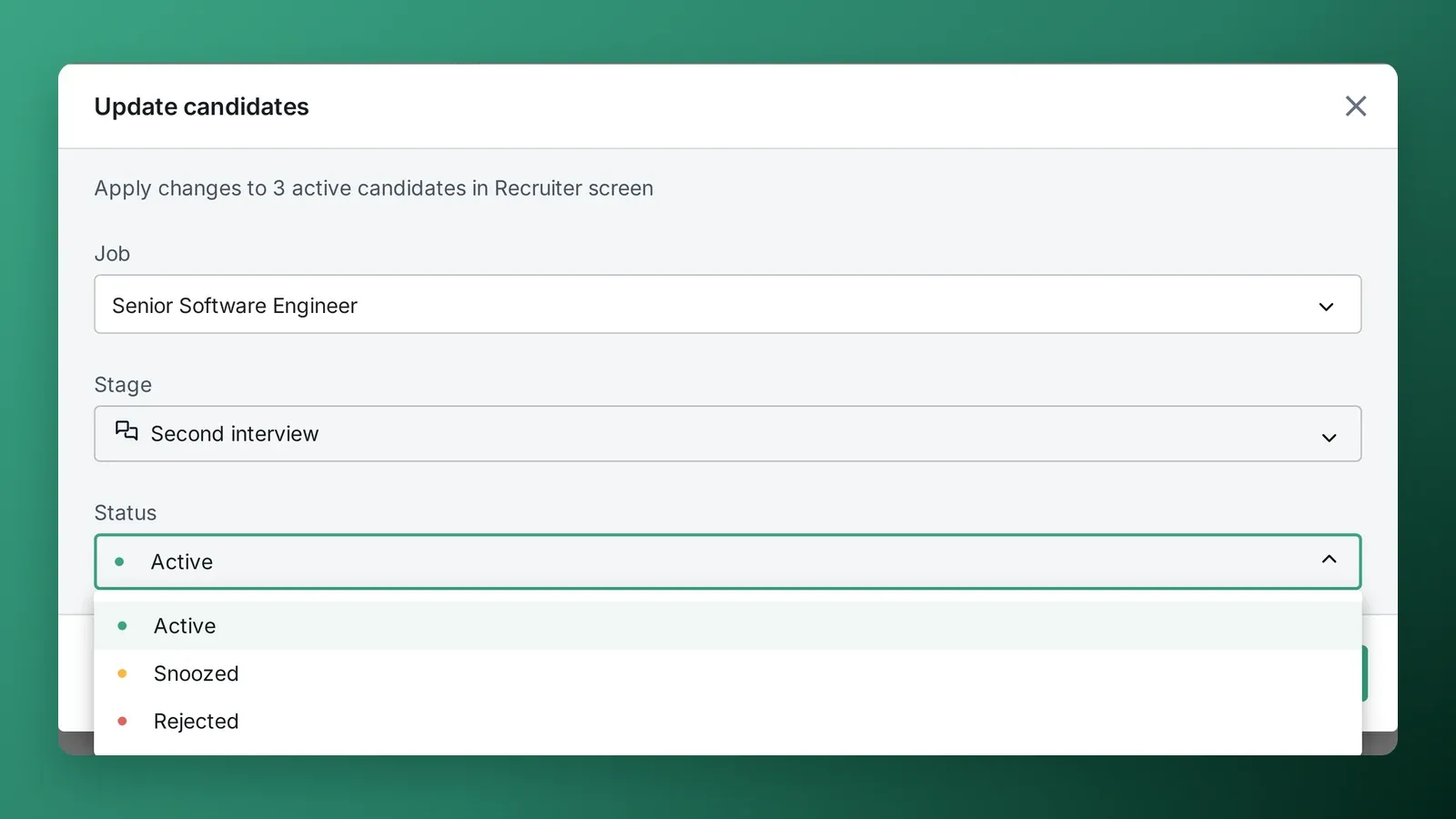
- Changes stage and status together. Stage moves the group to another step of the interview plan. Status can be Active, Snoozed or Rejected.
- Runs large updates in the background. A progress card shows how far along they are.
You decide who is included before anything changes.
Set up bulk update
- Open a job, click Candidates and stay on the board view.
- Select the candidates or stage you want.
- Click Actions, then Update N candidates, and choose the new stage or status.
A good first use is an old stage: select everyone in it, clear the people you still want to talk to, and snooze the rest. Full steps and screenshots are in the help article.
Bulk update availability and pricing
Bulk update is included in ATS Premium. You can update up to 10,000 candidates at a time. See plans and pricing.
Frequently asked questions
Is Dover bulk update free?
No. Bulk update is part of ATS Premium. On the Free plan you can still update candidates one at a time.
Can I bulk update everyone in a stage in Dover?
Yes. Check the box next to the stage's name on the board. You can then clear anyone you want to leave out.
What does Mixed mean in the Dover bulk update Status field?
The people you selected have different statuses. Dover leaves them as they are unless you choose one.