Overview
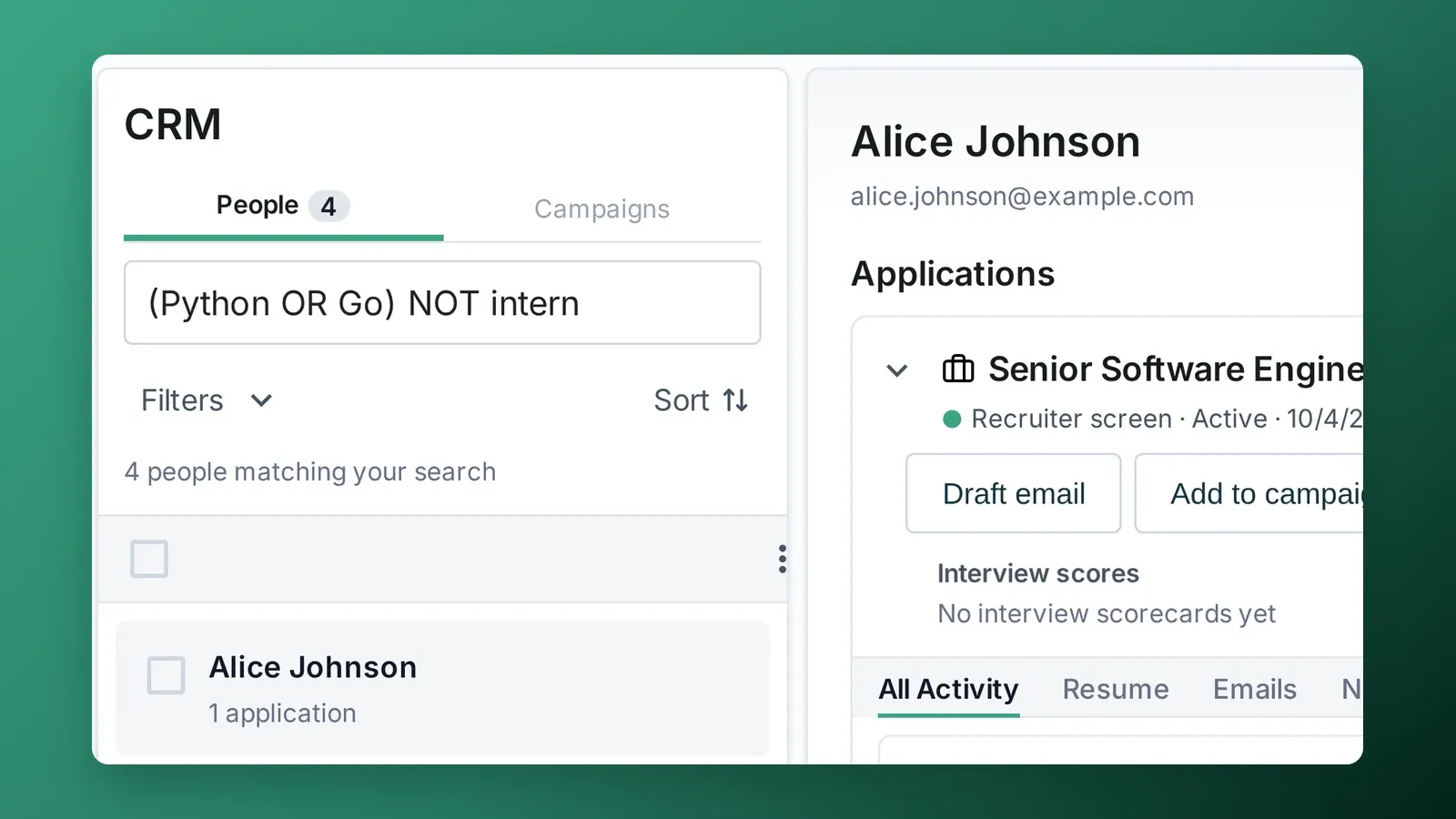
Dover’s Boolean search lets you combine keywords when you look for people in the CRM and Applicants lists. It’s included in Free and Premium, with no setup. A single keyword returns too many people, and the same skill goes by several names. Boolean search uses the syntax you may know from LinkedIn: ("data scientist" OR "data analyst") AND python finds data scientists and data analysts who also know Python.
What Boolean search does
ANDfinds people who match every term. A space does the same.ORfinds people who match any of them.NOTleaves out the term after it, as inmanager NOT intern.- Quotes find an exact phrase, and parentheses group terms.
How Boolean search works
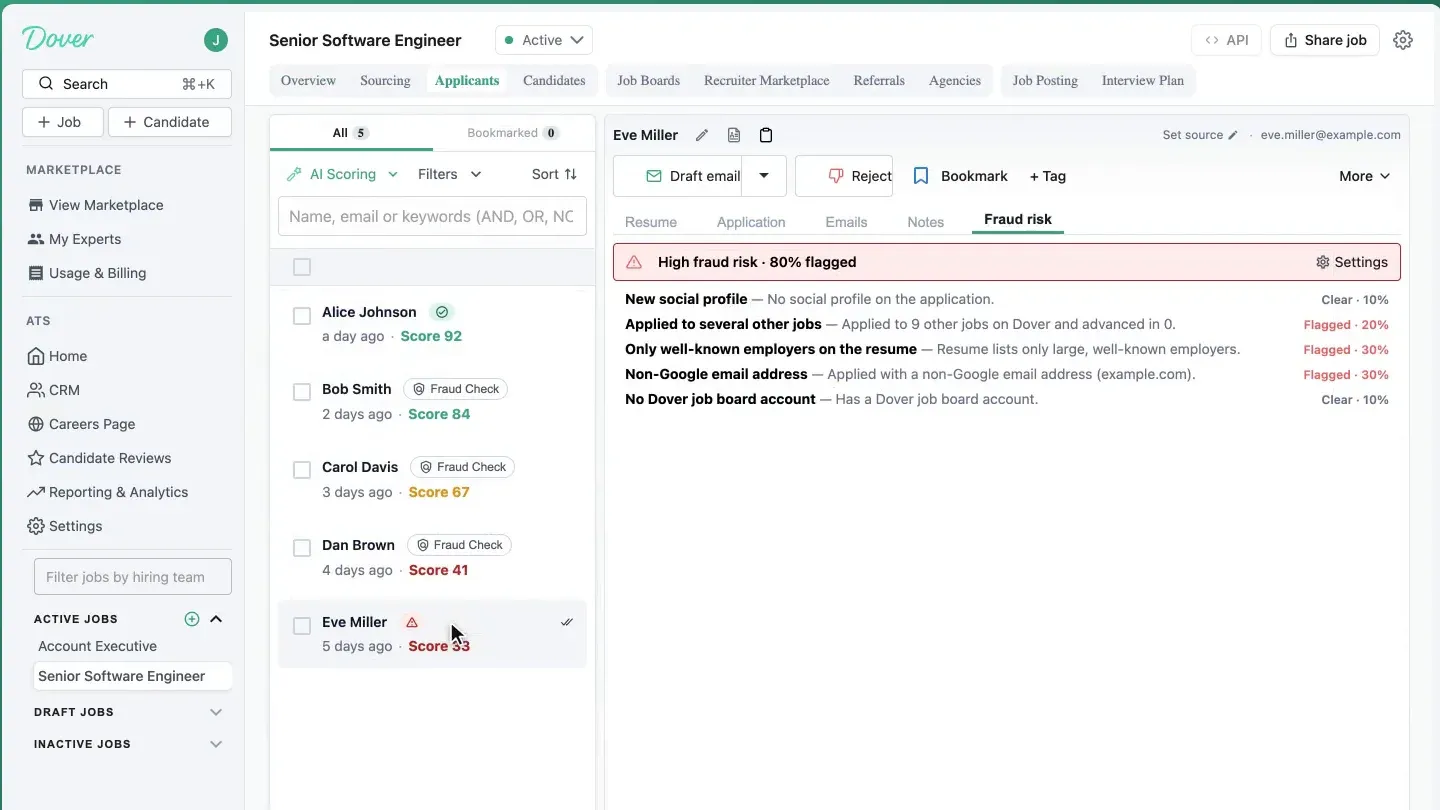
It covers resumes, uploaded documents, application answers, names and emails. In CRM it looks across your jobs; in Applicants, at the job you have open. An applicant’s resume highlights the words that can match, and never the terms you excluded. People without a resume or application on file don’t appear, and tags aren’t searched.
Set up Boolean search
- Open CRM, or Applicants on a job.
- Type in the search bar, with the operators in uppercase.
Start with two job titles joined by OR, then add a skill. Full steps and screenshots are in the help article.
Boolean search availability and pricing
Boolean search is included in Free and Premium, with no setup. See plans and pricing.
Frequently asked questions
Is Dover Boolean search free?
Yes, it's included in Free and Premium, in both the CRM and a job's Applicants list.
Why doesn't my Dover Boolean search use the operators I typed?
Type AND, OR and NOT in uppercase. In lowercase, Dover treats them as ordinary words.
Can I use wildcards or plus and minus signs in Dover Boolean search?
No. Use AND instead of +, and NOT instead of -. Dover already matches common forms of a word, so engineer also finds engineers and engineering.