Overview
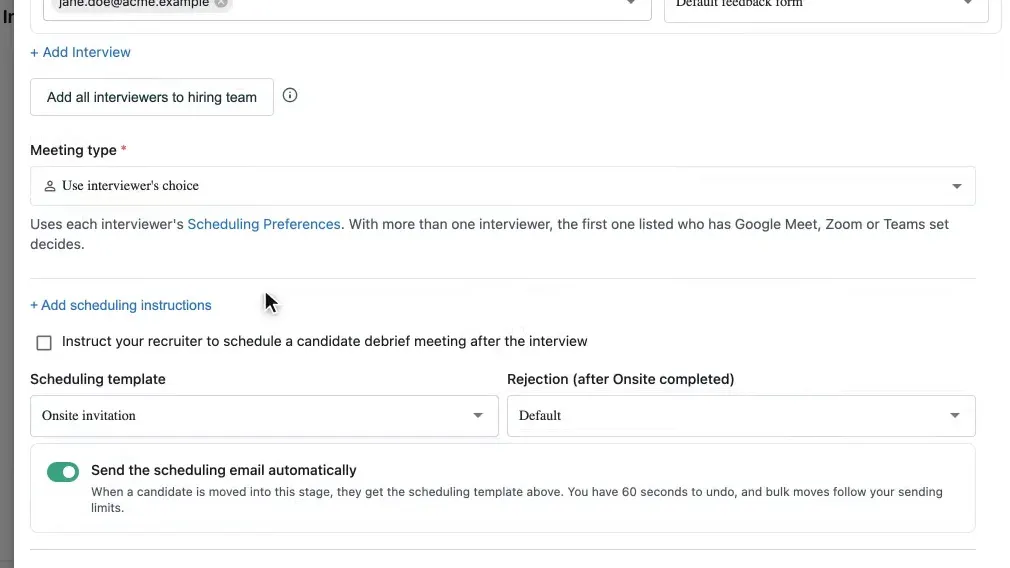
Dover’s scheduling preferences now let you offer more than one block of hours a day and decide how far ahead candidates can book. They’re on every plan, for interviewers who use a Dover scheduling link. A single start and end time rarely describes a working day, and with no booking limit an interview could land in a month you hadn’t planned yet.
What scheduling preferences do
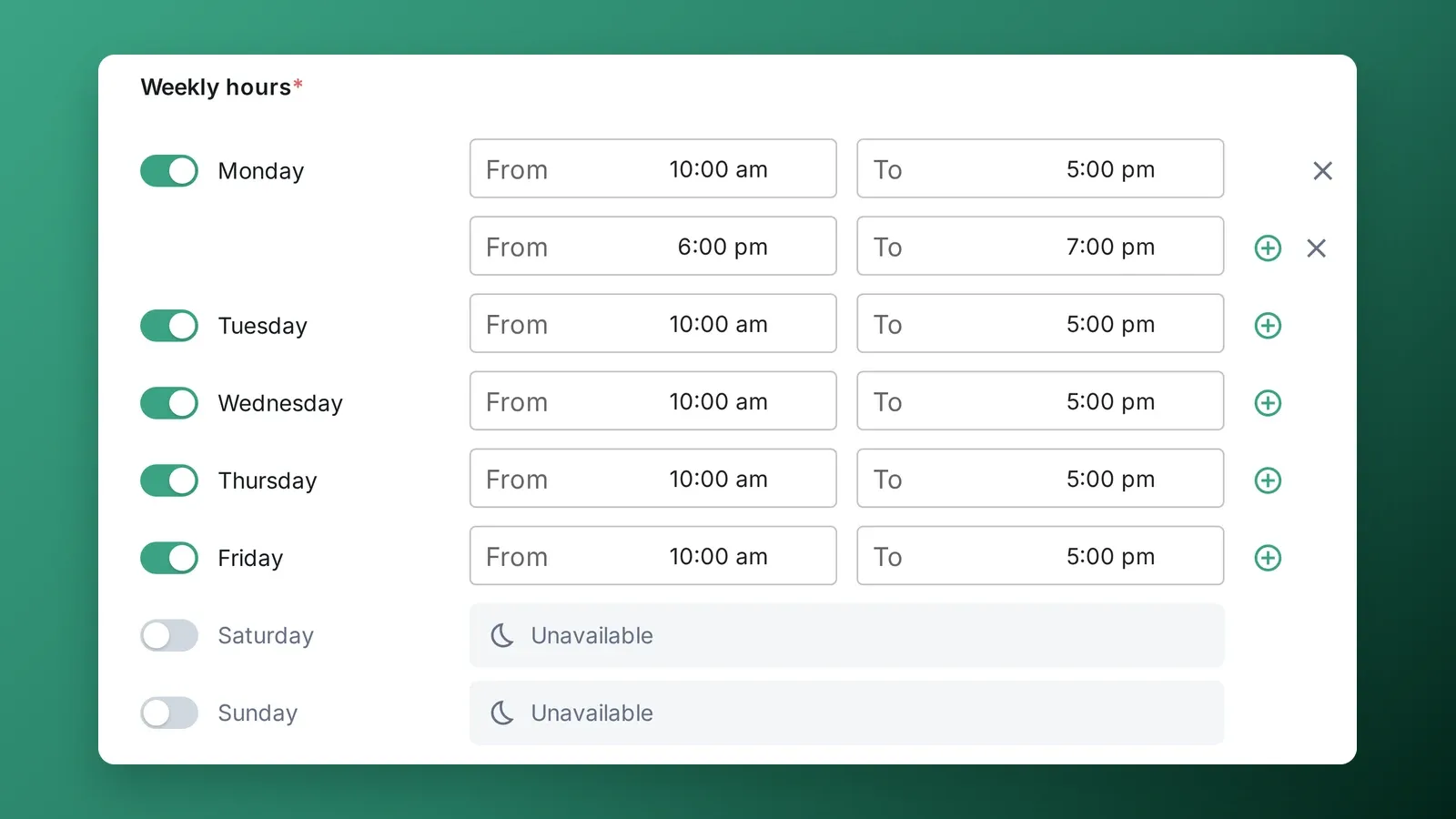
- Split a day into blocks. Under Weekly hours, turn on a day and click Add hours for another block, such as a morning and a late afternoon. Dover warns you when two blocks on the same day overlap.
- Limit how far ahead candidates book. Maximum scheduling range offers 7 to 90 days and starts at 30. It sits with Minimum notice required, Buffer time between events and Maximum interviews per day.
- Check what candidates will see. Click Preview next to Weekly hours to see when candidates can book, with your conflicts marked.
Every interviewer sets their own. The page’s settings are grouped into sections that open and close.
Set up scheduling preferences
- Go to Account settings → Scheduling and connect your calendar.
- Set your weekly hours and click Save.
- Click Preview to check the result.
Do this before you send your next link. Full steps and screenshots are in the help article.
Scheduling preferences availability and pricing
These settings are included in Free, Premium and Enterprise. They apply to Dover scheduling links. With a third-party link, the other tool controls your availability. See plans and pricing.
Frequently asked questions
Are Dover scheduling preferences free?
Yes. They're on Free, Premium and Enterprise, for interviewers who use a Dover scheduling link.
How do I add a second block of hours in Dover scheduling preferences?
Go to Account settings → Scheduling. Under Weekly hours, click the plus icon next to a day, set the times and click Save.
How far ahead can candidates book with a Dover scheduling link?
30 days by default. You can change it to 7, 14, 21, 45, 60 or 90 days.