Overview
Microsoft Calendar connects your Outlook calendar to Dover, so candidates book interviews at times you’re free and join them on Microsoft Teams. It’s for interviewers on Microsoft 365, and it’s included in both the Free and Premium plans.
Teams that live in Outlook have had to schedule interviews outside Dover. That means comparing calendars by hand, creating the Teams meeting, emailing the link, and then updating the candidate in Dover. A reschedule starts all of it again, and it’s easy to leave the old event on someone’s calendar.
What Microsoft Calendar does
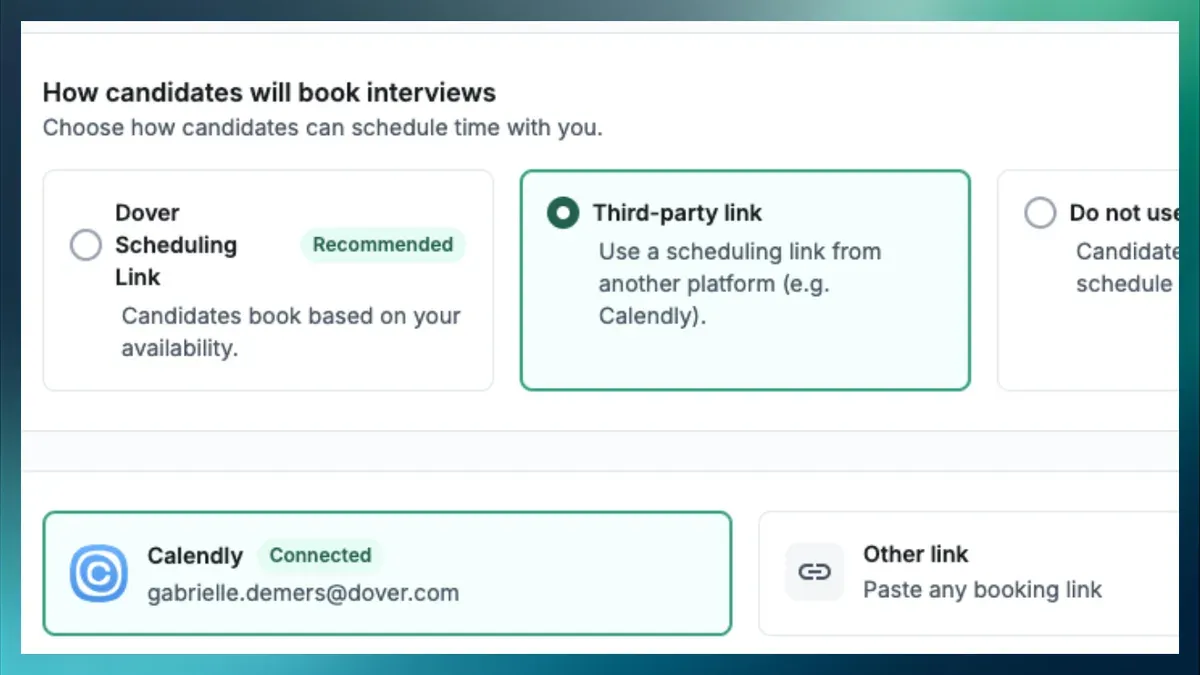
- Offer times from your Outlook calendar. Candidates choose from open times on your Dover scheduling link. Dover checks your calendar so nobody books over an existing event. Candidates can reschedule with the same kind of link that Google Calendar users send.
- Create the Teams meeting automatically. With Full permissions, Dover creates the event on your own Outlook calendar, with a Microsoft Teams link for the meeting. The candidate and interviewers get the invitation. In Account settings → Scheduling, you can choose a different Meeting location, such as Zoom or a phone call.
You set the hours you’re available, and you choose how much of your calendar Dover can see.
How Microsoft Calendar works
Each person picks a level when they connect:
- Full permissions: Dover sees event details and books on your own calendar.
- Minimal permissions: Dover sees only whether you’re free or busy, and books on the Dover hiring calendar. You and the candidate are invited, so the event still appears on your calendar.
To switch later, click Change next to your permission level and connect again. Calendar and email are connected separately, so each can use a different provider.
Set up Microsoft Calendar
- Each interviewer goes to Account settings → Email & Calendar and clicks Connect next to Microsoft Outlook under Calendar.
- Choose a permission level and click Continue with Microsoft.
- Set your availability in Account settings → Scheduling.
Set your availability before you send your first link. Full steps and screenshots are in the help article.
Microsoft Calendar availability and pricing
The connection and Dover scheduling links are included in Free and Premium. The Schedule Interview tool needs Premium, which is $199/month. You need a Microsoft business account, and your company’s admin settings may have to allow Dover. See plans and pricing.
Frequently asked questions
Is Microsoft Calendar free to use in Dover?
The connection and Dover scheduling links are included in Free and Premium. The Schedule Interview tool, where you place the meeting yourself, needs Premium.
Do Dover interviews get a Microsoft Teams link?
Yes, with Full permissions Dover creates a Teams link for the meeting.
Can I use Outlook Calendar with Gmail in Dover?
Yes. Calendar and email are connected separately, so each can use a different provider.