Overview
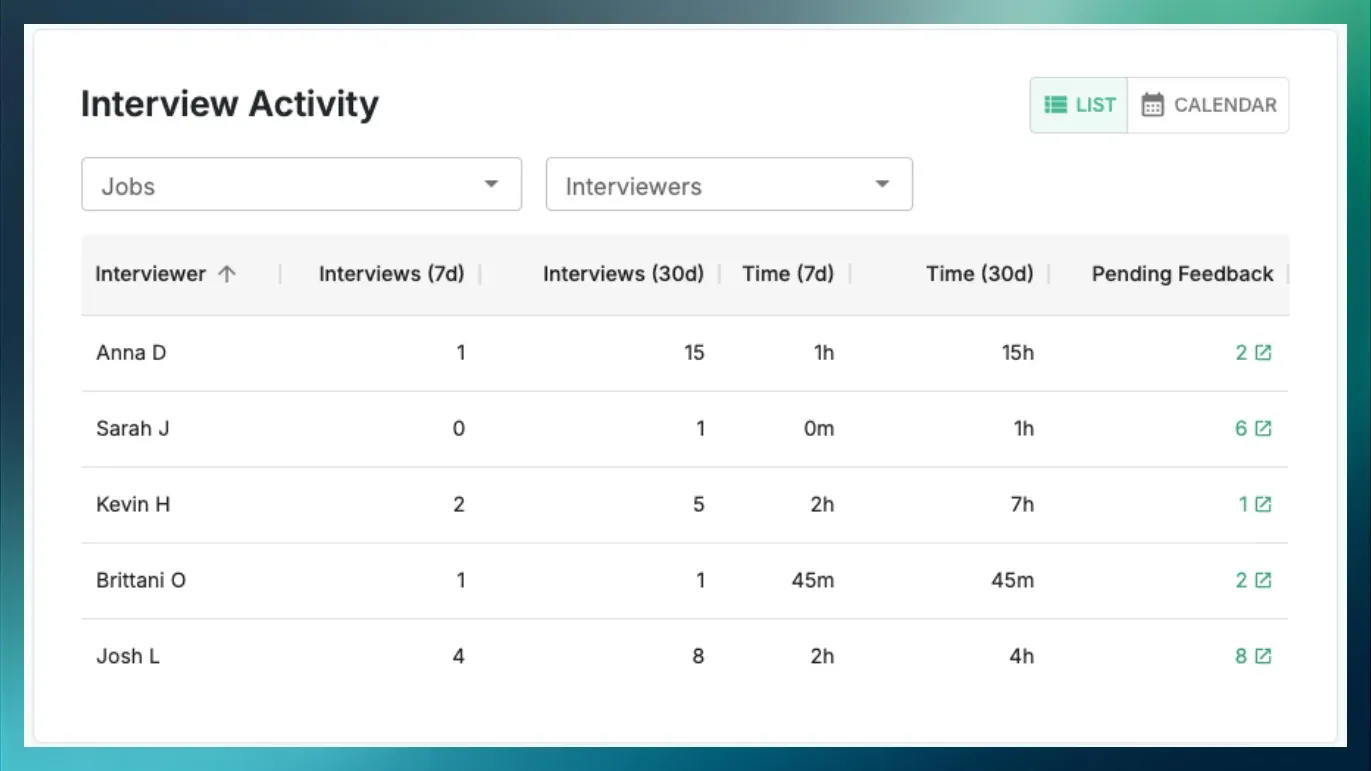
Interview activity is a section of the Dover home page that shows how many interviews each person on your team has coming up and how much time they take. It’s for recruiters and hiring leads, and it’s included in every plan.
Interview work is easy to lose track of. One engineer ends up with six interviews in a week while a colleague has none, and feedback gets missed the same way: the interview happened, but the form is still empty and the candidate is waiting.
What interview activity does
- Compare how much each person is interviewing. List has one row for each interviewer, with interviews in the next 7 and 30 days, time scheduled in the next 7 and 30 days, and pending feedback. Sort by any column, for example to put the busiest person at the top before you assign a new stage.
- Find feedback that hasn’t been submitted. A number under Pending Feedback is a link. Click it to see each interview that is still missing a form, with the candidate, job, interview and date. Complete feedback opens the form.
- See interviews on a calendar. Calendar shows individual interviews by week or month. Point at one to see the interviewer, the interview, the candidate and the job.
- Filter by job or interviewer. Jobs and Interviewers filter whichever view you’re in, and each takes more than one choice.
Interview activity doesn’t reassign anyone, so you decide what to change.
How interview activity works
The list counts interviews from today forward, and the Pending Feedback count looks back over the last 90 days. In the calendar you can move back and forth between dates. Interview activity counts interviews that Dover knows about: those booked through Dover, and those your team recorded on a candidate’s profile. Other meetings on someone’s calendar aren’t included. You only see jobs you can view.
Set up interview activity
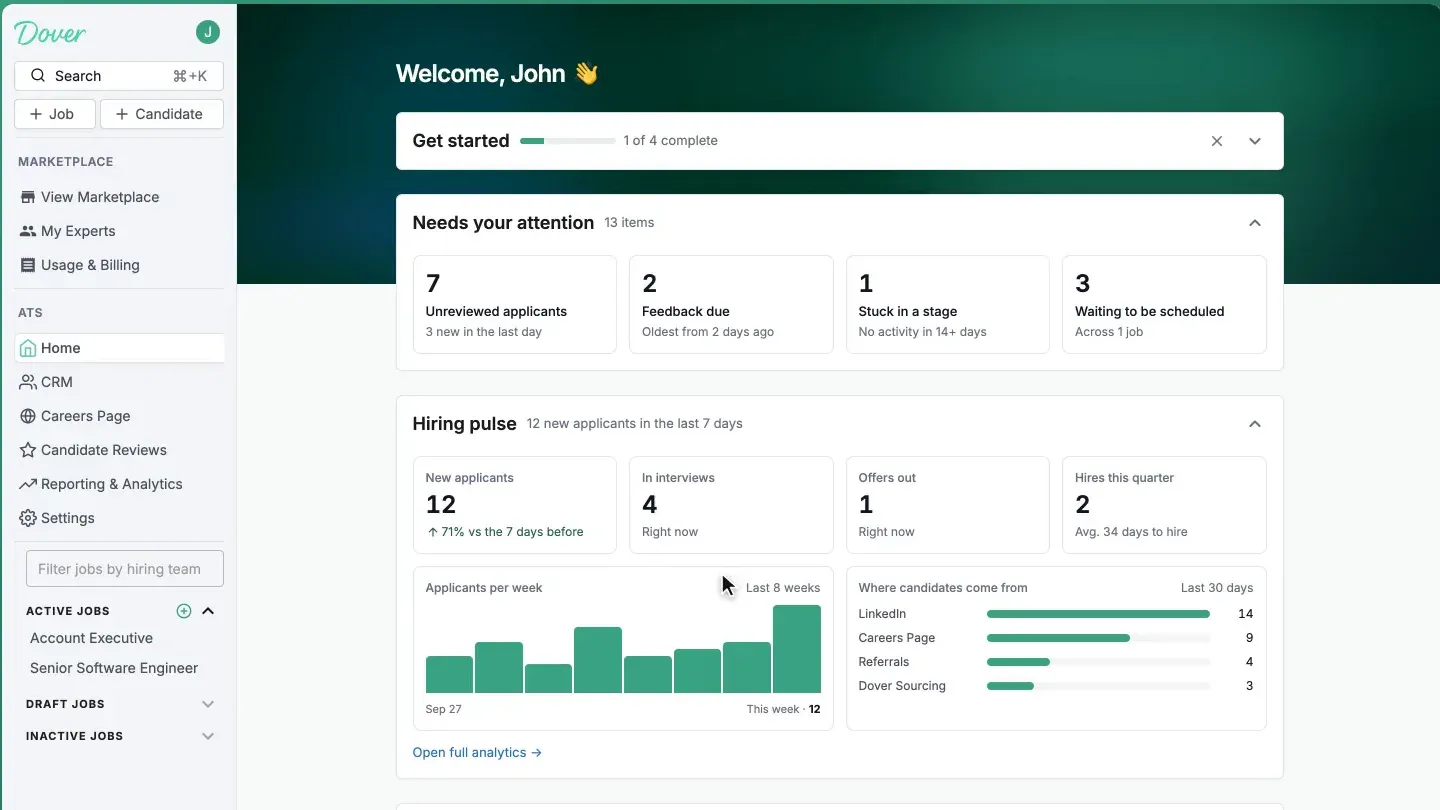
- Open Home and scroll to Interview activity.
- If you don’t see it, ask an admin for Reporting & analytics access.
- Choose List or Calendar, and filter by Jobs or Interviewers.
Begin with Pending Feedback: open the largest number and ask that person to finish their forms. Full steps and screenshots are in the help article.
Interview activity availability and pricing
Interview activity is included in Free, Premium and Enterprise. You see it if you have the Reporting & analytics permission. See plans and pricing.
Frequently asked questions
Is Dover interview activity free?
Yes. It's on Free, Premium and Enterprise. You need the Reporting & analytics permission to see it.
How do I turn on interview activity in Dover?
There's nothing to turn on. Open Home in Dover and scroll to Interview activity.
Can I see past interviews in Dover interview activity?
The list counts interviews from today forward. The calendar lets you go back to earlier weeks and months.