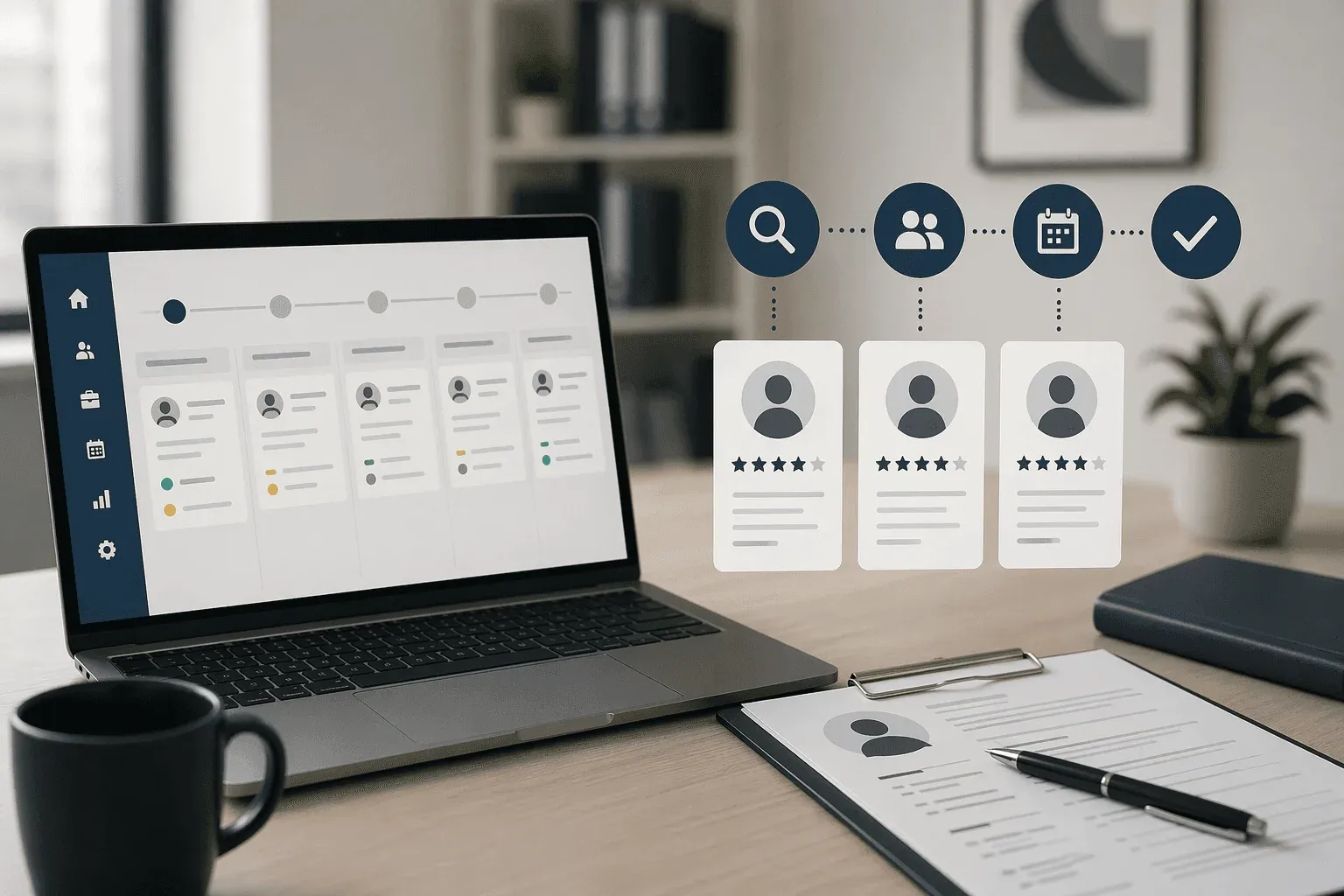
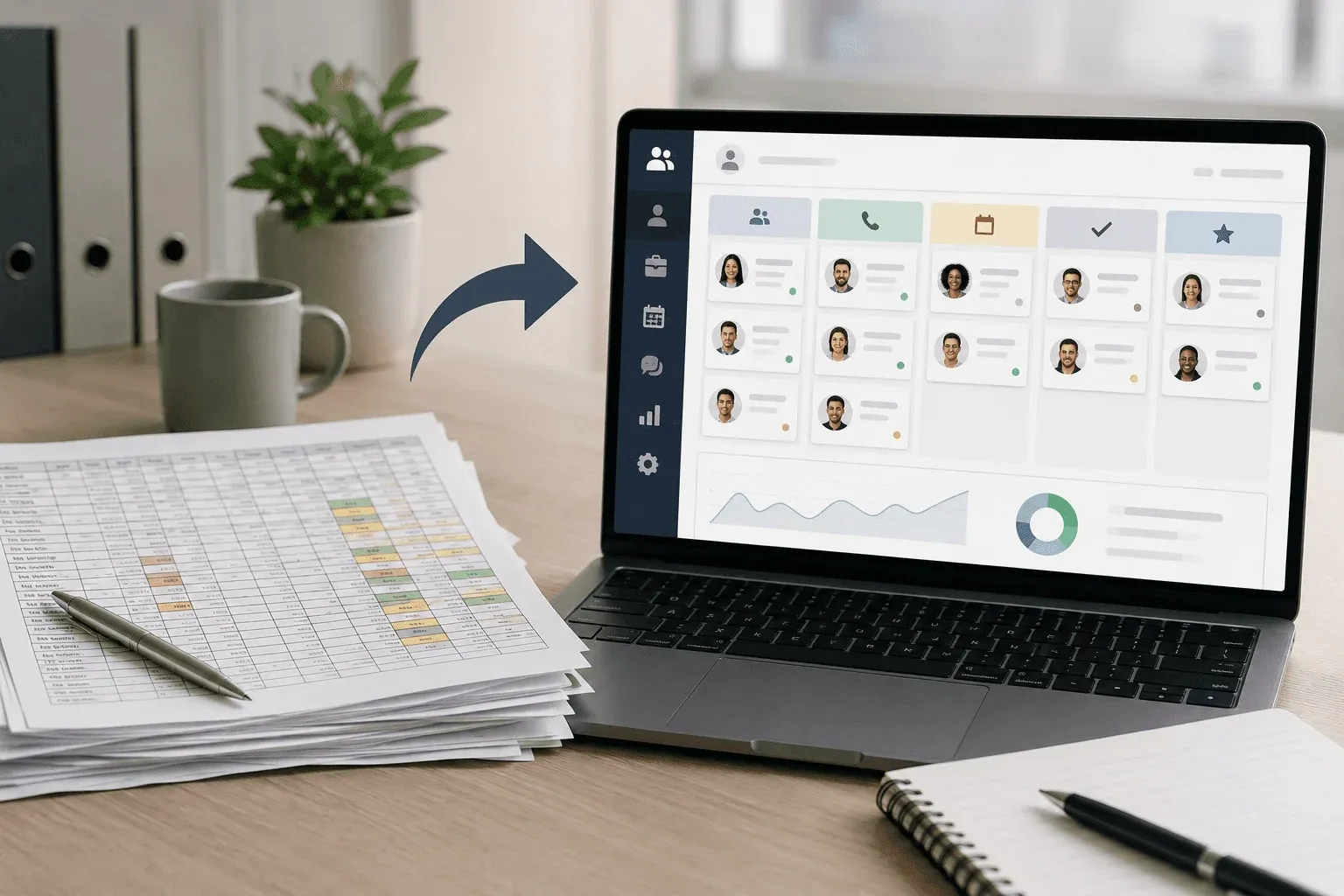
Spreadsheets handle hiring fine for a handful of candidates, but past ten or fifteen the system breaks in quiet ways: a strong candidate’s follow-up gets buried, two people edit the same file and one set of changes disappears, a phone screen never gets scheduled because the row fell below the fold. Since candidates who don’t hear back within a week often withdraw or accept another offer, that manual-update lag is hard to avoid. The spreadsheet vs ATS for hiring question comes up right here, when teams realize they’re managing the tool more than the pipeline and start looking for candidate tracking spreadsheet alternatives that handle concurrent edits, automatic logging, and shared visibility without babysitting every status change.
TLDR:
-
Spreadsheets lose candidates when multiple people edit simultaneously, creating version conflicts and data overwrites without audit trails.
-
Manual data entry accumulates into hours across 20+ candidates, and stale information leads to decisions based on outdated status updates.
-
Spreadsheets can’t answer where candidates are stuck or which sources convert without manual reconstruction of timelines and stages.
-
An ATS automates candidate movement through defined stages and logs communication directly to each record instead of scattered inboxes.
-
Some tools pair free ATS software with on-demand recruiting support, letting teams run searches independently and add help when needed.
The Collaboration Nightmare (When Two People Touch the Same Spreadsheet)
Collaborative editing in spreadsheets is a race condition waiting to happen. The moment a second person opens your hiring file, you’re no longer working from one reliable record. One interviewer marks a candidate “rejected” mid-conversation about next steps, a hiring manager reformats columns and breaks every formula, or someone adds notes in the wrong row.

Spreadsheets make conflicting edits and accidental overwrites much easier when multiple people manage the same hiring pipeline.
A dedicated candidate tracking tool handles concurrent access by design: status updates are tied to specific candidates, changes are timestamped, and everyone sees the same record without overwriting each other’s work.
Your Candidates Are Getting Lost (And You Don’t Even Know It)
Under ten candidates, a spreadsheet works, but hiring rarely stays that contained. A single role can pull in dozens of applicants within days, and BLS job openings and turnover data shows hiring volume stays high, so teams feel this sooner than they expect. The most common failure isn’t dramatic data loss; it’s quieter: a buried follow-up, a phone screen never scheduled, feedback that never made it into the sheet.
Research on candidate experience shows many candidates who don’t hear back within a week withdraw or accept another offer, and manual updates make that lag almost unavoidable. Working from different versions of the file means decisions get made on stale information, stages get duplicated, and with no audit trail it’s nearly impossible to spot where candidates drop out.
The Manual Data Entry Tax (And What It’s Really Costing You)
Every status update, feedback note, or logged email thread is time spent on data entry instead of hiring, and across 20 or 30 candidates those minutes become hours. With SHRM’s average cost per hire at $5,475 for non-executive roles in its 2025 data, every lost hour adds up, and the deeper cost is accuracy: with no audit trail or field validation, edits conflict and forgotten updates leave the team deciding on stale information, while some estimates suggest data quality issues cost organizations far more than the visible time loss alone. Across ten or more candidates and multiple roles the problem turns structural: interviewers ask about interviews that already happened, and hiring managers follow up on offers already declined. The best ATS for startups removes that tax: a purpose-built candidate tracking tool logs activity automatically, enforces consistent fields, and gives every stakeholder one accurate view without anyone updating a row to make it true.
An ATS handles pipeline visibility and candidate movement cleanly, but it doesn’t solve sourcing when no one has time to run a search, so when the bottleneck changes from tracking candidates to finding them, some teams layer a fractional recruiter on top of the same ATS to handle sourcing, outreach, and screening inside the shared pipeline. The ATS alone is often enough for one straightforward search; for a senior or specialized role, or one where inbound volume won’t fill the pipeline, recruiter capacity closes the gap without a full-time hire.
When Spreadsheets Can’t Answer Basic Questions About Your Hiring
They go silent at exactly the wrong moment.
When a hiring manager asks “where did we leave things with the candidate who interviewed last Tuesday?” or “how many did we reject at the phone screen last quarter?”, a spreadsheet can’t answer. Someone has to dig through rows and email threads to rebuild a timeline that should have been visible at a glance.

Here are the questions a spreadsheet typically can’t answer without manual reconstruction:
-
Where every active candidate stands right now, without inferring status from color codes or date stamps someone forgot to update.
-
How long candidates sit at each stage, which shows where your process is slowing down and losing people.
-
Which sources produce candidates who convert, versus sources that generate volume but rarely get past the first call.
-
Whether two teammates are both in contact with the same candidate, a coordination failure that happens more often than it should when hiring lives in a shared doc.
A spreadsheet forces you to answer them manually each time, so the answers often don’t get tracked at all.
What an ATS Actually Does (Beyond Just Storing Resumes)
An ATS handles the parts spreadsheets treat as formatting problems. It moves candidates through defined stages automatically, and when a candidate applies it logs, timestamps, and routes them without anyone opening a file.
The bigger difference shows up in a few areas:
-
Stage-based pipeline views let everyone see where each candidate stands without asking, without version conflicts, and without being the last person to touch the spreadsheet. The best ATS 2026 options all include this.
-
Interview scheduling and communication logs attach directly to the candidate record, so context doesn’t live in an inbox or vanish when someone leaves.
-
Reporting on time-to-hire, drop-off rates, and source quality becomes something a team can act on, instead of a manual count that’s outdated by the time it’s done.
Spreadsheets can approximate some of this, but only with constant maintenance. An ATS offloads that work so decisions get made on current information.
| Tracking Need | Spreadsheet Approach | ATS Approach |
|---|---|---|
| Candidate status updates | Manual cell edits with version conflicts when multiple people work simultaneously | Automatic logging tied to candidate record, visible to all stakeholders without conflicts |
| Interview scheduling and communication | Lives in scattered inboxes, requires manual copying into notes column | Attached directly to candidate profile with timestamps and full context |
| Pipeline visibility | Requires scrolling through rows and interpreting color codes that may be outdated | Stage-based views show where every candidate stands right now |
| Time-to-hire and drop-off analysis | Manual reconstruction from date stamps and status changes across multiple columns | Built-in reporting on stage duration, source quality, and conversion rates |
| Coordination across team members | Slack messages asking “did you update the sheet?” and “which version are we using?” | Single source of truth with activity logs showing who did what and when |
How to Move from Spreadsheets to an ATS Without Losing Your Pipeline
Most teams don’t lose candidates during the switch itself. They lose them in the gap between deciding to switch and having a working system.
Export your spreadsheet to a clean CSV. Most ATS tools accept a standard import covering name, email, role, current stage, and notes. First, audit the data: remove duplicates, fill in missing emails, and standardize stage names to map onto the stages the new system uses. Importing messy data just recreates the problem in a new container.
Rebuild your stage definitions before inviting collaborators. Replace vague columns like “reached out” with action-specific stages such as “phone screen booked,” “take-home assignment out,” or “offer made” that give everyone a shared read on where each candidate stands.
Preserving context during the handoff
Notes are the hardest thing to migrate and the easiest to lose. Copy freeform notes columns into the candidate profile before archiving the old file. Most ATS tools let you log notes directly against a candidate record, and some allow bulk CSV imports. Check this first: re-entering notes across 30 or 40 candidates is the friction that makes teams revert to the spreadsheet.
Don’t notify active candidates about the switch; it’s internal infrastructure. What they notice is slower response times, so keep a lightweight checklist of anyone awaiting a reply and clear it around the cutover.
Give yourself a two-week overlap where both systems exist, but treat the ATS as the source of truth from day one. Keep the spreadsheet read-only in case something didn’t import, then archive it.
Dover’s Free ATS Built for Your First 100 Hires
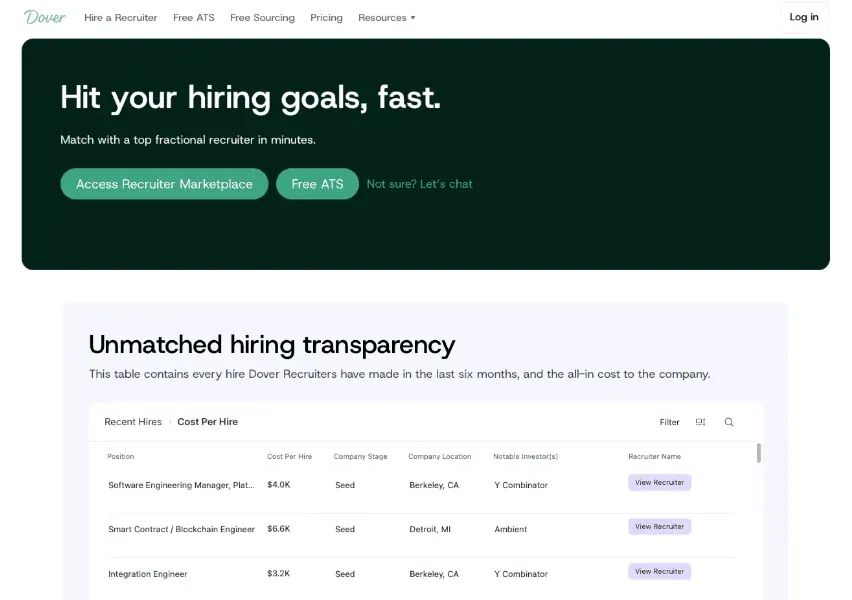
Dover’s free ATS is built for the inflection point where spreadsheet tracking starts costing you candidates: a follow-up sent twice, a promising candidate left waiting, a decision made without the full picture. Setup takes under five minutes, and the core tracking features cover everything a small team needs to move candidates through a pipeline without losing context between stages.
The structural difference comes down to how information is stored and surfaced. Dover keeps candidate history, communication logs, and stage progress in one place, accessible to everyone involved in a hire without version conflicts or manual updates. It also connects to over 50 job boards, offering the best ATS for job board integration, so distributing a role routes inbound applications directly into the pipeline instead of requiring manual reposting across platforms.
For teams where the ATS solves pipeline management but sourcing or screening still bottleneck, Dover offers access to fractional recruiters who work inside the same system, with no retainer required. A team can run straightforward searches independently and bring in recruiter support only when a role warrants it, senior hires, specialized skill sets, or searches where inbound volume won’t close the role. For a full comparison of best ATS systems, see our complete guide.
Frequently Asked Questions
Spreadsheet vs ATS for hiring: when does it actually matter?
It matters when collaboration overhead outweighs simplicity. Once two or more people are editing candidate status, scheduling interviews, or logging feedback, spreadsheets create version conflicts and Slack threads that cost more time than they save.
Do I need a recruiter if I’m already using an ATS?
An ATS handles pipeline visibility, tracking, and coordination across your team. A fractional recruiter handles sourcing, outreach, and initial screening when your team has no bandwidth. If inbound applications and referrals fill your pipeline and someone can screen them, the ATS is often enough. When a role needs proactive sourcing, the candidate pool is specialized, or the team is at capacity, layering fractional recruiting on top of the ATS closes the gap without a full-time hire.
Can an ATS answer questions a spreadsheet can’t?
Yes. An ATS shows where candidates are right now, how long they sit at each stage, which sources produce candidates who convert, and whether two teammates are contacting the same person. Spreadsheets require someone to build those answers manually every time.
Final Thoughts on Leaving Spreadsheets Behind for Candidate Tracking
Most teams know their spreadsheet has stopped working before they switch, usually after a specific failure: a candidate lost because no one followed up, an interview scheduled twice, or a decision made on outdated information. The spreadsheet vs ATS for hiring decision lands on the same answer once the pipeline grows: an ATS closes those gaps by design, logging activity automatically and giving everyone one accurate view without anyone updating a row. Dover’s free ATS is built for exactly that moment, so the switch takes minutes and your team stops losing candidates to manual lag.