We spent October brewing up some wicked new features: AI recruiter search, Microsoft Calendar and Zoom integrations, a new portal for agencies and referrers, and a whole bag of other goodies.
🧑💼 Marketplace
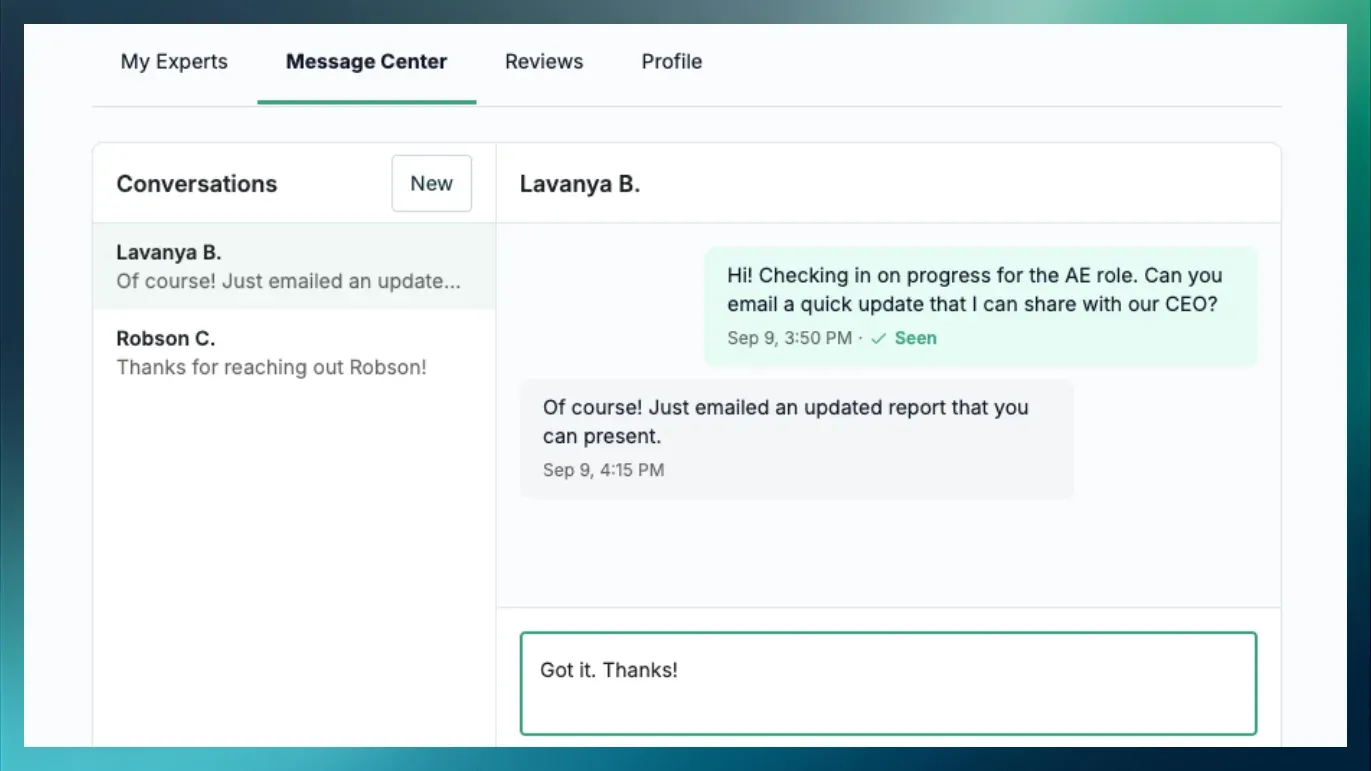
Dover’s Marketplace gives you flexible access to experienced recruiters and startup experts without the cost of a full-time hire. Browse experts, schedule intro calls, and bring on support when you need it.
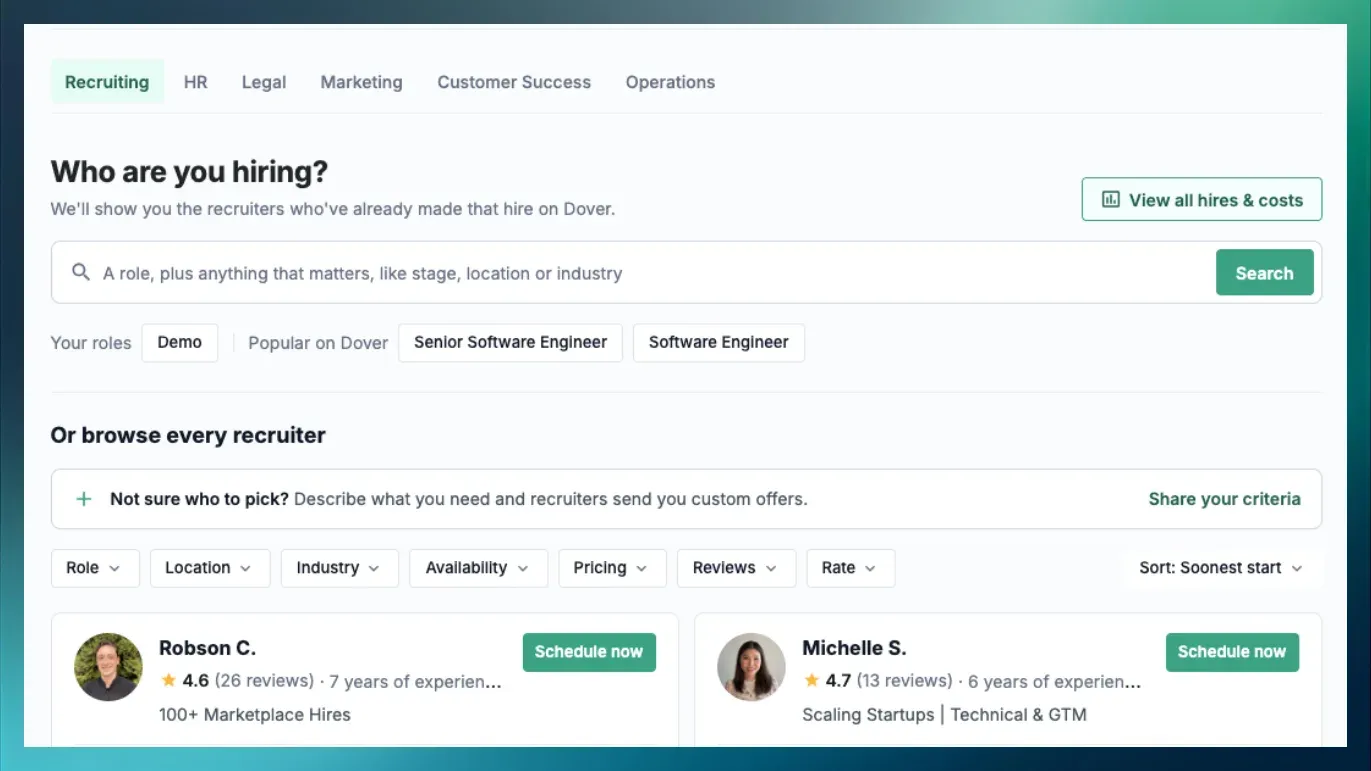
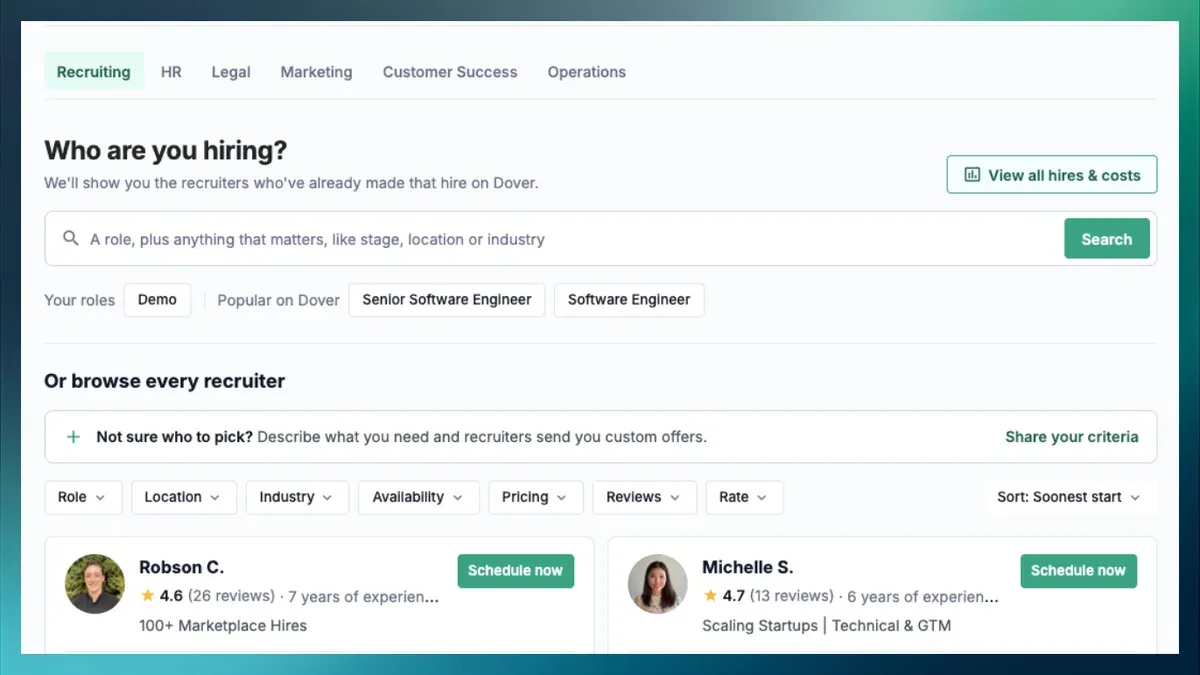
AI recruiter search
Use AI chat to filter recruiter profiles by the experience that matters to you. Ask questions to narrow your options by relevant experience and past hires, and compare recruiters without clicking on every profile.
Interested in joining the marketplace? Become an Expert
🗂️ Applicant Tracking System
Microsoft Calendar integration
Schedule candidate interviews right on your Outlook Calendar, and Microsoft Teams meetings are added automatically.
Zoom integration
Connect your Zoom account and Dover will create a Zoom meeting for every interview, hosted on each interviewer’s own account.
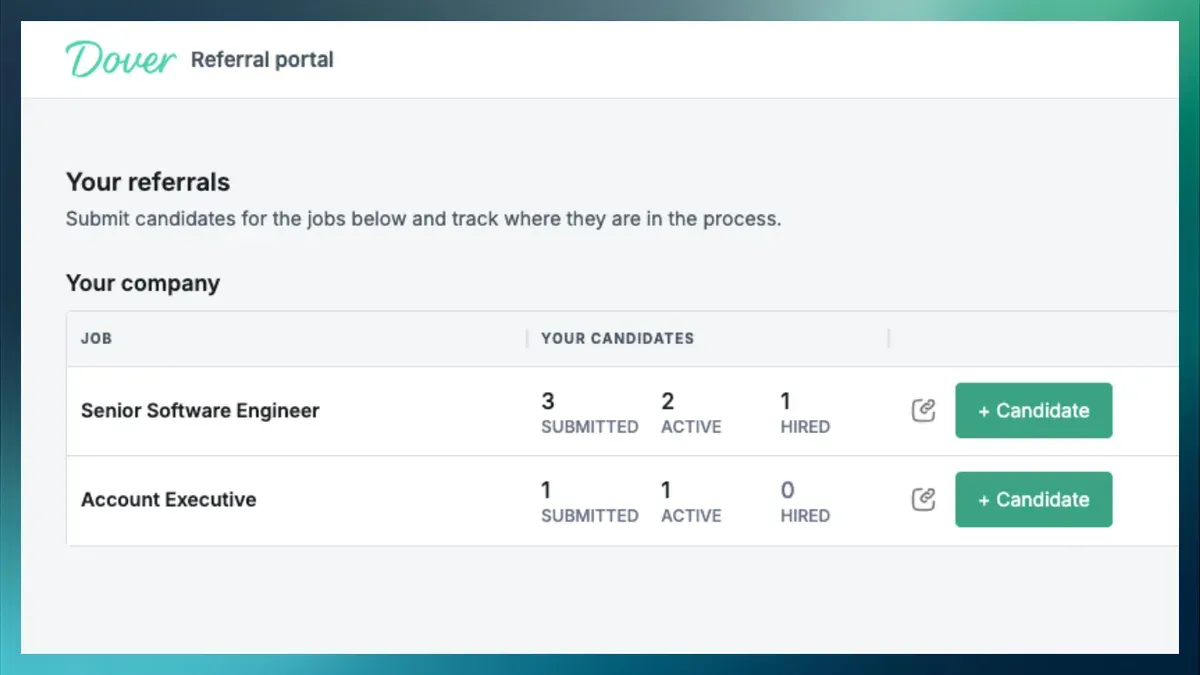
Agency and referral portal
Invite agencies, coworkers, investors, or friends to submit candidates for the jobs you pick. They get their own portal to submit candidates and track their status.
More features you’ll love
-
Compare candidates: Pick 2-5 candidates in the same interview stage and see their feedback, scores, and notes side by side.
-
Document upload questions: Ask applicants for a cover letter, transcript, or any other doc right in your application form.
-
In-app support: Ask us a question and get a reply without leaving Dover.
-
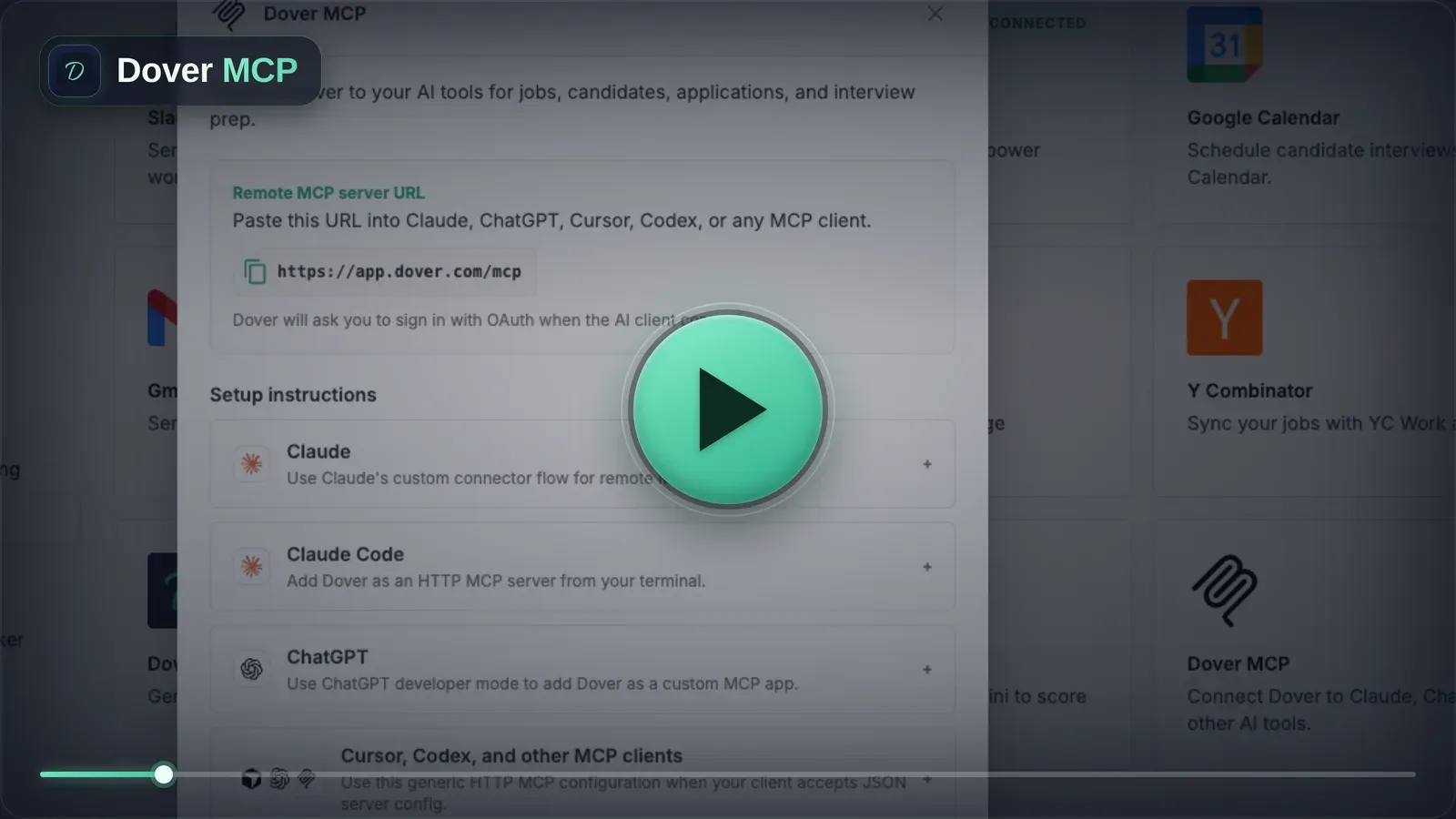
MCP improvements: Fill out interview feedback, edit interview plans, reject or snooze candidates, and check email history right from Claude, ChatGPT, or Cursor.
-
Careers page editor: Preview your careers page while you design it, and add it to your website in a couple of clicks.
-
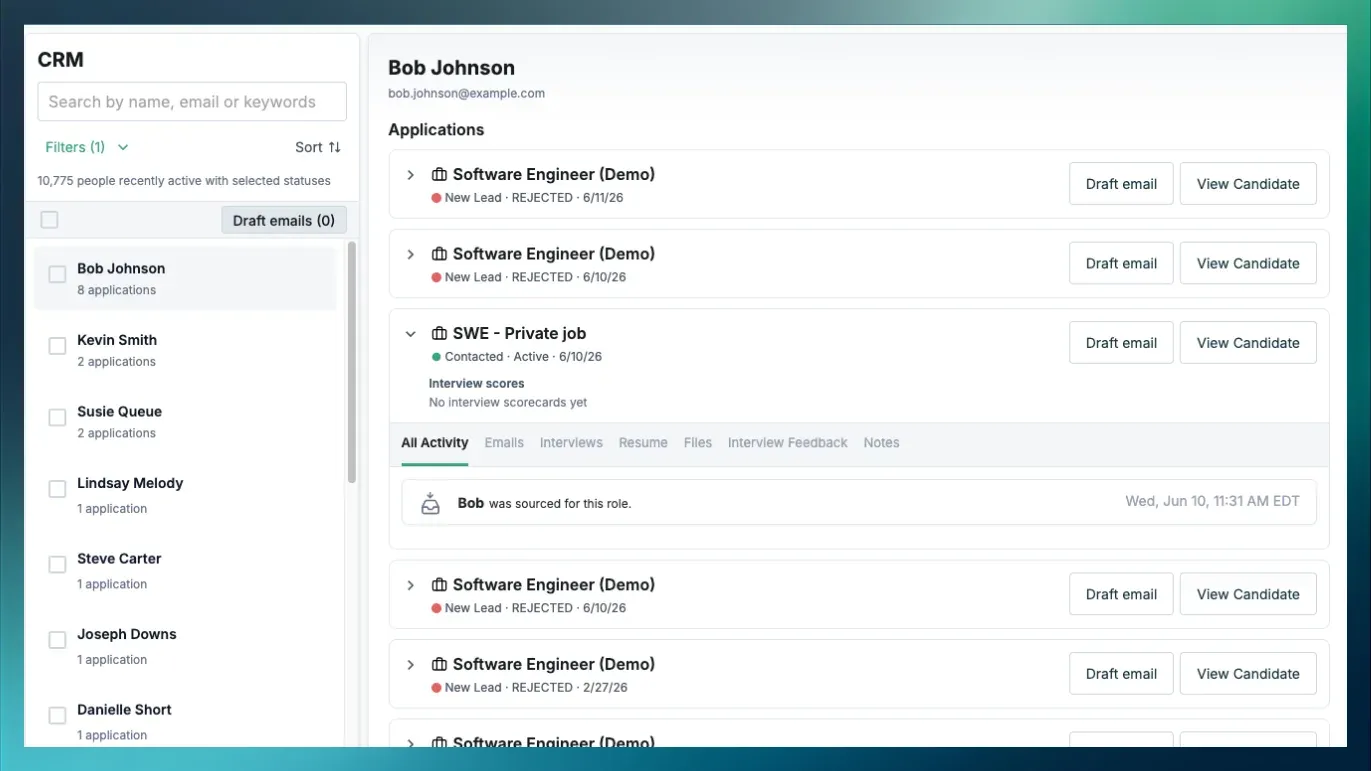
Boolean search: Use AND, OR, NOT, “exact phrases,” and parentheses to search your CRM and Applicants.
-
Bulk actions: Move applicants between stages and add or remove tags in bulk from the Applicants tab.