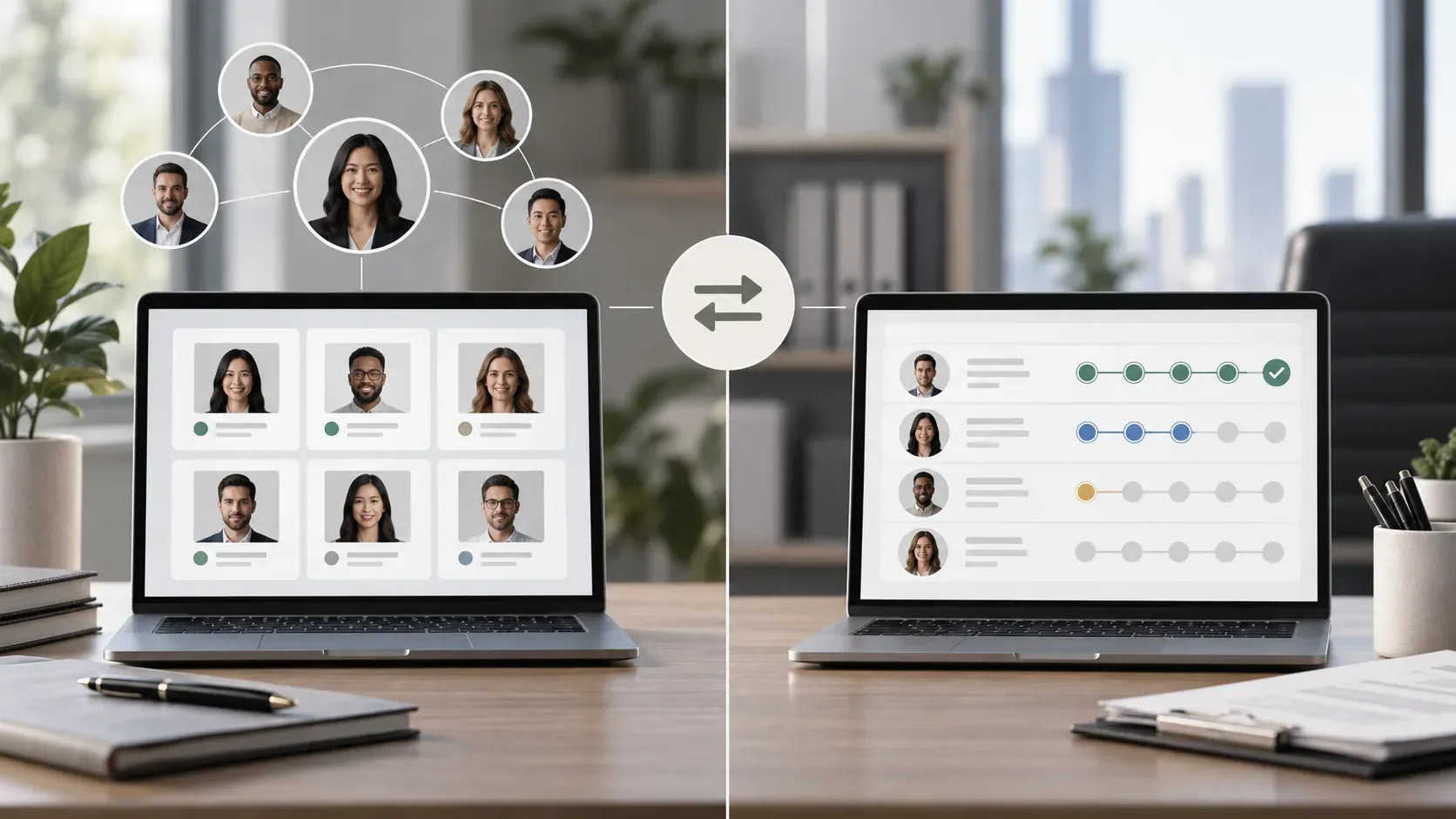

You found a great candidate in March. The role closed before you could extend an offer. Now it’s June and you’re hiring again for the same function, but the conversation history lives in a recruiter’s old email thread. A CRM system recruitment teams use to manage candidate relationships prevents that from happening. Where an ATS tracks active applicants moving through stages, a recruitment CRM builds and maintains relationships with people who aren’t applying yet. This covers how they differ, when teams need one or both, and what to look for when choosing.
TLDR:
-
A recruitment CRM manages relationships with passive candidates before they apply, while an ATS tracks active applicants through the hiring process.
-
CRMs work best when you’re building a bench ahead of roles opening or nurturing prospects over months.
-
Core features include automated outreach, talent pool segmentation, and analytics on sourcing channel performance.
-
Small teams often start with a free CRM like Zoho Recruit; agencies need client management features most in-house tools lack.
-
Some tools pair free ATS software with on-demand recruiting support billed for time worked instead of fixed retainers.
What Is a Recruitment CRM?
A recruitment CRM (candidate relationship management system) is software built to help recruiters and hiring teams manage relationships with candidates over time, beyond a single application cycle. Where a standard contact database or spreadsheet tracks who applied and when, a recruitment CRM tracks interaction history including outreach attempts, email opens, notes from conversations, sourcing channel, and engagement over months or years.
The core function is relationship continuity. A candidate who wasn’t the right fit for a role in Q1 might be exactly right in Q3. A recruitment CRM keeps that context intact so the team can re-engage without starting from scratch.
How Recruitment CRMs Differ from an ATS
The distinction worth understanding is functional scope. An ATS (applicant tracking system) manages candidates who have already applied. It tracks application status, stores resumes, routes candidates through stages, and documents hiring decisions. It’s reactive by design.
A recruitment CRM sits earlier in the process. It manages candidates who haven’t applied yet: people sourced from LinkedIn, referrals, past applicants, event contacts, and anyone a recruiter wants to stay in touch with. The CRM is where proactive pipeline-building happens.
| Feature | Recruitment CRM | ATS |
|---|---|---|
| Primary use | Relationship and pipeline management | Application tracking and workflow |
| Candidate status | Pre-applicant and passive talent | Active applicants |
| Outreach tools | Email sequences, engagement tracking | Interview scheduling, offer letters |
| Data focus | Interaction history, sourcing channel | Application status, hiring stage |
| Time horizon | Long-term talent nurturing | Current hiring cycle |
Many recruiting teams run both tools in parallel. Some software vendors combine them into a single product, which can reduce friction but sometimes means the CRM or ATS functionality is thinner than a dedicated tool would offer.
Core Features of Recruitment CRM Systems
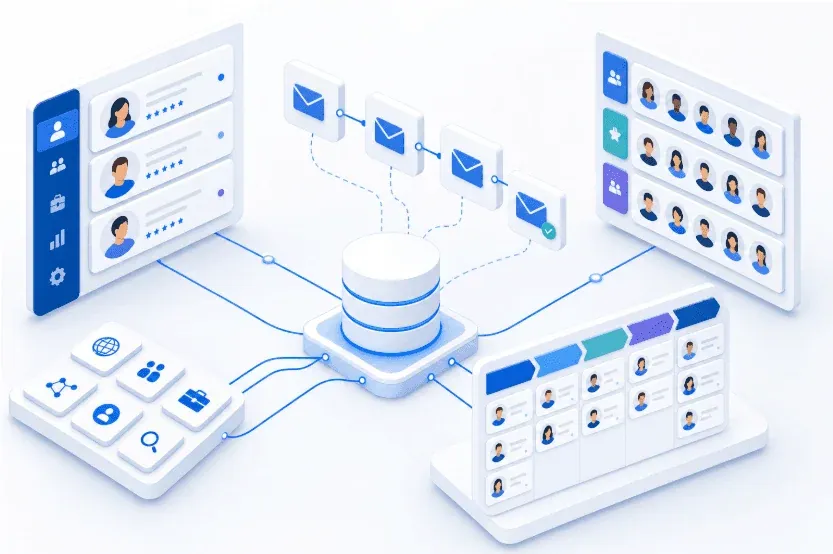
The features that matter in a recruitment CRM are the ones that keep candidate relationships actionable between active searches, instead of merely visible in a database.
-
Candidate database: centralized profiles storing interaction history, sourcing notes, and engagement data over time, so a recruiter picking up a cold lead six months later has full context on every prior touchpoint
-
Automated outreach: email sequences and follow-up triggers that run without manual intervention each time a recruiter decides to re-engage a candidate
-
Talent pool segmentation: tags and filters that group candidates by skill set, seniority level, or last-contact date so outreach stays relevant instead of generic
-
Multi-channel sourcing: pulling contacts from LinkedIn, referrals, events, and job boards into one unified system instead of across disconnected spreadsheets and inboxes
-
Pipeline visualization: a live view of where each candidate relationship stands across active roles or talent pools
-
Analytics: response rates, source quality, and pipeline health metrics that guide where to focus sourcing effort next
Together, these capabilities shift recruiting from reactive scrambling when a role opens to reaching into a warm pool of contacts before one does. A CRM without segmentation is just a contact list. One without analytics offers no signal on which sourcing approaches are worth repeating.
When You Need a CRM vs When You Need an ATS
The right tool depends less on where you are in a hiring cycle and more on what problem you’re actively trying to solve.
A CRM fits best when your hiring is relationship-driven or anticipatory. If you’re building a bench of engineering candidates before headcount gets approved, staying warm with passive prospects, or running a recruiting agency that manages ongoing client relationships, a CRM gives you the structure to track those touchpoints over time. The same applies when candidate quality matters more than candidate volume, and you need a system that keeps context alive across weeks or months of nurturing.
An ATS fits best when you have open roles and active applicants moving through defined stages. If you’re posting jobs, screening resumes, scheduling interviews, and making offers, an ATS handles that workflow. It’s built for throughput, not relationship depth.
The tension shows up when you’re growing. Early-stage teams often start with just an ATS because hiring is reactive. As recruiting becomes more proactive, whether to get ahead of planned headcount or reduce dependence on inbound volume, the CRM layer starts to matter.
Some teams run both: a CRM to build and warm pipelines, an ATS to process candidates once they enter an active search. Others use tools that fold both functions into one system, which can work well if the combined product handles each function adequately for your volume and hiring model.
Choosing the Right Recruitment CRM for Your Organization
Hiring volume shapes almost everything here. A team filling 10 roles per year needs simplicity and low overhead; an agency managing 200 concurrent searches needs automation depth, bulk outreach tools, and client-level pipeline views. Trying to run a high-volume operation on a lightweight CRM creates friction fast.
Integration requirements matter just as much. A system that doesn’t connect with your ATS, email provider, or calendar creates manual workarounds that undercut the purpose. Confirm native integrations before committing, and check whether they’re included in base pricing or gated behind higher tiers.
There are a few other factors worth weighing before you decide.
Team size and budget
Free or low-cost tools like Zoho Recruit work well for small teams and solo recruiters who need basic candidate tracking without a monthly bill. Paid options like Recruiterflow or Recruit CRM make more sense once you’re managing a team with shared pipelines and need reporting across multiple users. Pricing typically scales per seat, so the cost difference between a three-person and a ten-person team can be considerable.
Agency vs. in-house use
Recruitment agencies need client management features that most in-house tools don’t include: client portals, job order tracking, and split-fee workflows. If you’re running an agency, a CRM built for in-house corporate recruiting will likely feel limited before long.
Ease of adoption
A system nobody uses is worse than no system at all. If your team resists the tool, candidate data ends up scattered across spreadsheets and inboxes anyway. Focus on tools with short setup times, clean interfaces, and responsive support, especially if you don’t have a dedicated ops person to manage onboarding.
How Dover Combines Free ATS With On-Demand Recruiting Expertise
Dover’s free ATS handles the pipeline mechanics that slow most small teams down: posting to job boards, tracking applicants, managing candidate stages, and keeping communication organized without requiring a dedicated recruiter to hold it together. Setup takes under five minutes, and the software connects to over 50 job boards automatically, so sourcing coverage isn’t something teams have to configure manually.
The structure layers on-demand recruiting support on top of that foundation. Instead of hiring a full-time recruiter or paying a contingency agency a percentage of salary, teams can access experienced recruiters who set their own rates, with cost per hire often falling about $4,800 depending on role complexity. There’s no long-term contract. The Dover recruiting model provides a flexible approach to staffing without the overhead of traditional recruiting models.
A founder or hiring manager can run routine hiring through the free ATS and bring in recruiter support only when a search stalls or requires deeper sourcing. Teams aren’t paying for recruiting capacity they don’t currently need.
For small businesses and early-stage teams assessing their options, this structure solves a common bind: a full-time recruiter hire that outpaces current volume, or a contingency firm whose fee structure can add up quickly on multiple roles. Browse featured posts on recruitment strategies and hiring workflows to see how other teams approach similar decisions.
Frequently Asked Questions
Can you build a talent pipeline without a recruitment CRM?
Yes, but it requires maintaining context across spreadsheets, email inboxes, and notes without centralized tracking. A recruitment CRM consolidates interaction history, sourcing channels, and engagement data so recruiters can re-engage candidates months later without starting from scratch.
Best recruitment CRM for small business that’s just starting proactive hiring?
Start with tools offering free tiers or low per-user costs like Zoho Recruit, which handle basic candidate tracking and outreach without monthly bills. Paid options like Recruiterflow make sense once you’re managing shared pipelines across multiple team members and need cross-user reporting.
How long does recruitment CRM implementation take for a small team?
Most small teams complete initial setup and data migration in 2-3 weeks, with the first 60 days revealing whether the configuration matches actual workflow. Starting with lighter setup and adding complexity as needs surface works better than building for hypothetical processes upfront.
Final Thoughts on Recruitment CRMs, ATS Tools, and When to Layer Human Support
A CRM system recruitment teams use to manage candidate relationships works best when you’re playing the long game instead of only filling open roles as they come up. The structure matters most for agencies managing multiple clients, high-volume hiring teams building talent pools, or companies that repeatedly hire for the same specialized roles. Whether you need a CRM or just better applicant tracking usually becomes clear once you’ve felt the pain of losing context on warm candidates between hiring cycles. For teams assessing when to layer human support on top of software, Dover combines a free shared ATS with on-demand recruiter access in one system, which can reduce the coordination friction that typically comes with adding external help.