

When was the last time you found the perfect candidate on LinkedIn, only to realize you had no way to reach them without paying for an InMail? It happens constantly. LinkedIn generally does not surface members’ contact details publicly, so recruiters often resort to paid InMails or external tools to get verified contact info. A LinkedIn recruiting extension changes that by showing you verified contact info directly on the profile page. The most capable extensions go further, letting you add that candidate to a multi-step email sequence right from their profile, so your first message and follow-ups are queued before you move to the next person. No more tab-switching or manual searches, just instant access to the contact info and outreach tools you need to start conversations at scale.
TLDR:
-
LinkedIn recruiting extensions find candidate emails on profiles so you can skip InMails.
-
Some modern solutions’ free Chrome extensions find emails and sync candidates into a free ATS automatically.
-
Credit-based tools like Lusha and RocketReach operate on per-contact credit systems.
-
Most extensions only find emails; some systems add outreach automation and full pipeline tracking.
-
Some tools combine sourcing with a complete free ATS and access to fractional recruiters by the hour.
What Are LinkedIn Recruiting Chrome Extensions?
LinkedIn recruiting Chrome extensions are browser add-ons that overlay directly onto LinkedIn profiles while you browse. They pull contact data (emails and phone numbers) from third-party databases and let you export candidate information or send outreach without switching tabs.
The core problem they solve: LinkedIn doesn’t give you a candidate’s email address. If you want to reach passive talent, you typically need to send an InMail (which costs money and has low response rates) or manually hunt down their contact info through Google searches and guesswork.
These extensions solve that friction. You can click on a LinkedIn profile, instantly see verified emails, and either save the candidate to your ATS or send a personalized recruiting message in seconds.
Most extensions work the same way: they scan the LinkedIn page you’re viewing, match the person’s data against their contact database, and display the results in a popup or sidebar. Some also offer bulk export, email sequencing, or direct ATS integration.
How We Ranked LinkedIn Recruiting Chrome Extensions
We reviewed these extensions using publicly available feature details, pricing, and user feedback. Recruiting teams vary by size and budget, so we tested across multiple criteria.
Our evaluation included:
-
Email accuracy and data coverage: How reliably the extension finds verified emails for LinkedIn profiles
-
Speed of contact retrieval: Whether results appear instantly or require multiple steps and clicks
-
Outreach automation: The ability to send emails directly from the extension versus manual export workflows
-
ATS integration: Automatic syncing of candidate data into your existing hiring pipeline
-
User experience on LinkedIn: Interface clarity and ease of use while browsing profiles
-
Pricing structure: Free tier availability, credit costs per contact, and options for early-stage teams
Each extension has different strengths. Some place emphasis on data accuracy, while others focus on automation workflows. We’ve outlined what each tool does best so you can match it to your team’s recruiting needs.
Here is how each extension compares across the features that matter most for recruiting workflows.
| Tool | Email Finding | Phone Numbers | Add to Sequences from Profile | ATS Sync | Pricing Model | Free Tier |
|---|---|---|---|---|---|---|
| Dover | ✓ | ✗ | ✓ | ✓ | Unlimited | ✓ |
| Lusha | ✓ | ✓ | ✗ | ✗ | Credits | Limited |
| ContactOut | ✓ | ✓ | ✗ | ✗ | Credits | Limited |
| Seamless.AI | ✓ | ✓ | ✗ | CRM only | Paid subscription | ✗ |
| RocketReach | ✓ | ✓ | ✗ | ✗ | Credits | Limited |
| Dux-Soup | ✗ | ✗ | ✓ (LinkedIn only) | ✗ | Paid subscription | ✗ |
Dover
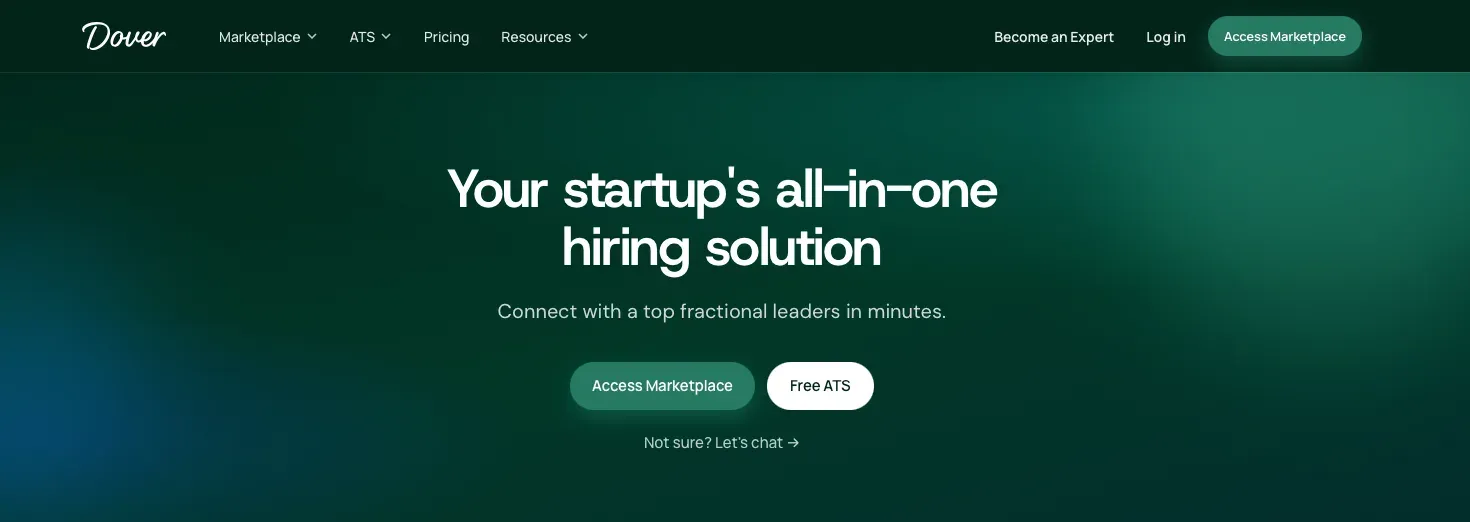
Dover’s free Chrome sourcing extension finds candidate email addresses directly on LinkedIn profiles and sends personalized outreach in two clicks. Every sourced candidate automatically syncs into Dover’s free ATS for full pipeline tracking.
What Dover Offers
-
One-click email finding on any LinkedIn profile with verified contact data
-
Personalized outreach templates through Dover’s outreach system
-
Automatic syncing of sourced candidates into the free ATS with full pipeline tracking
-
Unlimited usage with no per-contact fees or monthly limits
-
Integration with AI-powered resume screening and automated scheduling tools
Good for: Startups and small teams that want sourcing, outreach, and applicant tracking in one system without switching between multiple tools or paying per-contact fees.
Bottom line: Dover combines a sourcing extension with a complete free ATS and access to on-demand fractional recruiters, managing the entire candidate journey from first contact through hire.
Lusha
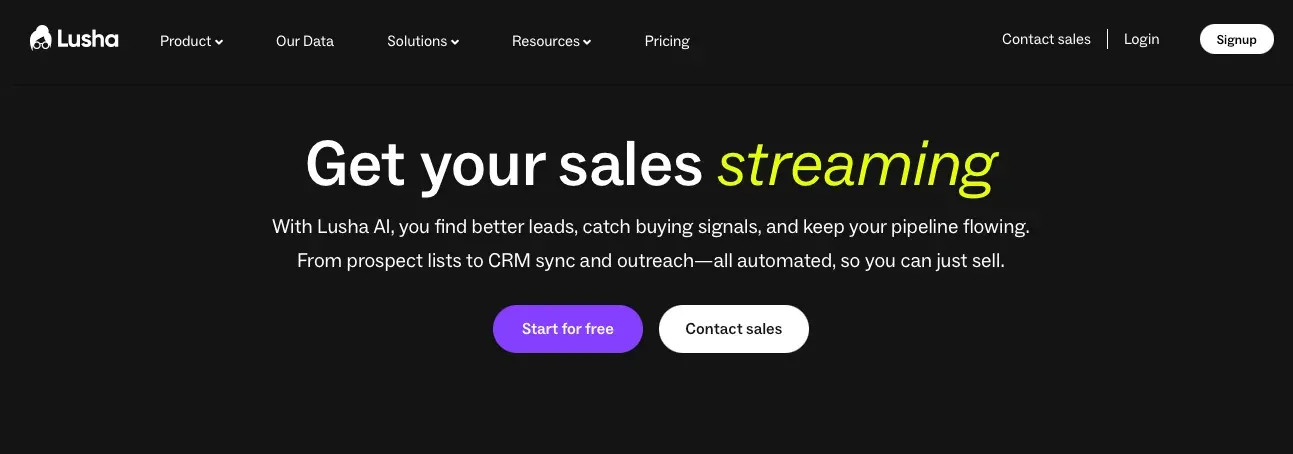
Lusha is a contact data provider with a Chrome extension for finding business contact information, including emails and phone numbers, on LinkedIn and other websites.
What They Offer
-
Email and phone number lookup on LinkedIn profiles
-
B2B contact database with millions of verified contacts
-
Data enrichment for sales and recruiting use cases
-
CSV export available on eligible Lusha plan tiers that include bulk export
Good for: Larger recruiting teams or agencies that need phone numbers alongside emails and can work with pay-per-contact pricing to access a broad B2B database.
Limitation: Lusha uses a credit-based pricing model where each contact lookup consumes credits, which gets expensive for high-volume recruiting compared to unlimited-use tools. It also lacks native ATS integration or outreach automation built for recruiting workflows.
Bottom line: Lusha’s pay-per-contact model and sales-focused feature set make it less ideal for startups doing consistent candidate sourcing at scale.
ContactOut
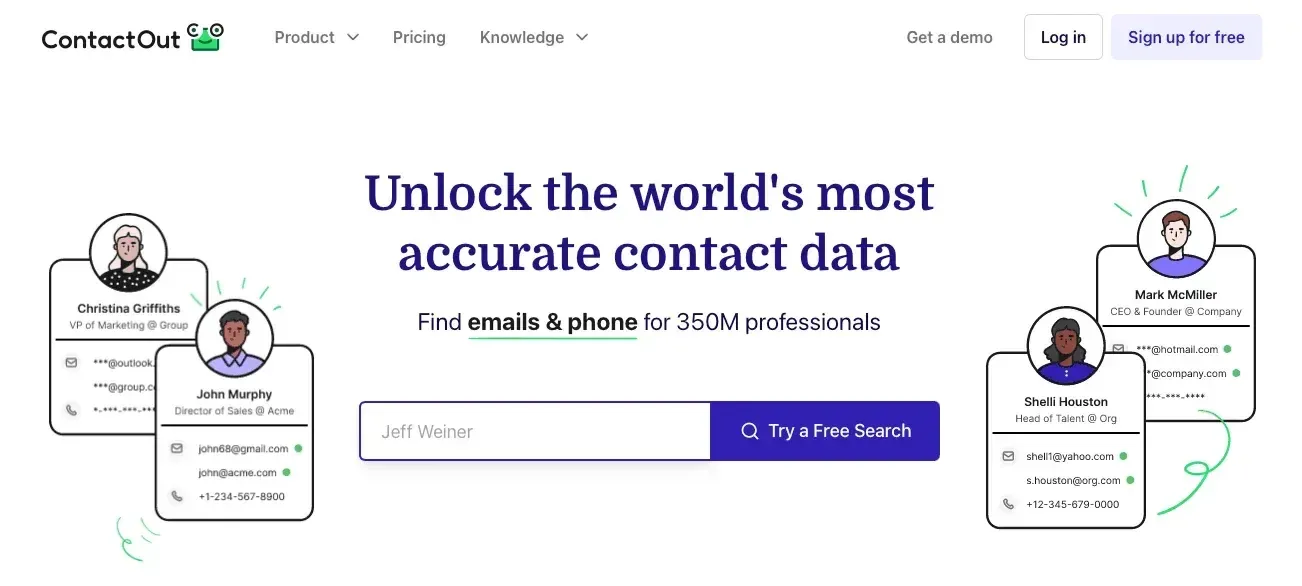
ContactOut is a Chrome extension for extracting emails and phone numbers from LinkedIn profiles.
What They Offer
-
Work email discovery with personal email availability when verified
-
Phone number discovery for candidates
-
Bulk export of contact lists to CSV files
-
Email verification to reduce bounce rates
Good for: Recruiters who mainly need quick access to verified work emails and occasional personal emails when available and want simple list-building features without adopting a broader hiring system.
Limitation: ContactOut runs on a credit-based model, so costs increase as sourcing volume grows. It does not offer outreach tools, scheduling, or ATS functions, which means recruiters must handle all follow-up steps and candidate organization in separate software.
Bottom line: ContactOut is useful for straightforward email and phone lookup, but teams looking for a more complete recruiting workflow will need additional tools to manage outreach and track candidates beyond the initial contact.
Seamless.AI
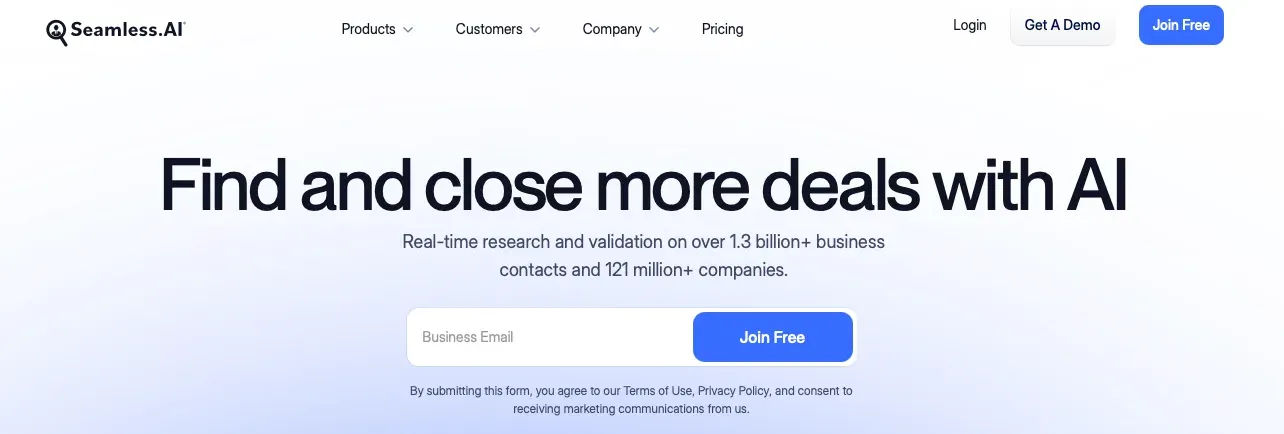
Seamless.AI provides a Chrome extension focused on real-time contact data search, placing emphasis on its AI-powered verification engine.
What They Offer
-
Real-time contact data search on LinkedIn and company websites
-
Direct dial phone numbers for candidates
-
CRM integrations
Good for: Enterprise recruiting teams or agencies with large budgets that need extensive phone data and can afford premium per-seat pricing.
Limitation: Seamless.AI requires paid subscriptions with higher pricing tiers than most alternatives. The tool is designed primarily for sales teams instead of recruiters, lacking recruiting-specific features like interview scheduling, candidate pipeline management, or automated outreach sequences tailored to hiring.
Bottom line: Seamless.AI gives teams access to a large volume of phone numbers and real-time data, but its higher pricing tiers and sales-first design make it less suitable for recruiters who need hiring-focused workflows.
RocketReach
RocketReach offers a Chrome extension for finding emails, phone numbers, and social profiles across the web including LinkedIn profiles.
What They Offer
-
Email and phone number lookup on LinkedIn
-
Social media profile aggregation for candidates
-
Company and contact database search
-
API access for custom integrations
Good for: Recruiting teams at larger organizations that source across multiple channels beyond LinkedIn and need contact data including social profiles.
Limitation: RocketReach operates on a lookup credit system with tiered monthly subscriptions. The extension only handles contact discovery without providing outreach capabilities, candidate tracking, or any applicant management functionality.
Bottom line: RocketReach provides broad contact data but stops at discovery.
Dux-Soup
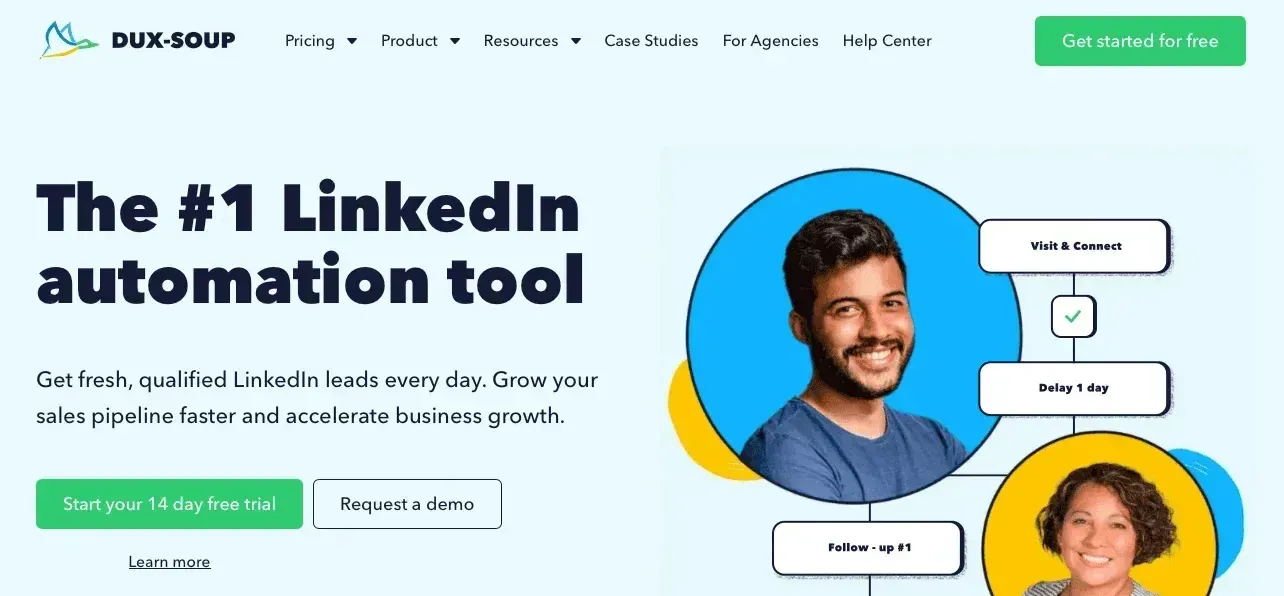
Dux-Soup automates LinkedIn profile visits, connection requests, and message sequences for recruiters running high-volume outreach campaigns.
What They Offer
-
Automated profile visiting and connection requests to expand your network at scale
-
Scheduled messaging sequences that trigger follow-ups based on candidate actions
-
Lead tagging directly on LinkedIn profiles to organize prospects by role, seniority, or pipeline stage
-
CSV export of search results for offline analysis or import into other recruiting tools
Good for: Recruiters who focus on automated connection requests and drip campaigns over manual candidate engagement.
Limitation: It does not specialize in native email discovery or ATS integration, so you’ll need separate tools to track candidates through your hiring pipeline.
Bottom line: Dux-Soup handles LinkedIn automation but lacks email discovery and applicant tracking.
Why Dover Is the Best LinkedIn Recruiting Chrome Extension
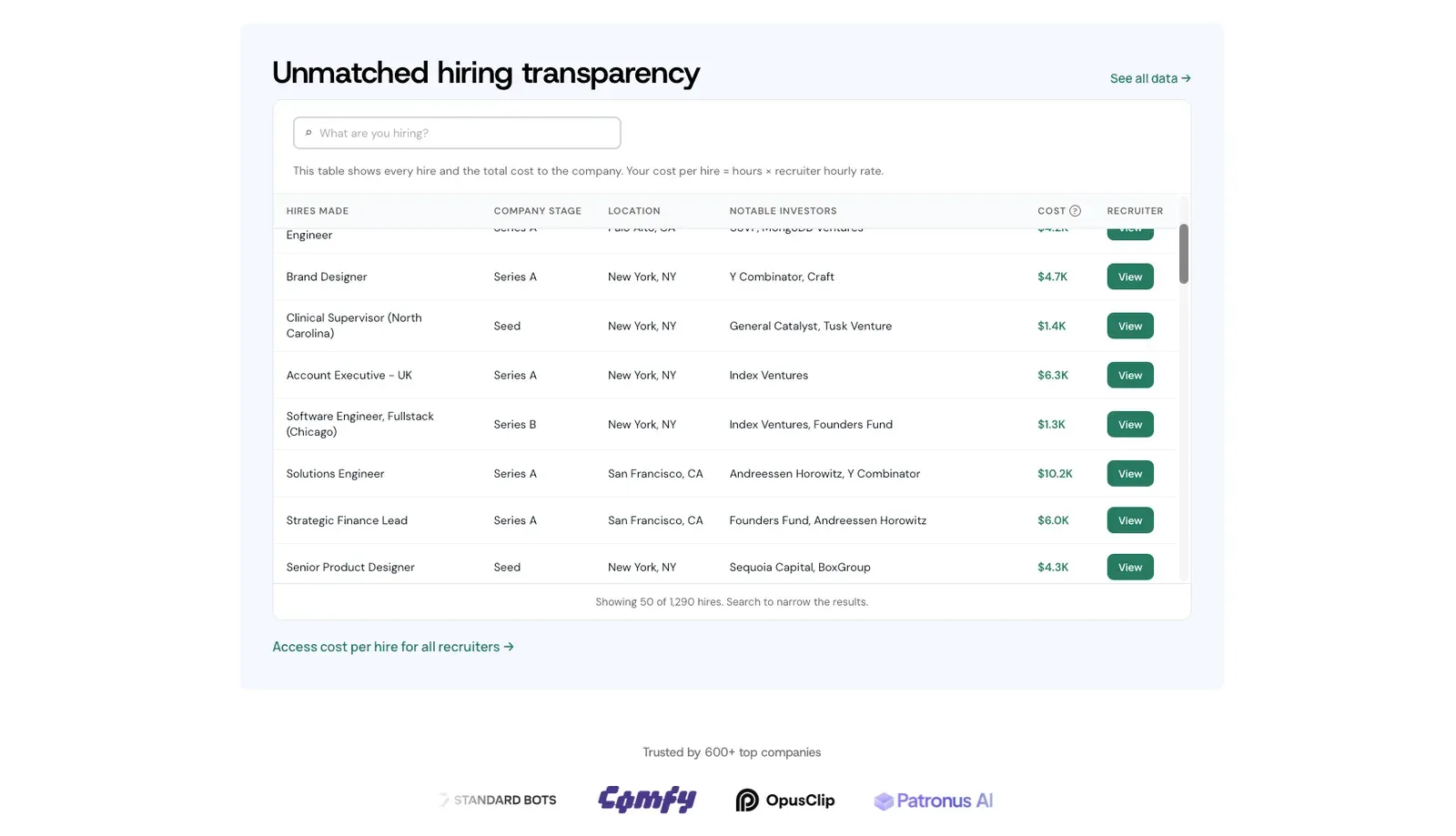
Dover combines sourcing, outreach, and applicant tracking in one system with no usage caps or per-contact fees. Other extensions stop at email finding or charge per lookup and may require additional steps to transfer candidates unless using supported integrations.
The extension connects directly with our free ATS. When you source a candidate on LinkedIn, they automatically enter your pipeline with full tracking from outreach through offer.
Credit-based tools like Lusha or RocketReach operate on per-contact credit systems. Dover includes unlimited sourcing, automated outreach, interview scheduling, and AI resume screening at no cost.
Dover is the infrastructure that fractional recruiting agencies and independent recruiters operate on. When a search gets harder, they plug into your existing pipeline and pick up where self-serve sourcing left off, with no system switching or rebuilding of candidate history.
FAQs
Do LinkedIn recruiting extensions sync candidates into my ATS?
Most extensions require manual export of candidate data to CSV files that you then upload to your ATS. Dover automatically syncs every sourced candidate into its free ATS with full pipeline tracking, so you can manage candidates from first contact through hire without switching tools.
When should I use a LinkedIn extension instead of InMail?
Use a Chrome extension when you need higher response rates and lower costs than LinkedIn InMail. InMail has low response rates and charges per message, while extensions give you verified emails for free or low-cost outreach that provides an additional outreach channel outside LinkedIn.
When should I bring in a recruiter instead of relying on a sourcing extension?
A sourcing extension handles contact discovery and outreach at scale. For competitive roles, high-bar searches, or stretched teams, an extension alone may not be enough to close the hire. Fractional recruiters take over screening, qualifying, and the full candidate experience from first outreach through offer. Dover’s recruiters carry verified reviews from prior hiring teams, so you can choose based on track record rather than just rate cards.
Final Thoughts on LinkedIn Email Finder Tools
Most LinkedIn recruiting extensions stop at basic contact lookup and charge you each time, but Dover gives you unlimited sourcing along with built-in outreach sequences you can trigger directly from a LinkedIn profile, plus applicant tracking in one place. You end up not paying for multiple services or juggling separate systems as you build your team. If you want a recruiting tool that keeps everything connected, Dover’s free ATS is the infrastructure fractional recruiting runs on, giving you a clear path from self-serve sourcing to full-cycle support without changing tools.